
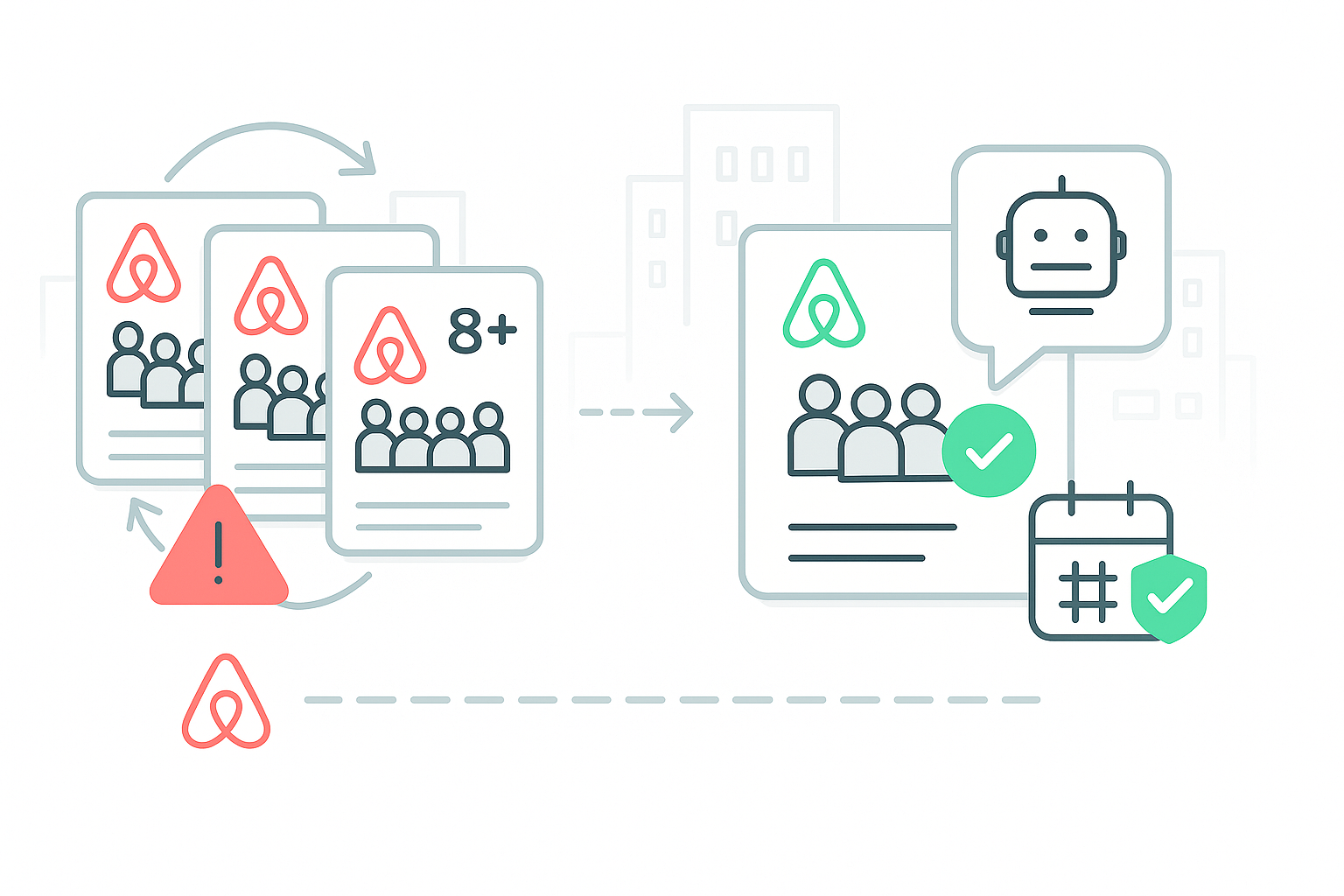
Ever get the same booking request four days in a row? Same dates, same oversized group, different accounts each time. It’s maddening.
You’re stuck between a rock and a hard place. Decline them and risk hurting your search ranking. Accept an oversized group and deal with property damage or angry neighbors.
But there’s a smarter way to handle this. This article will show you how automation can deal with these problem guests while you sleep.
The Problem With Saying No Manually
Every time you decline a booking request, something happens behind the scenes that most hosts worry about.
Your Search Ranking Takes a Hit
One experienced host put it plainly: “Declining so many reservations makes you go down on search results. Be careful, you’re going to lose your spot for sure.”
Airbnb says declining won’t hurt you. But hosts tell a different story. They’ve watched their bookings drop after declining multiple requests. Some hosts even ask guests to withdraw requests instead of declining them.
One guest shared, “The host told me it’s too early to book yet and to take back my booking request. They didn’t want to decline it.” That tells you everything about how worried hosts are.
It Wastes Your Time
Dealing with repeat requests eats up your day. You’re constantly checking messages, writing polite rejection emails, and explaining guest limits over and over. You track requests across multiple platforms while real guests wait for responses.
Meanwhile, you’re stuck dealing with people who won’t take no for an answer instead of focusing on your actual business.
They platform-shop.
Smart problem guests don’t give up. They try Airbnb today, Booking.com tomorrow, and Vrbo next week. Same group, same dates, different platform. Tracking this manually across multiple channels while maintaining your sanity? Nearly impossible.
What Hosts Try Now (And Why It Doesn’t Work)
Frustrated hosts have come up with their own solutions. Most have serious downsides.
Calling Support
The most common advice is calling platform support. One host suggests, “Tell Airbnb support about these accounts and constant attempts to rebook. That’s against the terms of service.” Another adds, “Just call support and ban these accounts. They’ll never see you in search again.”
This works sometimes, but you’re always playing defense. Plus, explaining the situation to support takes forever, and you’re dealing with the problem after it’s already disrupted your schedule.
Blocking Dates
Some hosts block the requested dates temporarily. As one host explains, “Block those days for a bit, and maybe they’ll get the hint. Then open them back up.” Smart thinking, but now legitimate guests can’t book those dates either. You might be blocking your best revenue opportunities just to avoid problem guests.
Jacking Up Prices
The nuclear option: “Quadruple the nightly rate for those days.” This stops requests, but it looks unprofessional. Future guests see those crazy rates and wonder what’s wrong with your place.
How Automation Fixes This
Modern property management systems spot patterns you’d miss. They handle problem guests professionally while you focus on real business. AdvanceCM watches all your booking channels at once. When it spots trouble, it responds instantly.
Spotting the Patterns
Smart systems analyze incoming requests for suspicious behavior. They look for red flags like
- Same dates requested from different accounts
- Groups that consistently exceed your limits
- Similar party descriptions or language
- Coordinated timing that suggests organized efforts
When these patterns emerge, the system recognizes what’s happening and takes action automatically. The technology learns from each interaction, getting better at identifying sophisticated attempts to circumvent your rules.
Professional Auto-Responses
Instead of you typing the same rejection email for the fifth time, professional templates handle the communication instantly. Something like: “Thanks for your interest! Unfortunately, your group exceeds our 6-guest maximum. We maintain this limit for safety and comfort. Happy to help you find accommodations that work better for your group size.”
The response goes out immediately, sounds professional, and doesn’t carry any of the frustration that might leak through if you’re manually handling the same request repeatedly.
Smart Calendar Protection
Advanced channel management goes beyond just messaging. The system can temporarily block problematic dates when suspicious patterns emerge, adjust rates as deterrents, and sync these changes across all platforms instantly. When the threat passes, it reverses the protection measures automatically.
You set the rules once, and the system enforces them everywhere without you having to monitor multiple platforms or remember to undo temporary changes.
Cross-Platform Detection
Here’s where automation really shines. The system cross-references guest information across all your booking channels, analyzing request timing and language patterns while tracking suspicious account behavior.
When it identifies coordinated attempts, you get alerts before the situation wastes more of your time. It’s like connecting dots that would be impossible to track manually across multiple booking channels.
Setting Up Your Defense
Getting this working doesn’t require a computer science degree. Most property managers see immediate results with basic setup.
Start with the fundamentals:
- Set maximum occupancy limits across all platforms
- Create auto-responses for over-capacity requests
- Enable cross-platform synchronization
- Configure alerts for suspicious patterns
The system learns your preferences and starts protecting your business from day one.
Response Templates
Develop responses for common scenarios. Over-capacity groups get a polite decline with helpful alternatives. Repeat requesters receive firm but friendly boundary setting. Suspicious accounts get standard responses without revealing your detection methods.
Templates should sound like you wrote them personally. Guests shouldn’t feel like they’re talking to a robot, even when they’re dealing with an automated system.
Advanced Protection
Full automation systems include calendar blocking features, rate adjustment capabilities, support integration tools, and multi-language support. These features work together like an invisible shield around your business, protecting you from problematic requests while maintaining professional standards.
Protecting Your Rankings While Enforcing Rules
The beauty of automation is that it helps you enforce rules without triggering platform penalties. Instead of just hitting “decline,” your system sends helpful, communicative responses. From the platform’s perspective, you’re being professional and engaged with potential guests.
Your metrics stay healthy because you’re handling requests properly, even when saying no. Real guests see you as organized and responsive, which often leads to better reviews and improved rankings over time.
💬 Got your own problem guest stories? Jump into the Reddit discussion where hosts share real strategies for dealing with persistent requests.
Conclusion
Stop letting problem guests run your schedule. Smart automation handles the headaches so you can focus on growing your business. Every hour spent dealing with repeat requests is an hour not spent optimizing listings, improving properties, or planning expansion.
Professional systems pay for themselves by protecting your time and rankings. The cost of dealing with problem guests manually is way higher than most hosts realize when they factor in their actual hourly value.
Set up smart automation today. Your sanity will thank you.
FAQs
Q: Will automated responses seem robotic to guests?
Not if you write good templates. Most guests prefer quick, clear answers over delayed personal messages. The trick is making templates sound conversational and helpful.
Q: Can automation handle complex guest questions?
Basic automation handles routine stuff perfectly. For complex situations, most systems flag requests for you to handle personally. You get the best of both worlds.
Q: How much does this cost compared to managing manually?
Usually pays for itself in the first month. If you spend 30 minutes daily on problem requests, that’s 15 hours monthly. What’s your time worth? Most hosts find automation costs less than their hourly rate.

Welcome to Tokeet’s Podcast — your trusted source for insights, trends, and strategies shaping the vacation rental industry. Each episode features expert interviews, data-driven analysis, and practical tips to help property managers grow their businesses, improve guest experiences, and stay ahead in a rapidly evolving market. Whether you’re new to short-term rentals or managing a large portfolio, tune in to stay informed and inspired.
Some days just don’t work for a guest arrival, whether it’s a holiday, a maintenance window, or a turnover day your team can’t cover. This episode walks through check-in and check-out restrictions, the most requested feature in AdvanceCM, now live in the Rentals module. You’ll hear how to block arrivals or departures for a date range, such as December 24 to 26, and how to allow check-ins only on the weekdays you choose. We also cover channel-specific rules, like keeping Airbnb to Friday and Saturday arrivals while direct bookings stay open through Sunday. Finally, we explain what to check before switching rules on, from existing reservations to sync time and visibility on booking sites.
Key Takeaways:
✅ Block check-ins or check-outs for any date range
✅ Limit arrivals to the weekdays you choose
✅ Set different rules for each booking channel
✅ Existing reservations stay unchanged
✅ More restrictions mean fewer guests can book, so review rules each season
Related Links:
Company: https://www.tokeet.com/Blogs: https://www.tokeet.com/blog/Blog: Check-in and Check-out Restrictions: How to Set Them in AdvanceCM 👉 https://blog.tokeet.com/check-in-and-check-out-restrictions/
This is a public episode. If you would like to discuss this with other subscribers or get access to bonus episodes, visit podcast.tokeet.com


