If you manage rentals, you probably live between your PMS and your accounting software. Using QuickBooks for property management often turns into creating an invoice in one system, then typing it again in another and hoping nothing gets missed.
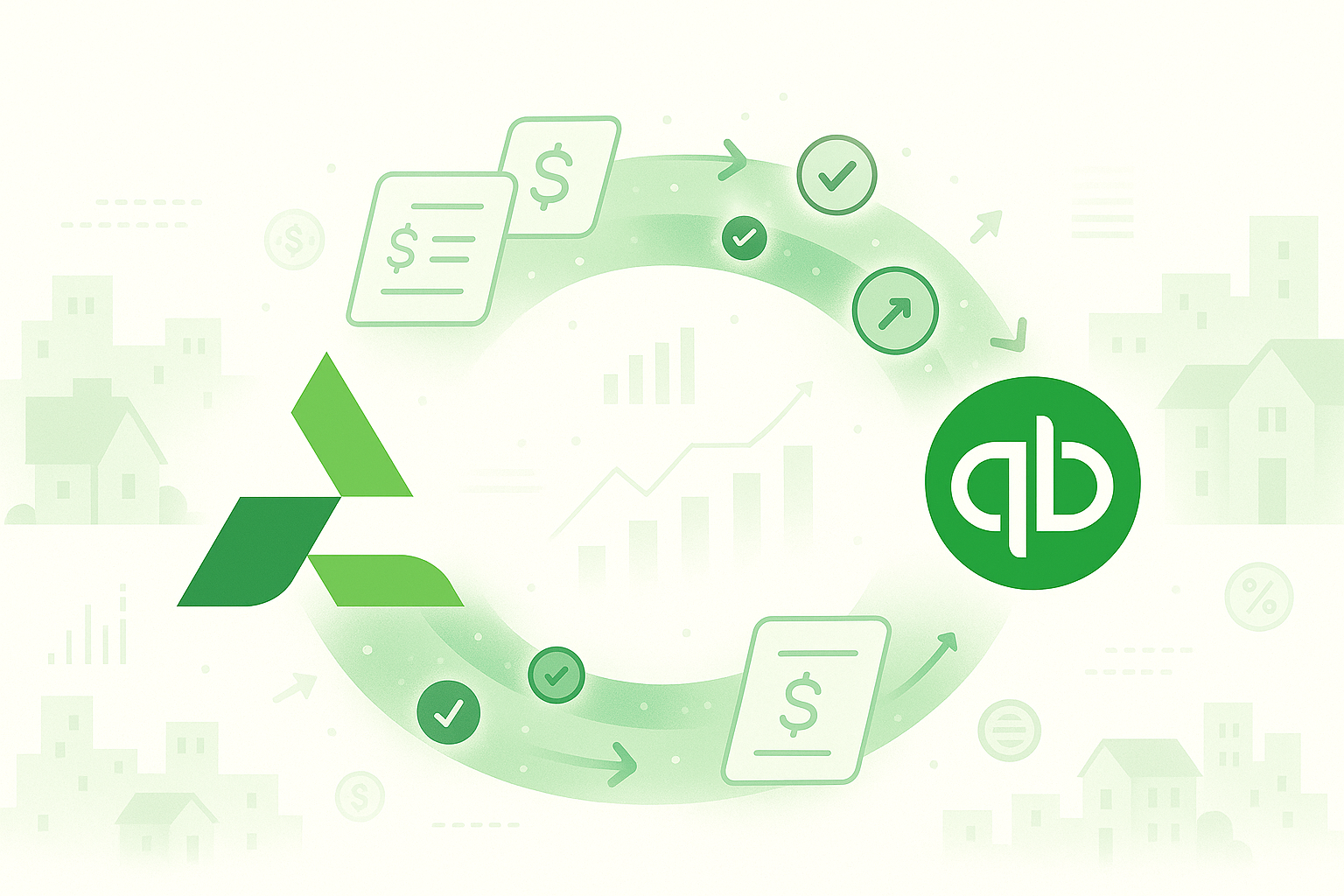
With the new QuickBooks integration in AdvanceCM, QuickBooks for property management becomes much easier. Invoices, payments, and key charges can move from your PMS into QuickBooks automatically, so your books stay accurate without all the copy-paste.
What QuickBooks for property management looks like in AdvanceCM
Inside AdvanceCM, QuickBooks for property management means your day-to-day work can turn into clean accounting entries with almost no extra effort. You keep using AdvanceCM for reservations, charges, and guest communication, and the integration pushes that data into QuickBooks in the background.
Once connected, you choose what should sync and how often, so QuickBooks for property management fits the way you already run your business instead of forcing a new process.
Here’s what you can sync:
- Invoices created from bookings
- Recorded payments and refunds
- Guest charges, extras, and fees
- Selected property expenses for reporting
You can let QuickBooks for property management run automatically or trigger syncs manually when you want to review everything first.
Take a look at the Changelog: AdvanceCM x Quickbooks
Why QuickBooks is important for property management
When you rely on QuickBooks but update it by hand, small gaps add up quickly. A missed invoice or a wrong amount can throw off owner statements, reports, or tax prep.
Using QuickBooks for property management through your PMS reduces that risk because the same source of truth powers both operations and accounting. QuickBooks is already widely used for real estate and rentals, with dedicated real estate accounting tools, so connecting it properly is a simple win for your portfolio.
Once the integration is live, you’ll notice:
- Cleaner, more reliable books
- Less time spent on double entry
- Faster monthly and yearly reporting
- Numbers your owners and accountant can trust
As you grow, having QuickBooks for property management dialed in is one of the easiest ways to stay organized.
How to connect AdvanceCM with QuickBooks for property management
You don’t need a long setup or an implementation project. You can turn on QuickBooks for property management directly from your AdvanceCM dashboard in a few steps.
- Log in to your AdvanceCM account.
- Go to Integrations in your settings.
- Select QuickBooks and sign in to your QuickBooks Online account.
- Approve the connection.
- Choose what to sync and whether to sync automatically or manually.
After that, QuickBooks for property management will start syncing new invoices, payments, and other selected items based on the rules you set.
See Help Article: Quickbooks integration with AdvanceCM
Tips to get more from QuickBooks for property management
You’ll see value as soon as the integration is on, but a few small habits make QuickBooks for property management even smoother. First, match your categories. Align your income and expense categories in AdvanceCM with your chart of accounts in QuickBooks so reports stay tidy and easy to read. Basic bookkeeping hygiene like this is exactly what small business experts, including the U.S. Small Business Administration, recommend.
Next, decide who owns what. If you work with an accountant or bookkeeper, involve them when you turn on QuickBooks for property management so you agree on which items should sync automatically and where a manual review makes sense.
Finally, look at the bigger picture. If you’re already using tools like the Channel Manager to sync bookings and rates and planning around AdvanceCM Pricing, adding QuickBooks for property management gives you a more connected workflow from booking to payout.
Ready to simplify QuickBooks for property management?
If you’re tired of typing the same invoice twice or chasing small mismatches, this update is an easy win. Using QuickBooks for property management through AdvanceCM keeps your numbers in sync and gives you more time to focus on guests and growth.
You can turn it on from the Integrations section in your AdvanceCM dashboard and start syncing data with QuickBooks in just a few minutes.
FAQs
Q: What does the QuickBooks integration do in AdvanceCM?
A: It syncs invoices, payments, and selected charges from AdvanceCM into QuickBooks for property management so you don’t have to enter everything twice.
Q: Do I need a specific QuickBooks plan?
A: You’ll need a compatible QuickBooks Online plan to use this integration with AdvanceCM.
Q: Can I choose what gets synced?
A: Yes, you can control what data syncs and whether it runs automatically or only when you trigger it.
Q: How long does setup take?
A: Connecting QuickBooks for property management in AdvanceCM usually takes just a few minutes from the Integrations page.
Q: Is my data secure?
A: Yes, the integration uses secure authentication, and you manage the connection from your AdvanceCM account.

Welcome to Tokeet’s Podcast — your trusted source for insights, trends, and strategies shaping the vacation rental industry. Each episode features expert interviews, data-driven analysis, and practical tips to help property managers grow their businesses, improve guest experiences, and stay ahead in a rapidly evolving market. Whether you’re new to short-term rentals or managing a large portfolio, tune in to stay informed and inspired.
In this episode, Igor Balnozan breaks down the move from TV3 to Advanced CM and explains what the upgrade actually means for daily operations.
This is not a new product purchase or a risky migration. It’s the same account; same data, and same login, with a more consolidated workflow.
We walk through channel management, unified inbox, automations, task coordination, payments, and AI-driven operations. The focus is practical: fewer tabs, fewer handoffs, clearer control. If your channel manager needs to do more than sync calendars, this episode outlines the next step.
Key Takeaways:
✅ Same login and data; no disruption to reservations or channel connections
✅ Rates and availability managed directly from a unified calendar view
✅ Unified Inbox keeps messages, booking details, invoices, and tasks in one screen
✅ Autopilot automates pre-arrival, check-in, and lifecycle messaging✅ AI can convert guest issues into structured incidents and actionable tasks
Related Links:
Company: https://www.tokeet.com/
Blogs: https://www.tokeet.com/blog/
Blog: Vacation Rental Channel Manager Upgrade You Already Pay For 👉https://blog.tokeet.com/vacation-rental-channel-manager-upgrade/
This is a public episode. If you would like to discuss this with other subscribers or get access to bonus episodes, visit podcast.tokeet.com