

The Airbnb cancellation policy for hosts only really shows its teeth when a guest asks for a refund. You want to be kind and reasonable, but one well-intentioned click can cost you your payout or open the door to a full, penalty-free cancellation. In the Maine example, the host simply wanted to refund one icy night and almost triggered changes that could have wiped out the entire reservation.
This article breaks down how Airbnb actually behaves in those moments and how to handle Airbnb refund requests without hurting your metrics. Using that real-world “stuck on winter roads” scenario, you’ll see three common traps, what to do instead, and how to build a simple system so you can say yes (or no) to refunds with a clear head.
Why Airbnb’s cancellation policy for hosts feels so risky
On paper, Airbnb offers several cancellation policies (Flexible, Moderate, Firm, Limited, etc.), plus a newer 24-hour grace period (rolling out from October 1, 2025) that gives guests a full refund of the listing price, including taxes, if they cancel within a day of booking and at least seven days before check-in. That looks straightforward in the Help Center. In reality, the stress starts once a guest asks for a partial refund, a date change, or a special exception that doesn’t fit neatly into the label you picked.
Recent changes lean more guest-friendly: “Strict” is being removed as an option for many new listings from October 1, 2025, and newer policies like “Firm” and “Limited” keep more refund rights in the guest’s hands. That’s good for bookings, but it means you need a sharper playbook for how to handle Airbnb refund requests if you want predictable revenue instead of surprise losses. The more you understand how the policy interacts with refunds, date changes, and support decisions, the easier it is to be generous without giving up control.
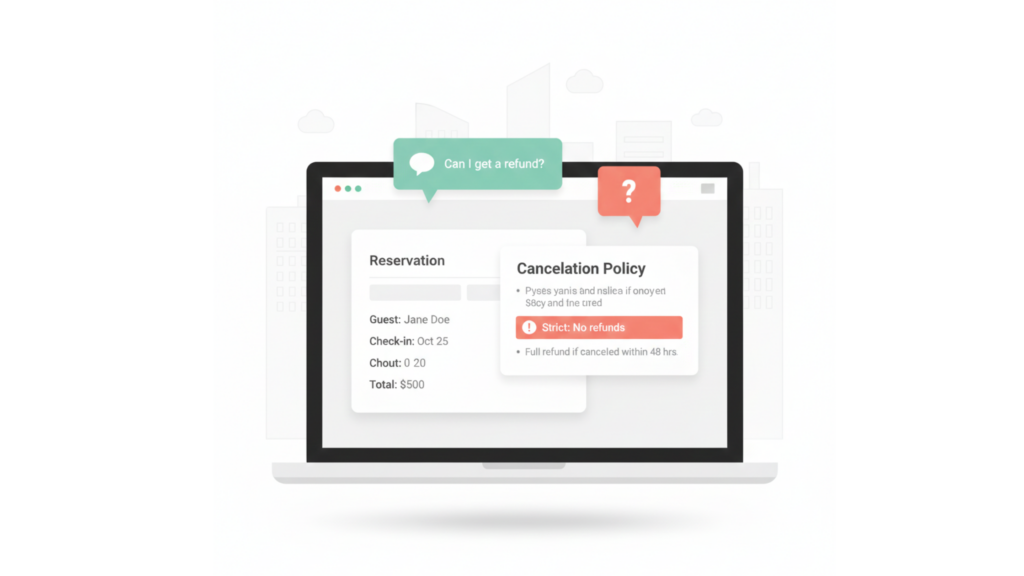
How Airbnb cancellation policy for hosts turns simple refund requests into real revenue decisions on your dashboard.
Trap 1: The refund tool makes it look like you’re at fault.
In the Maine story, the host tried to do something kind: send a partial refund before the guest arrived. But the “Send money” flow forced them to choose options like “trip-related issues,” which makes the payment look like compensation for a problem. That creates a written record in Airbnb’s system suggesting there was something wrong with the stay, even when the real problem was a snowed-in car hours away.
That record can matter later. If there’s a dispute or review issue, a history of “trip issues” can push support to assume fault sits with you. On a platform where cancellations linked to host faults can affect payouts or penalties, you don’t want your goodwill turning into a pattern of “problems” in your account.
What to do instead
When you can, wait until after checkout to send any goodwill refund:
- Keep the original booking as-is unless Airbnb explicitly instructs otherwise.
- Note in your PMS, spreadsheet, or notebook that you’ve promised a post-stay refund for X night(s).
- After the stay, process the refund with neutral wording like “refund for unused night as discussed.”
You still look like a fair, responsive host, but you avoid labeling yourself as the cause of an “issue” in Airbnb’s internal history.
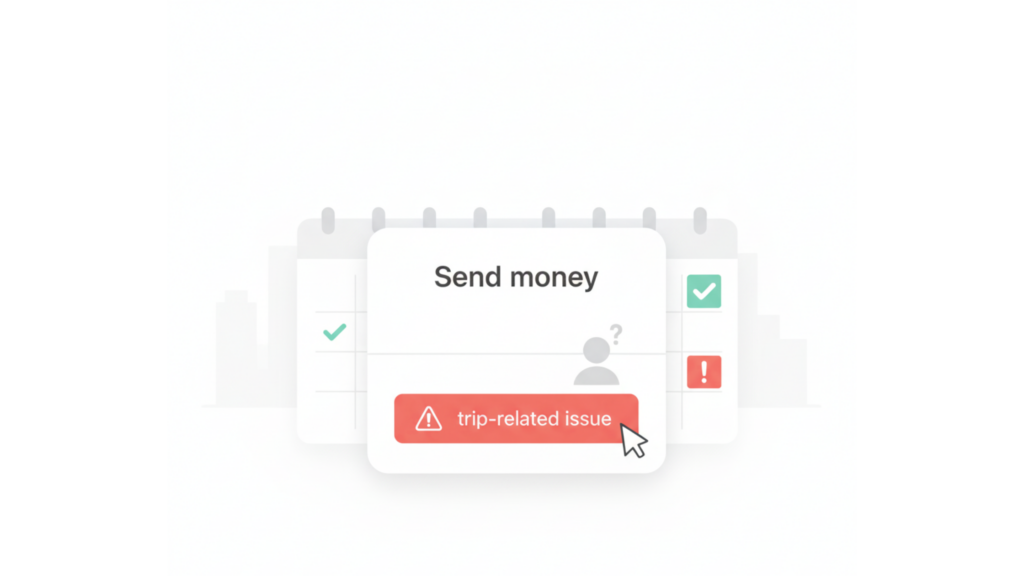
A simple “Send money” click can quietly log a trip issue and count against you as a host.
Trap 2: The date change that resets the cancellation clock
Support sometimes suggests an easy fix: “We can move your check-in date and start the reservation tomorrow instead.” It sounds harmless. But depending on your policy and timing, changing dates can effectively reset the cancellation window and put the guest back inside a free or low-penalty period. Airbnb applies the rules that exist at the time of the change, so even a small shift can change what the guest is entitled to.
That’s the “trick” other hosts warn about: a guest who misses the first night (or changes their mind) asks for a date change, then cancels under the new timeline and recovers a much larger refund. What started as a one-night favor becomes a near-total loss, even though your calendar was blocked and you may not be able to rebook. It feels like a technicality, but it rewrites the contract you both agreed to.
Safer alternatives
If a guest can’t make night one but still plans to come:
- Politely decline any date change that shortens the stay at the front.
- Keep the original dates and treat the first night as “no-show but credited later.”
- Confirm in writing that the booking stands and any goodwill refund will be handled separately, not via a date change.
By leaving the reservation untouched, you stay within your original cancellation terms while still being flexible and fair.

Changing reservation dates can reset the cancellation window and unlock a bigger refund than you intended.
Trap 3: Why waiting to refund protects you and your guest
The most counterintuitive lesson from the Maine host’s story is that the safest refund is usually the one you send after checkout. When you wait until the stay is complete, you preserve all the protections built into Airbnb’s cancellation policy for hosts: your payout schedule, your coverage if something goes wrong, and your footing in any later dispute. You’re not changing the deal mid-stay; you’re closing it, then choosing to be generous.
Waiting can also help the guest. If you involve Airbnb Support after the stay to refund a missed night, they can usually send back the nightly rate and applicable taxes and sometimes adjust service fees depending on timing and policy. If you just send money directly from your payout, the guest may be happy, but you are definitely covering the full cost yourself. For weather, road closures, or travel chaos, this post-stay approach is the cleanest answer to how to handle Airbnb refund requests.
A simple script you can reuse
You can adapt something like this for pre-arrival issues:
- “Your safety comes first, and I’d rather you not drive tonight in these conditions. Let’s keep your reservation as-is, and if you still come for the remaining nights, I’ll arrange a refund for tonight through Airbnb after checkout so you’re properly reimbursed.”
- “This avoids any accidental policy changes that could affect your stay and helps make sure the refund includes the right taxes and charges.”
You’ve protected your booking, taken care of the guest, and avoided accidentally resetting the cancellation rules in the middle of their trip.
Build a simple system for refund requests.
Instead of improvising every time, treat refunds and cancellations as a repeatable workflow in your business. Start with the official rules: review the current Airbnb cancellation policies for homes a few times a year so you know how your chosen policy behaves with the 24-hour grace window and newer guest-friendly options. When a request comes in, ask: Is this clearly covered by my policy, or could Airbnb’s rebooking and refund rules or a “Major Disruptive Events”-type situation override what I set?
From there, use a simple three-step playbook: Assess (policy or override?), Decide (deny, partial refund, or full refund), and Execute (which button or workflow you actually use). A proper PMS like AdvanceCM can act as your control center so you log the guest’s story, tag the booking, and keep internal notes on what you’ve promised. With a central system, the Airbnb cancellation policy for hosts becomes one input in your decision, not the only thing driving how much you earn.
Where your tech stack helps
Your tools should make all of this easier, not harder:
- Use a Channel Manager, to keep calendars synced so last-minute changes on one channel don’t break others.
- Store refund templates in your unified inbox or CRM so your tone stays calm and consistent, even if a guest is stressed.
- Once your workflow is clear, check AdvanceCM Pricing to see if centralizing messaging, invoicing, and reporting makes sense for your portfolio.
To sanity-check your strategy, compare it with other hosts and policy breakdowns like this RentalScaleUp analysis of Airbnb’s 2025 cancellation changes. That way your approach reflects both Airbnb’s official rules and how they actually play out in real bookings.
Conclusion
Being a great host is still about hospitality, but the way you show it has to fit inside Airbnb’s cancellation rules and how the platform logs every action. If you treat every refund as a one-off favor, you’ll eventually meet a guest who knows the system better than you do. The goal isn’t to become rigid; it’s to pair empathy with a clear process.
Avoid creating fake “trip issues” in the refund tool, be very cautious about date changes, and lean toward post-stay refunds for genuine one-night problems. Over time, you’ll train both yourself and your guests that you’re generous but not naïve, and that you handle money conversations with the same professionalism as the rest of your hosting business. When you know how to handle Airbnb refund requests, you can say “yes” or “no” with confidence instead of fear.
FAQs
Q: Does giving a partial refund hurt my standing with Airbnb?
A: It can if it’s logged as a “trip issue” that suggests your place didn’t meet expectations. Whenever possible, keep the booking intact and send goodwill refunds in ways that don’t mislabel the situation as the host’s fault.
Q: Should I ever agree to change dates to help a guest who can’t make the first night?
A: Only if you’re comfortable with the risk that new dates might reopen a penalty-free cancellation window. Before you change anything, double-check how your policy treats cancellations relative to check-in and any grace periods.
Q: When is it better to say no to a refund request?
A: If the guest is clearly gaming the system (threatening bad reviews, hinting at “issues,” or pushing for a date change plus refund), it’s usually safer to stand by your stated policy and document everything in the message thread.
Q: How often do Airbnb policies around cancellations and refunds change?
A: In recent years Airbnb has updated cancellation rules several times, including new policies, grace periods, and phasing out “Strict” for many listings. Checking the Help Center every few months keeps you aligned with the current rules, not old ones in your memory.
Q: Where can I see how other hosts are reacting to the new policies?
A: Reddit, Facebook host groups, and industry blogs like RentalScaleUp share stories and workarounds soon after each update. Reading those alongside official Airbnb documentation shows you how the policy actually works in day-to-day hosting.

Welcome to Tokeet’s Podcast — your trusted source for insights, trends, and strategies shaping the vacation rental industry. Each episode features expert interviews, data-driven analysis, and practical tips to help property managers grow their businesses, improve guest experiences, and stay ahead in a rapidly evolving market. Whether you’re new to short-term rentals or managing a large portfolio, tune in to stay informed and inspired.
Some days just don’t work for a guest arrival, whether it’s a holiday, a maintenance window, or a turnover day your team can’t cover. This episode walks through check-in and check-out restrictions, the most requested feature in AdvanceCM, now live in the Rentals module. You’ll hear how to block arrivals or departures for a date range, such as December 24 to 26, and how to allow check-ins only on the weekdays you choose. We also cover channel-specific rules, like keeping Airbnb to Friday and Saturday arrivals while direct bookings stay open through Sunday. Finally, we explain what to check before switching rules on, from existing reservations to sync time and visibility on booking sites.
Key Takeaways:
✅ Block check-ins or check-outs for any date range
✅ Limit arrivals to the weekdays you choose
✅ Set different rules for each booking channel
✅ Existing reservations stay unchanged
✅ More restrictions mean fewer guests can book, so review rules each season
Related Links:
Company: https://www.tokeet.com/Blogs: https://www.tokeet.com/blog/Blog: Check-in and Check-out Restrictions: How to Set Them in AdvanceCM 👉 https://blog.tokeet.com/check-in-and-check-out-restrictions/
This is a public episode. If you would like to discuss this with other subscribers or get access to bonus episodes, visit podcast.tokeet.com


