
More visibility on Booking.com doesn’t come from spending more — it comes from meeting the specific things Booking.com’s own ranking system rewards. If you want to get more bookings on Booking.com, the fastest gains usually come from fixing the same handful of operational details: an accurate calendar, a complete listing, competitive pricing, and fast responses to guests.
None of this requires a bigger marketing budget. It requires the day-to-day details of running your listing to be right, consistently, across every date and every channel — which is exactly where manual management starts to break down as you add more properties or more channels.
To get more bookings on Booking.com, keep your calendar accurate across every connected channel, complete your property page with correct classification and details, price competitively without letting rates drift out of sync, respond to guest messages quickly, and avoid canceling confirmed reservations. Booking.com’s ranking system weighs these factors directly.
How Booking.com Decides Which Listings Rank Higher
Booking.com’s search ranking isn’t a flat list or a paid placement auction — it responds to how your property actually performs. Booking.com’s own Partner Help Center is explicit about this: its guidance on the basics of improving your ranking points to property performance, not budget, as the deciding factor — specifically your conversion rate, how your rates compare to similar properties, how often you cancel confirmed reservations, and your property page’s overall content quality. A related page on improving visibility and ranking reinforces the same point: complete, accurately priced, consistently available listings outrank incomplete ones regardless of ad spend.
That means the levers you control day to day — not a marketing spend — are what move your ranking. If your goal is to get more bookings on Booking.com without raising your ad budget or dropping your rates, the sections below walk through each of those levers in order.
Get Your Property Classification and Listing Details Right
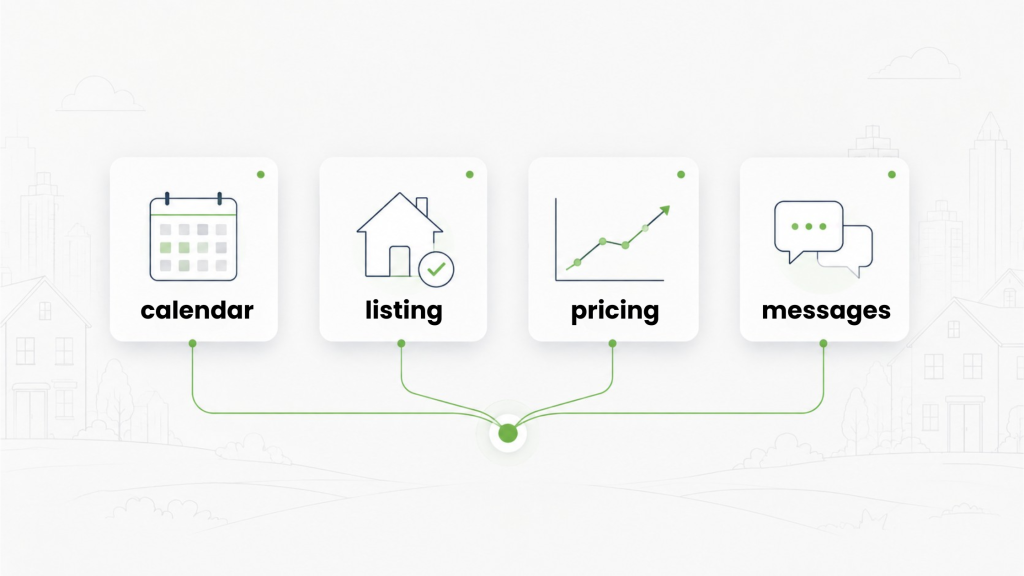
A property page that’s incomplete or miscategorized loses bookings before a guest ever sees your calendar or price. Misclassifying your accommodation type affects both search visibility and what guests expect when they arrive, and skipping amenity and facility details means your listing won’t surface in the specific filters — like family-friendly or accessible-stay searches — that high-intent travelers actually use. Booking.com’s own boost-bookings guidance points to the same details: a fully completed page, with accurate amenities and quality photos, is what makes a listing eligible to surface in those filtered searches in the first place.
This is a common, avoidable gap: a related breakdown of the property management errors hosts frequently miss on Booking.com covers classification mistakes and neglected facility details in more depth, alongside the calendar, pricing, and communication issues below. None of these fixes require rebuilding your listing — they’re mostly a matter of reviewing what’s already there and correcting what’s missing, which is a reasonable first pass for anyone trying to get more bookings on Booking.com without touching price.
Keep Your Calendar Open, Accurate, and Synced
An outdated or closed calendar removes you from search results for those dates entirely — you can’t get a booking for a date guests can’t see as available. As you list on more channels, the risk isn’t just missed visibility; it’s also double-bookings, where a reservation confirmed on one platform doesn’t reflect as unavailable on Booking.com fast enough.
This is what a channel manager is built to solve: keeping your calendar synchronized across every connected channel so a booking anywhere blocks that date everywhere, including on Booking.com. Why a Channel Manager Is Key to Your Booking.com Rentals covers this specific failure mode in more detail. It’s also worth protecting your calendar from another angle: canceling a reservation you’ve already confirmed carries its own cost with OTAs generally, since it signals unreliable availability — so a synced calendar that prevents the double-booking in the first place is worth more than fixing it after a guest is affected.
See how AdvanceCM’s Channel Manager keeps your Booking.com calendar synced automatically.
Keep Your Pricing Competitive Without Checking It Every Day
As covered above, Booking.com’s own ranking guidance points to competitive pricing as a direct visibility factor — not just something that affects conversion once a guest lands on your page. The challenge is that “competitive” isn’t a rate you set once; it shifts with demand, and manually rechecking it across every date and every channel doesn’t hold up once you’re managing more than a few listings.
Rategenie, a Tokeet ecosystem pricing tool, addresses this by letting you set a Base Rate, Min Rate, and Max Rate, then calculating nightly rates within those bounds using configurable strategy rules for gap nights, last-minute availability, and special events. Connected channels — including Booking.com — are updated at least once a day, with additional updates possible. You still set the strategy; Rategenie removes the need to manually re-check and re-enter rates across every channel to stay competitive.
Respond to Guests Quickly to Protect Your Review Score
Response time and conversion rate both factor into how Booking.com evaluates your listing, and both are downstream of the same thing: how fast you see and answer a guest message. A slow reply doesn’t just risk losing that specific inquiry — a pattern of slow responses shows up in your performance metrics and, over time, in the reviews guests leave after checkout.
This is harder to sustain manually once messages are arriving from Booking.com alongside every other channel you list on. AdvanceCM’s Unified Inbox module brings guest messages from every connected channel — including Booking.com — into one workflow, so staff aren’t checking a separate Booking.com extranet inbox to find and answer a new message. That doesn’t write the reply for you; it removes the step of hunting across platforms to find the message in the first place.
See how AdvanceCM’s Unified Inbox keeps every Booking.com conversation in one place.
Why This Gets Harder to Manage by Hand as You Grow
Every factor above — calendar accuracy, listing completeness, pricing, response speed — is manageable by hand for one or two properties on one channel. The difficulty compounds as you add properties or list on more channels alongside Booking.com, because each new channel is another place a calendar can drift out of sync, another inbox to check, and another rate to keep current.
A channel manager exists specifically to remove that multiplication: rather than repeating the same manual update on every platform, you make the change once and it applies everywhere you’re listed, including Booking.com. What Is a Booking Channel Manager and Why Do I Need It? explains the mechanism in more detail, including for hosts who assume a single property doesn’t need one yet.
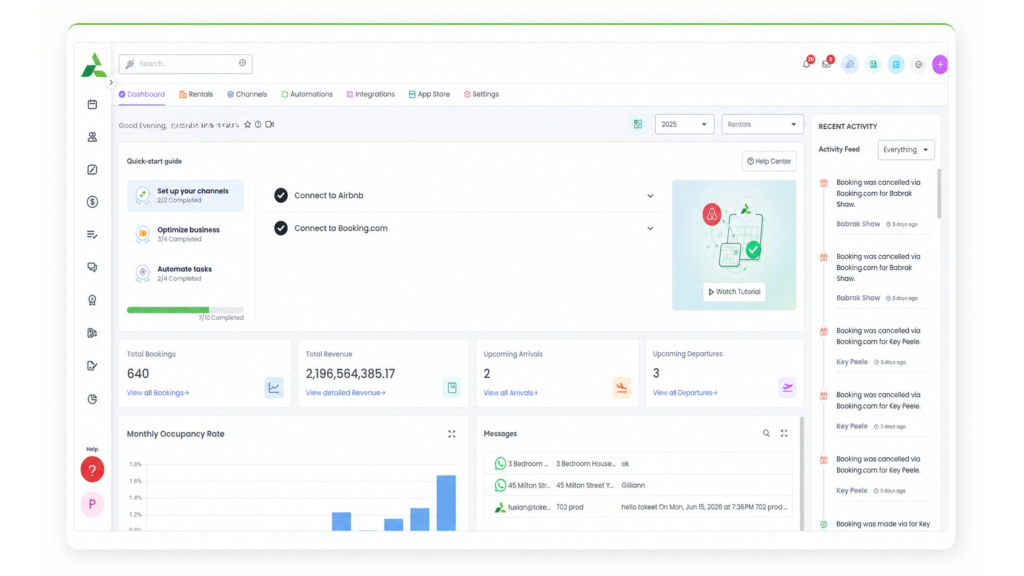
Put simply: the ranking factors covered above don’t change as you grow, but your ability to keep up with them manually does. A host managing one listing can check a calendar and a rate by hand; a host managing fifteen listings across three channels usually can’t do that consistently without something automating the repetitive part — which is the difference between occasionally getting more bookings on Booking.com and reliably getting them, month after month.
Next Step
Most of what it takes to get more bookings on Booking.com comes down to keeping your calendar, pricing, and guest messages accurate and current — every day, on every channel.
See how AdvanceCM’s Channel Manager can help you do that without checking every platform by hand.
FAQs
- Does Booking.com ranking depend on how much I spend on advertising?
No — Booking.com’s own Partner Help Center describes ranking as tied to how your listing performs (calendar accuracy, pricing, reviews, response speed), not primarily to ad spend. - How often does my calendar need to be updated to stay visible?
There’s no single confirmed number across sources, but the consistent guidance is to keep availability current well into the future and to update it immediately whenever a booking is confirmed on any channel, not just Booking.com. - Will one bad review hurt my ranking permanently?
Reviews are described as a factor that builds over time rather than a single event — a consistent pattern of guest feedback and response speed matters more than any one review in isolation. - Do I need a channel manager if I only list on Booking.com?
If you’re only ever on one channel, manual updates are more manageable; a channel manager becomes valuable once you add a second channel, since that’s when calendars can drift out of sync with each other. - Is dynamic pricing worth it for a small number of listings?
Rategenie is priced per rental, so the value scales with how many listings and channels you’re managing; you still set the rate bounds and strategy either way.

Welcome to Tokeet’s Podcast — your trusted source for insights, trends, and strategies shaping the vacation rental industry. Each episode features expert interviews, data-driven analysis, and practical tips to help property managers grow their businesses, improve guest experiences, and stay ahead in a rapidly evolving market. Whether you’re new to short-term rentals or managing a large portfolio, tune in to stay informed and inspired.
Some days just don’t work for a guest arrival, whether it’s a holiday, a maintenance window, or a turnover day your team can’t cover. This episode walks through check-in and check-out restrictions, the most requested feature in AdvanceCM, now live in the Rentals module. You’ll hear how to block arrivals or departures for a date range, such as December 24 to 26, and how to allow check-ins only on the weekdays you choose. We also cover channel-specific rules, like keeping Airbnb to Friday and Saturday arrivals while direct bookings stay open through Sunday. Finally, we explain what to check before switching rules on, from existing reservations to sync time and visibility on booking sites.
Key Takeaways:
✅ Block check-ins or check-outs for any date range
✅ Limit arrivals to the weekdays you choose
✅ Set different rules for each booking channel
✅ Existing reservations stay unchanged
✅ More restrictions mean fewer guests can book, so review rules each season
Related Links:
Company: https://www.tokeet.com/Blogs: https://www.tokeet.com/blog/Blog: Check-in and Check-out Restrictions: How to Set Them in AdvanceCM 👉 https://blog.tokeet.com/check-in-and-check-out-restrictions/
This is a public episode. If you would like to discuss this with other subscribers or get access to bonus episodes, visit podcast.tokeet.com


