
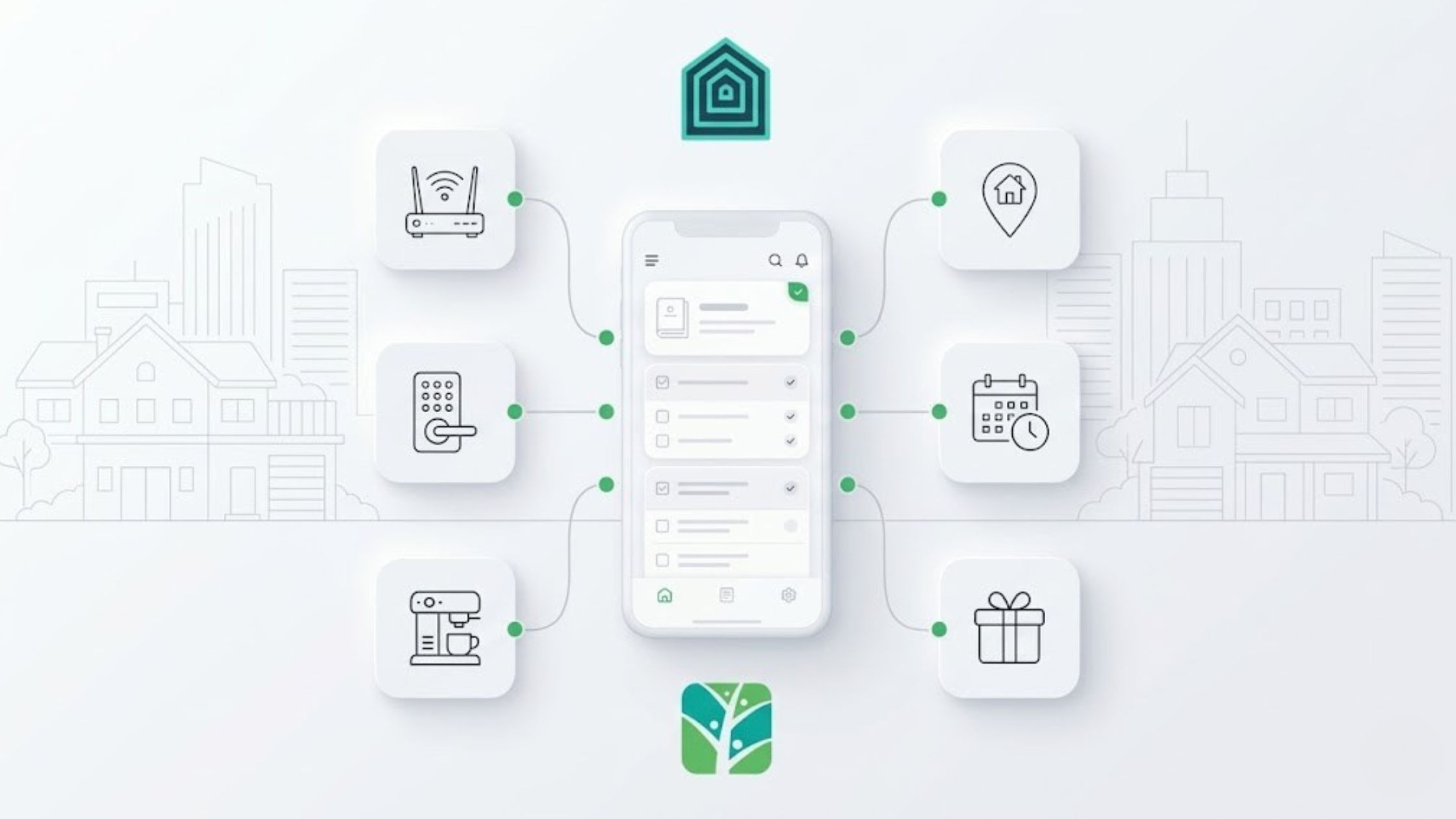
A digital guest guidebook is supposed to kill those “quick question” texts. Yet your Tokeet inbox is still overflowing with messages about the Wi-Fi, the door code, and how to start the coffee machine.
The problem isn’t your information; it’s your delivery. Most hosts are stuck with “fake” digital guidebooks: PDFs, long emails, or clunky apps that guests refuse to download. If it takes more than two clicks to find the door code, the guest will just text you. It’s faster for them, but it’s a productivity killer for you. Turn that into a fast, link-based digital guest guidebook connected to Tokeet and a tool like Touch Stay digital guidebooks, and those late-night pings finally start to slow down.
This article shows how to wire it in. Even better – the same guide guests use to find the Wi-Fi can also present optional add-ons like early check-in, late checkout, experiences, or gear rentals, right when they’re planning their stay.
A digital guest guidebook is a mobile-friendly link guests open in their browser, not an attachment they ignore. Delivered automatically via Tokeet messages, it keeps check-in details, house rules, appliance tips, local recommendations, and optional upgrades in one place so guests can self-serve instead of texting you – and even enhance their stay while they’re at it.
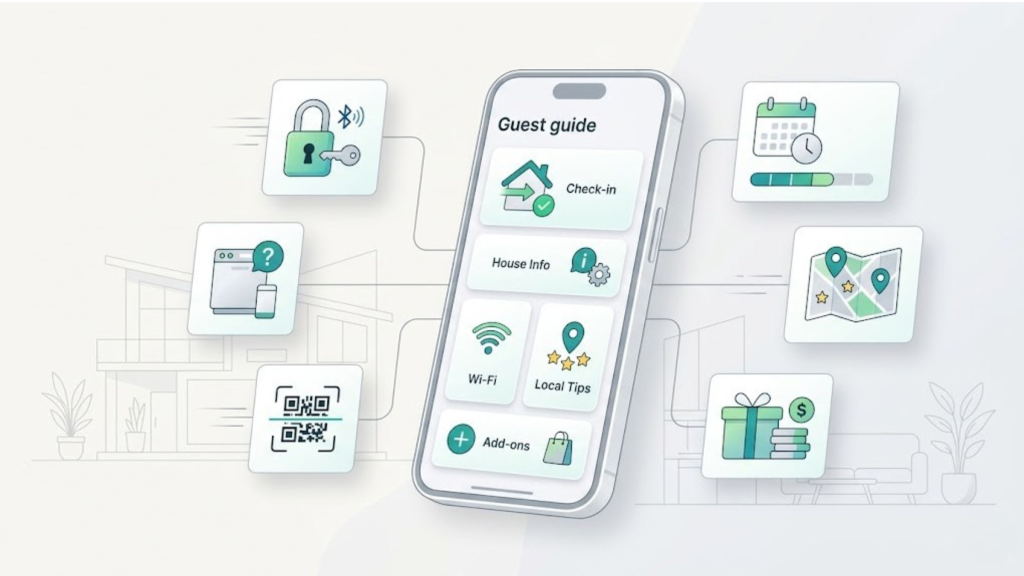
A digital guest guidebook gives guests one mobile-friendly place to find check-in details, house info, and add-ons without texting the host.
The “Paper in Disguise” Trap
When you send a 10-page PDF, you aren’t being helpful—you’re giving the guest homework. Most “digital info” is just paper in disguise, so guests won’t scroll long PDFs, dig through old confirmation emails, or install a one-off app just to find the door code.
Instead of working on pricing, owner reports, or scaling your portfolio with the beginner’s guide to vacation rental property management, you’re stuck answering the same three questions on repeat. If you still get “What’s the Wi-Fi? ” “How do I get in? ” and “How do I use the coffee machine? ” Every week, your digital guest guidebook is not doing its job yet.
The Shift:
Before: printed binders and PDF attachments that get ignored.
After: a single, branded digital guest guidebook link sent via Tokeet that opens instantly in a browser—no app store required—plus QR codes so guests can answer their own questions in seconds.
The Tokeet + Touch Stay Blueprint
To stop the “help desk” cycle, you need your tech stack to talk to each other. Here is the 4-step setup to automate your guest’s brain:
1. The Handshake
Connect Touch Stay and Tokeet via the Integrations > Partners tab, authorize access, and match your existing guides to your rentals so every unit has a digital home. Import any remaining rentals so TouchStay creates new guides from the rental name and address.
2. The AI Assist
Use AI tools to build your first version in 20 minutes, focusing on friction points—take photos of the exact buttons on the dishwasher or the tricky lockbox—and shape it into a clear vacation rental welcome book using the creating a vacation rental welcome book framework you already know.
See also: AI Guidebook Generator
3. The Bridge
Drop your guide link into Tokeet memos and set it to send automatically in booking confirmations, pre-arrival notes, and checkout and review nudges so the right digital guest guidebook lands in the latest message your guest sees. If you prefer to keep messaging inside the Tokeet inbox, copy the Quick Share link from Touch Stay into your existing Tokeet templates instead of using Memo.
4. Physicalize the Digital
Place QR codes near the thermostat and the coffee machine so when the question happens in the real world, the answer is two inches away, not buried in an old email.
Once this is live, sync bookings so new reservations automatically generate invitations and schedule memo emails or texts, then walk the journey on your phone to catch anything slow or confusing. For the next ten stays, refine the relevant section every time a guest still asks a “quick question”; you don’t need new tools to start—just fix the edge cases first.
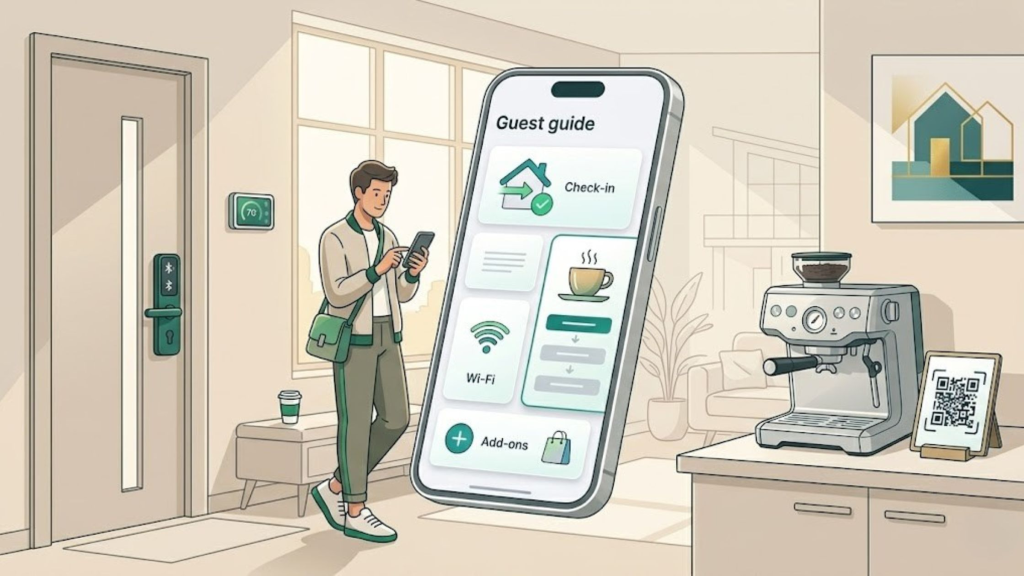
When guests can scan a QR code and open the digital guest guidebook beside the appliance, routine questions get solved on the spot.
From Support To Sales
Once guests are actually using your guide, it becomes a revenue engine. Touch Stay’s Upsell Widget lets you offer late checkouts, private chefs, or gear rentals exactly when the guest is most engaged, inside the same digital guest guidebook they already trust.
According to the Touch Stay Host & Owner Insights Report (1,363 hosts surveyed), well-presented add-ons convert at 15–25%, generating an extra $50–$200 per booking—without adding operational workload. In today’s competitive market, top hosts don’t win by lowering prices; they win by delivering seamless, professional guest experiences and monetising them. Independent research in the African Journal of Hospitality, Tourism, and Leisure echoes this pattern: user-friendly digital tools are what actually drive satisfaction and loyalty.
Is a digital guest guidebook worth the switch?
If you’re worried about the setup time, remember: digital cloning changes the math. You can build one “master template” and clone it across 100 properties in minutes, just like Liquid Life Vacation Rentals did when they went from “no long-term solution” to 550 guides in a week with Touch Stay cloning.
A digital guest guidebook that actually gets used turns your team from reactive troubleshooters into proactive hosts, and transforms guest attention into revenue. Connect it to Tokeet, automate delivery, and let guests find answers, book add-ons, and upgrade their stay in one place.
This can be the week when “What’s the Wi-Fi?” messages slow down—and upsell revenue starts picking up.
FAQs
- What is it?
A mobile-friendly guide delivered as a simple link. Guests tap once to access check-in details, house rules, local recommendations, and optional add-ons – no PDFs, no app downloads. - Will guests really use it?
And the adoption speaks for itself: last year alone, Touch Stay guidebooks generated ✨ 15.9 million guest visits across 🌍 100+ countries. When information is instant, mobile-friendly, and easy to navigate, guests use it. - How does it connect to Tokeet?
Paste the guide link into memo templates, and every reservation then receives the right guide automatically. - Is this only for big teams?
No—solo hosts feel the impact fastest, while larger teams use it to scale without extra hires. - What’s the fastest way to start?
Launch one property and connect it to Tokeet – or go even faster by using Touch Stay’s AI Guidebook Generator. Simply paste your Airbnb or Booking.com listing URL, and the AI will create a complete, professional guidebook for you in around 60 seconds. You can then edit, customize, and refine it before wiring it into Tokeet.

Welcome to Tokeet’s Podcast — your trusted source for insights, trends, and strategies shaping the vacation rental industry. Each episode features expert interviews, data-driven analysis, and practical tips to help property managers grow their businesses, improve guest experiences, and stay ahead in a rapidly evolving market. Whether you’re new to short-term rentals or managing a large portfolio, tune in to stay informed and inspired.
Some days just don’t work for a guest arrival, whether it’s a holiday, a maintenance window, or a turnover day your team can’t cover. This episode walks through check-in and check-out restrictions, the most requested feature in AdvanceCM, now live in the Rentals module. You’ll hear how to block arrivals or departures for a date range, such as December 24 to 26, and how to allow check-ins only on the weekdays you choose. We also cover channel-specific rules, like keeping Airbnb to Friday and Saturday arrivals while direct bookings stay open through Sunday. Finally, we explain what to check before switching rules on, from existing reservations to sync time and visibility on booking sites.
Key Takeaways:
✅ Block check-ins or check-outs for any date range
✅ Limit arrivals to the weekdays you choose
✅ Set different rules for each booking channel
✅ Existing reservations stay unchanged
✅ More restrictions mean fewer guests can book, so review rules each season
Related Links:
Company: https://www.tokeet.com/Blogs: https://www.tokeet.com/blog/Blog: Check-in and Check-out Restrictions: How to Set Them in AdvanceCM 👉 https://blog.tokeet.com/check-in-and-check-out-restrictions/
This is a public episode. If you would like to discuss this with other subscribers or get access to bonus episodes, visit podcast.tokeet.com


