
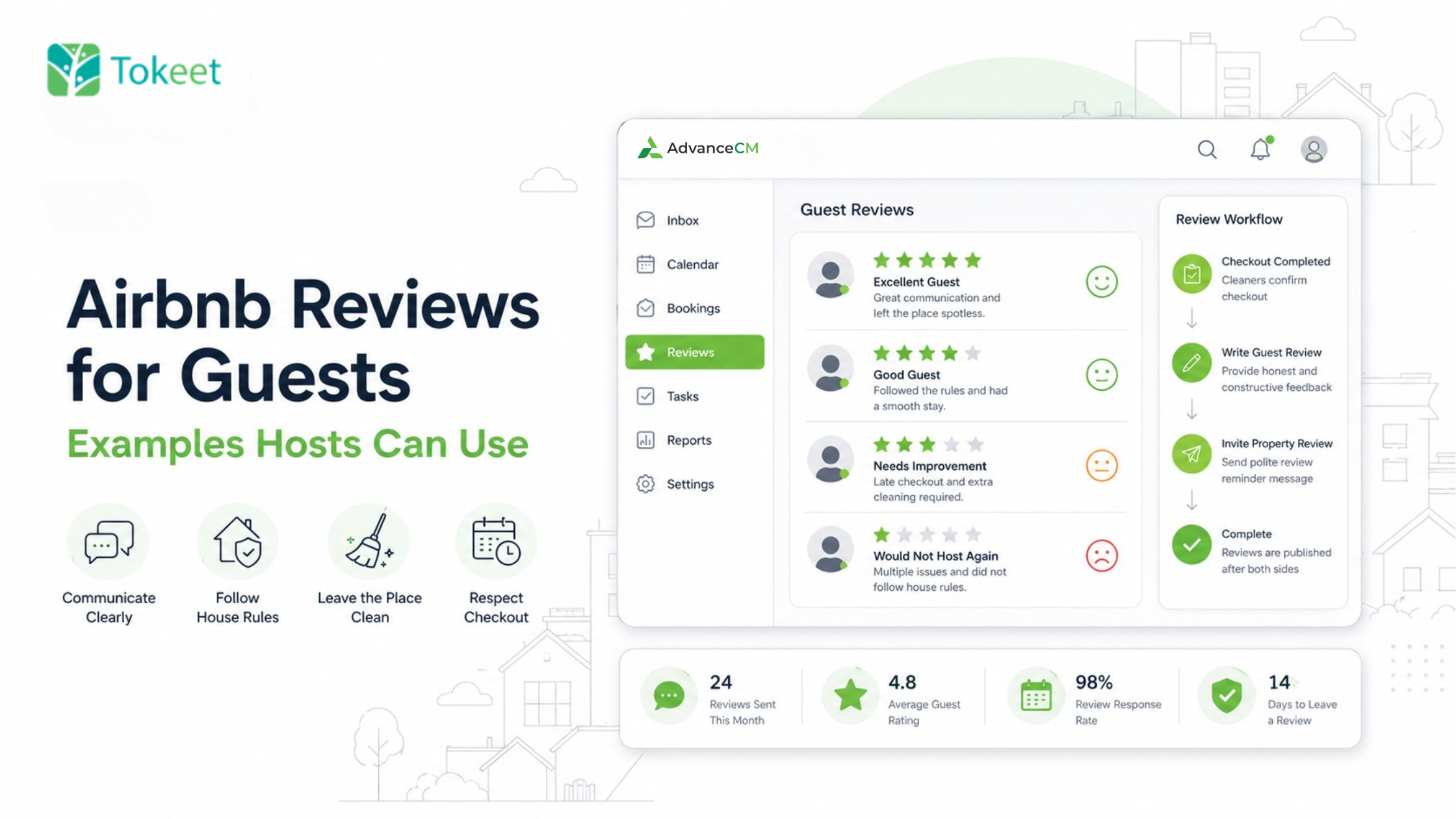
Airbnb reviews for guests should be short, factual, and based on what happened during the stay. A helpful review tells future hosts how the guest communicated, followed house rules, treated the property, and handled checkout.
Hosts should also make reviews part of a two-way post-checkout routine: leave appropriate feedback about the guest and politely invite the guest to review the property. The goal is consistent, honest feedback—not pressure, incentives, or a guaranteed rating increase.
Write Airbnb reviews for guests by covering communication, cleanliness, house-rule compliance, and checkout. Mention one or two specific details, avoid personal judgments, and clearly state whether you would host the guest again. After submitting the review, send a polite message inviting the guest to share honest feedback about the property.
Reduce the chance of missing reviews after busy turnovers: Explore automated post-checkout reviews with AdvanceCM Autopilot.
Copy-Ready Airbnb Guest Review Examples
Use these examples as starting points, then adjust the wording to match what actually happened.
Excellent guest
“It was a pleasure hosting Maya. She communicated clearly, followed the house rules, and left the apartment clean after checkout. We would gladly host her again.”
Good guest with a minor issue
“Jordan communicated well and treated the property respectfully. The checkout was slightly later than agreed, but the home was left in good condition overall.”
Cleanliness concern
“Communication with Alex was straightforward, and the house rules were followed. However, the kitchen required additional cleaning after checkout.”
Late-checkout review
“Sam was polite and communicated well during the stay. Checkout took place about 45 minutes after the agreed time, which delayed the cleaning schedule.”
House-rule violation
“The guest responded promptly before arrival, but the property’s no-smoking rule was not followed. Additional cleaning was required after departure.”
Guest you would not host again
“We experienced several difficulties during this reservation, including unanswered messages and repeated house-rule violations. Based on this stay, we would not host this guest again.”
Why Airbnb Reviews for Guests Matter
Guest reviews give future hosts practical information they cannot get from a booking request alone. They help another host understand whether a guest communicates reliably, respects written rules, cares for the property, and completes checkout as expected.
Reviews also create a record for responsible guests. A history of clear, positive host feedback can show that the guest has treated previous rentals respectfully.
Under Airbnb’s review process, hosts and guests have 14 days after checkout to submit reviews. Reviews are published when both parties submit them or when the 14-day period ends, whichever happens first.
Leaving a review for the guest and asking the guest to review your property are separate actions. Neither review should depend on the other.
What to Include in an Airbnb Guest Review

A useful review does not need to document every detail of the reservation. Focus on the information another host could reasonably use when deciding whether to accept a future booking.
Communication
State whether the guest responded to important messages, confirmed arrival details, and reported questions or problems clearly.
Instead of writing, “The guest was difficult,” explain what happened: “The guest did not respond to three messages about the agreed check-in time.”
Cleanliness
Describe how the guest left the property without expecting professional-level cleaning. Mention additional cleaning only when it went beyond normal turnover work.
A stronger review says, “Food and unwashed dishes were left throughout the kitchen,” rather than, “The guest was messy.”
House rules
Mention whether important rules involving smoking, pets, occupancy, noise, parking, or restricted areas were followed. Focus on the rule and the result, not the guest’s personality.
Hosts dealing with a difficult stay can follow a consistent Airbnb guest review strategy to separate documented behavior from emotion.
Checkout
State whether the guest left at the agreed time and completed reasonable checkout instructions. Explain the operational effect when a late departure delayed cleaners or the next arrival.
Overall recommendation
End with a clear conclusion:
- “We would gladly host them again.”
- “Overall, the stay went well.”
- “We recommend closer attention to checkout instructions.”
- “Based on this reservation, we would not host this guest again.”

How to Write an Airbnb Guest Review in Five Steps
1. Check the reservation record
Review the guest conversation, cleaner notes, reported incidents, checkout time, and any property damage. Do not rely only on memory, especially when several guests checked out during the same week.
2. Choose the right tone
Use a warm tone for a smooth stay, a balanced tone for minor problems, and a neutral, direct tone for serious issues. A negative experience does not require aggressive language.
3. Cover the essential categories
Include communication, cleanliness, house rules, and checkout where relevant. Routine stays may need only two or three sentences, while problem stays may require more detail.
4. Replace judgments with facts
Remove labels such as “rude,” “careless,” or “terrible.” Describe the observable behavior, the rule involved, and the effect on the property or operation.
5. Submit and complete the follow-up
Review the wording for accuracy, submit it within Airbnb’s review period, and send a separate message inviting the guest to leave honest feedback about the property.
Choose the Right Review Approach
Warm and specific
“We would gladly host them again.”
Balanced and constructive
“Overall, we had a positive experience.”
Neutral and factual
“Closer attention to the rules is recommended.”
Direct and documented
“We would not host this guest again.”
The tone can change, but the standard should remain the same: review the behavior rather than the person.
Before and After: Make the Review More Useful
Before:
“The guest was rude and left a mess.”After:
“The guest did not respond to two checkout messages, and the kitchen required additional cleaning after departure.”The revised version gives future hosts information they can evaluate. It removes the emotional judgment while still communicating that the stay created problems.
Build a Two-Way Post-Checkout Review Routine
 A complete review process should include both sides of the stay. The host reviews the guest, then sends one polite reminder encouraging the guest to share honest feedback about the property.
Use this routine after checkout:
- Record any important notes from the cleaner or operations team.
- Decide whether the stay can use a standard review or needs manual attention.
- Submit an accurate review of the guest.
- Send a thank-you and property-review reminder.
- Stop after the reminder unless the guest responds with a question.
Do not ask for five stars or imply that the guest owes you a positive review because you reviewed them. Airbnb’s Reviews Policy prohibits manipulating, incentivizing, pressuring, or coordinating reviews, including exchanging a discount, refund, or reciprocal positive review for favorable feedback.
Guest review reminder template
“Hi [Guest Name], thank you again for staying with us. We’ll be leaving an honest review of your stay shortly. Airbnb will also invite you to review the property, and your candid feedback helps us understand what worked well and what we can improve. We hope you had a safe journey home.”
This message reminds the guest without requesting a particular score. It also explains why their feedback is useful.
Automating Routine Reviews Without Losing Control
Writing reviews manually may be manageable for one property, but it becomes easier to miss deadlines as checkout volume grows. The solution is not to automate every situation; it is to automate predictable stays while keeping exceptions under manual review.
A sensible Airbnb review automation process can use approved templates for smooth stays while excluding reservations involving damage, disputes, complaints, or serious rule violations.
AdvanceCM is Tokeet’s latest channel manager. AdvanceCM Autopilot allows operators to create guest-review templates, send reviews automatically after checkout, and use AI to generate personalized feedback.
For example, routine stays can follow an approved positive template. A reservation involving a noise complaint or damage report can be paused so the host reviews the evidence and writes the response manually.
Standardize routine reviews while keeping problem stays under human control: See how AdvanceCM Autopilot supports automated guest reviews.
Common Airbnb Guest Review Mistakes
Being too vague
“Great guest” provides almost no useful information. Add a specific detail about communication, cleanliness, rules, or checkout.
Writing personal attacks
A review should document the reservation, not punish the guest. Remove insults, assumptions about motivation, and emotional language.
Hiding serious issues behind polite wording
Being professional does not mean omitting important facts. Future hosts should know about documented smoking, unauthorized guests, property damage, or repeated rule violations.
Asking for a positive rating
Invite honest feedback without requesting five stars. Do not offer discounts, refunds, gifts, or future benefits in exchange for a review.
Automating unusual stays
Problem reservations require judgment. Reservations involving threats, disputes, or possible retaliation should be documented and reviewed individually; hosts can also consult this guide to retaliatory Airbnb reviews before responding.
Final Takeaway
Effective Airbnb reviews for guests are specific, fair, and useful to the next host. Cover what happened, explain any meaningful impact, and clearly state whether you would host the guest again.
The strongest process pairs that review with one polite request for honest property feedback. Templates and automation can handle routine stays, while exceptions remain under manual control.
Turn checkout into a repeatable review workflow: Explore AdvanceCM Autopilot.
FAQs
- How long do hosts have to leave an Airbnb guest review?
Hosts have 14 days after checkout to submit a review. The review becomes visible when both parties submit or when the review period ends. - What should an Airbnb guest review include?
Include the guest’s communication, cleanliness, house-rule compliance, and checkout behavior. Finish by stating whether you would host the guest again. - Can guests see the host’s review before writing theirs?
Guests cannot read the host’s review during the double-blind review period. Both reviews become visible after both parties submit or the 14-day period expires. - How should a host ask a guest to review the property?
Send one polite message thanking the guest and inviting candid feedback. Do not request a particular rating or offer anything in exchange for the review. - Should every Airbnb guest review be automated?
Routine stays can use approved templates and automation. Reservations involving damage, disputes, complaints, or rule violations should remain under manual review.

Welcome to Tokeet’s Podcast — your trusted source for insights, trends, and strategies shaping the vacation rental industry. Each episode features expert interviews, data-driven analysis, and practical tips to help property managers grow their businesses, improve guest experiences, and stay ahead in a rapidly evolving market. Whether you’re new to short-term rentals or managing a large portfolio, tune in to stay informed and inspired.
Some days just don’t work for a guest arrival, whether it’s a holiday, a maintenance window, or a turnover day your team can’t cover. This episode walks through check-in and check-out restrictions, the most requested feature in AdvanceCM, now live in the Rentals module. You’ll hear how to block arrivals or departures for a date range, such as December 24 to 26, and how to allow check-ins only on the weekdays you choose. We also cover channel-specific rules, like keeping Airbnb to Friday and Saturday arrivals while direct bookings stay open through Sunday. Finally, we explain what to check before switching rules on, from existing reservations to sync time and visibility on booking sites.
Key Takeaways:
✅ Block check-ins or check-outs for any date range
✅ Limit arrivals to the weekdays you choose
✅ Set different rules for each booking channel
✅ Existing reservations stay unchanged
✅ More restrictions mean fewer guests can book, so review rules each season
Related Links:
Company: https://www.tokeet.com/Blogs: https://www.tokeet.com/blog/Blog: Check-in and Check-out Restrictions: How to Set Them in AdvanceCM 👉 https://blog.tokeet.com/check-in-and-check-out-restrictions/
This is a public episode. If you would like to discuss this with other subscribers or get access to bonus episodes, visit podcast.tokeet.com


