
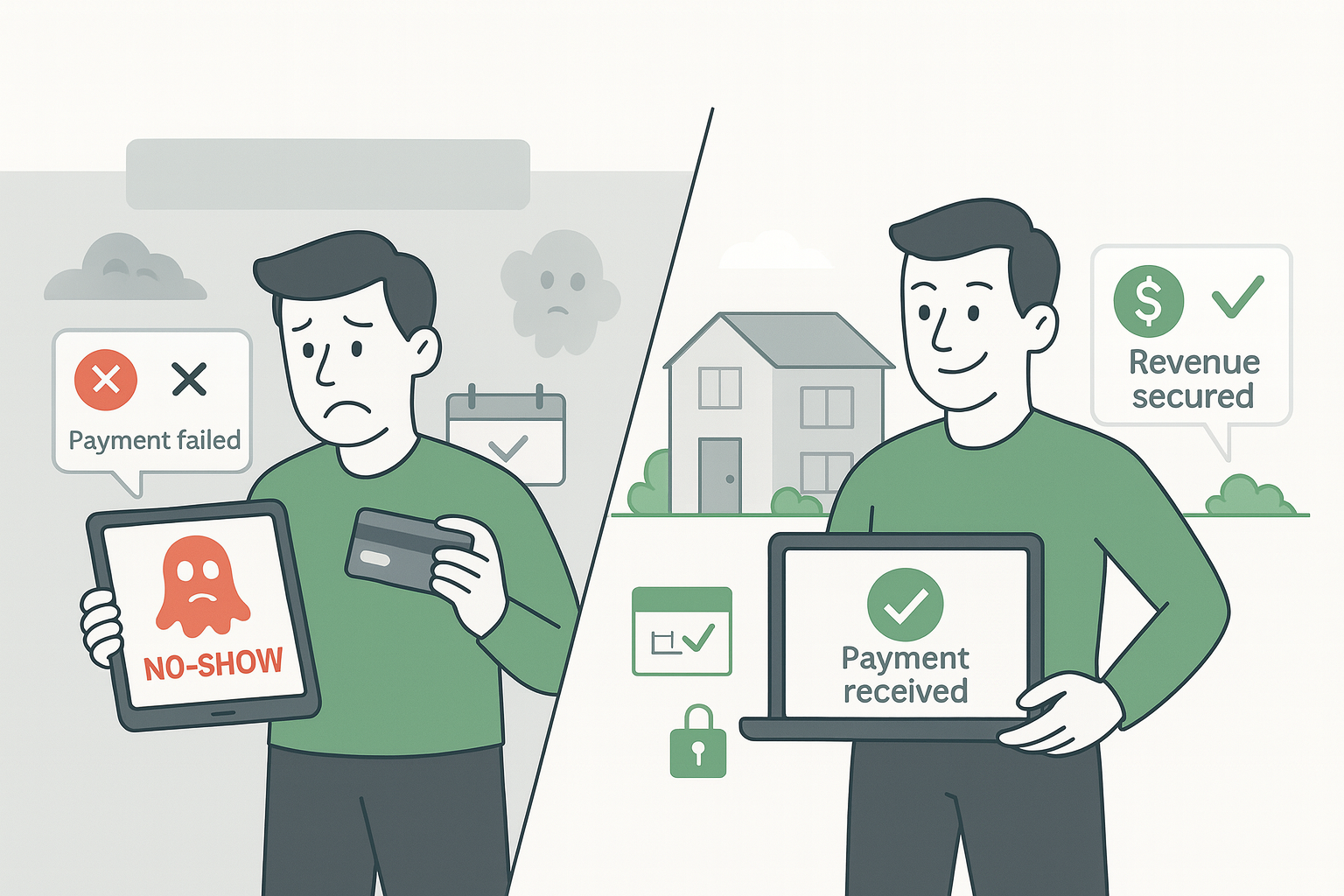
Pay on arrival sounds convenient for guests. But for property hosts, this payment policy creates a perfect storm of financial risk. When guests book with no upfront commitment, they hold your calendar hostage while you receive zero payment security.
The numbers tell a troubling story. Hosts using pay-on-arrival policies report regular no-shows, with guests booking multiple properties simultaneously or using invalid payment methods. The booking appears “guaranteed” by a credit card, but when the guest doesn’t arrive, you discover you can’t actually charge that card.
This article breaks down why pay on arrival is costing you money, how prepayment policies protect your income, and what you need to know before making the switch.
What “Pay on Arrival” Really Means for Property Hosts
Pay on arrival allows guests to reserve your property without immediate payment. The booking platform captures credit card information as a “guarantee,” but keeps those details locked away from you. You’re told the reservation is secured, but you have no ability to enforce payment if something goes wrong.
This creates a fundamental problem. The platform promises the booking is guaranteed but simultaneously restricts your access to the payment method.
The “Guaranteed” Booking That Isn’t
Booking platforms display messages indicating they’ve captured guest payment information. You see confirmations that the reservation is secured by a credit card. But when a guest fails to show up and you attempt to collect payment, the guarantee becomes meaningless.
The system denies access with messages like “You don’t have permission to view card details.” You’re left with a cancelled booking, lost revenue, and no recourse. Support teams often can’t explain what “guarantee” actually means in practical terms because the card on file isn’t for payment collection, it’s simply to create the appearance of commitment.
Why Guests Choose Multiple Bookings
Pay on arrival enables problematic guest behavior that directly costs you money. Without financial commitment, travelers book multiple properties in the same destination for the same dates. They’re hedging their bets, planning to cancel most reservations at the last minute.
Some use temporary “reloading cards” with zero balance to secure reservations. The booking goes through, and your calendar gets blocked with a card that has no funds. You won’t discover the problem until the guest is already a no-show. This zero-risk approach for guests translates to 100% risk for you.

The Real Cost of No-Show Guests Underpaying on Arrival
Every no-show represents multiple layers of financial loss. First, you lose the direct booking revenue for those nights. Second, your calendar was blocked for days or weeks, preventing other guests from booking. Third, you’ve spent time communicating with a guest who never intended to follow through.
The administrative burden adds up quickly. You’re responding to inquiries, preparing properties, coordinating with cleaning teams, and managing calendar logistics for bookings that may never materialize. Tools like AdvanceCM’s automated payment processing can help streamline legitimate transactions, but they can’t collect payment from cards you’re not allowed to access.
Research shows that stricter payment policies correlate with lower cancellation and no-show rates. According to Hostfully’s analysis of vacation rental cancellation policies, properties requiring upfront payment experience significantly fewer ghost bookings and benefit from improved revenue predictability.
Why New Hosts Are Most Vulnerable
New property hosts face compounded challenges with pay-on-arrival policies. Booking platforms impose verification requirements and account restrictions that limit functionality until you complete lengthy approval processes. This leaves you especially exposed during your critical launch period.
Payment-related features often remain locked until you’ve proven your legitimacy as a host. That verification process can take weeks.
Platform Verification Requirements
Most platforms require new hosts to confirm their location by waiting for physical mail containing a verification code. Until that letter arrives and you enter the code, certain account features remain disabled. You’re actively accepting bookings during this period, but without full access to payment management tools.
- You’re operating with pay on arrival as your default option during verification.
- Account settings that enable payment protections must be manually requested from support.
- The verification waiting period can stretch for weeks while you’re exposed to risk.
Limited Access to Payment Information
Even after initial verification, you may need specific settings activated to view guest payment details. Features like “pre-authorization” must be explicitly enabled, and many hosts don’t discover this requirement until after experiencing their first no-show.
Even when you get these settings enabled, they only apply to future bookings. Your existing reservations, the ones already in your calendar, remain unprotected. You’re forced to wait out those bookings with fingers crossed.
Pre-Payment: The Strategic Alternative to Pay on Arrival
Prepayment policies flip the risk equation entirely. Instead of hoping guests will pay when they arrive, you collect payment before their stay begins. The money is secured, verified, and deposited before you block your calendar or prepare your property.
This approach eliminates the fundamental vulnerability of pay on arrival. No more phantom guarantees or inaccessible card details. Payment happens upfront, and if it fails, the booking doesn’t proceed.
Most platforms now support prepayment through their managed payment systems. They handle the guest payment transaction, then transfer funds to you through virtual credit cards or direct bank deposits.
How Pre-Payment Policies Work
Pre-payment means guests pay some or all of their booking cost before arrival, typically 30 days or more before check-in. You set the timeframe in your policy settings, and the platform processes the payment automatically when that deadline arrives. The AdvanceCM platform integrates with these managed payment systems to provide virtual credit cards that you can charge after the free cancellation window closes.
These automated systems remove you from the payment collection process entirely. You’re not chasing down guests or testing card validity, the platform verifies everything before the booking is confirmed.
Benefits of Switching to Pre-Payment
Revenue security is the obvious advantage. Money in your account before guest arrival means no-shows become financially irrelevant. If someone doesn’t show up, you’ve already been paid according to your cancellation policy.
- Prepayment filters out non-serious bookings and guests using temporary cards.
- Administrative time drops, properties using stricter payment policies spend significantly less time on booking administration.
- The automated nature prevents human error with missed payment deadlines.
Making the Switch: From Pay on Arrival to Pre-Payment
Transitioning your payment policy requires adjusting your platform settings and communicating changes to guests. Start by accessing your policy configuration area. Look for payment settings where you can specify when guests must pay. Set your prepayment timeframe based on your typical booking lead time.
You’ll want to coordinate this change with your cancellation policy. Consider making cancellations non-refundable or partially refundable after the prepayment deadline.
Adjusting Your Payment Policies
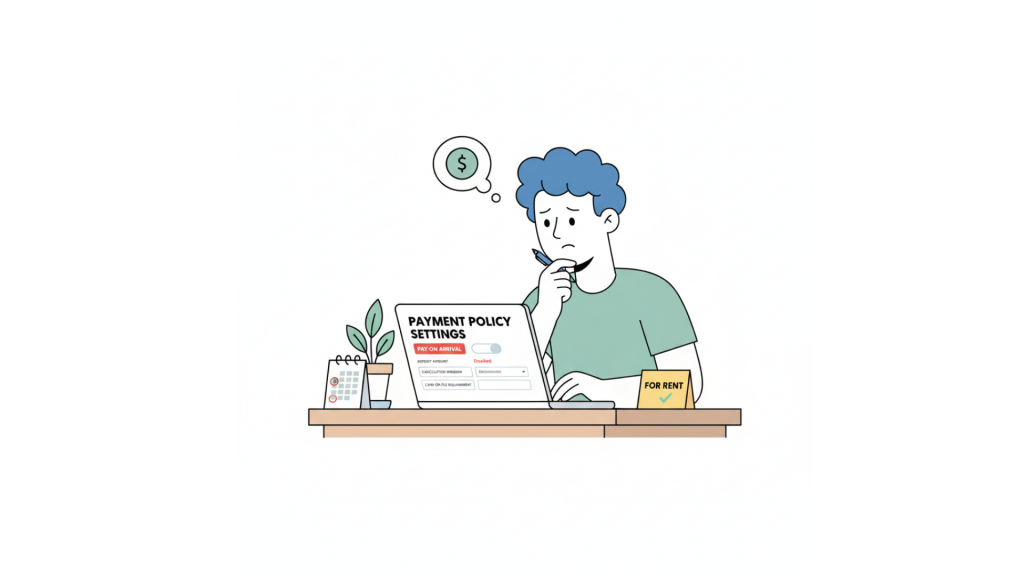
Navigate to your property management platform’s settings area and locate payment policy configuration. You’ll typically find options to require “payment at time of booking” or “payment X days before arrival.” Select your preferred option and set appropriate timeframes based on your market conditions.
Update your cancellation terms simultaneously to match your payment schedule. For example, if you collect full payment 30 days before arrival, your cancellation policy might allow full refunds until 31 days before check-in, then no refunds afterward. Save your changes and review how these new policies display on your public listing.
Managing the Conversion Trade-Off
Pre-payment policies do impact booking conversion rates. Guests who want maximum flexibility may choose properties with more lenient terms. You’re trading some booking volume for revenue security and guest commitment quality.
The key is finding your optimal balance. Start with moderate prepayment requirements, perhaps 14-21 days before arrival, and monitor your booking metrics. Properties in high-demand locations or peak seasons can typically implement stricter policies with minimal conversion impact. Industry data from Expedia Group’s research on rate optimization shows that while stricter policies may reduce conversion by 10-15%, they increase revenue per booking by eliminating no-shows and attracting committed guests. Check out competitive pricing strategies that align with your payment approach.

Proactive Payment Verification for Maximum Protection
Beyond policy changes, you can add another layer of protection through immediate payment verification. Once you have access to guest payment details, test the card as soon as a booking arrives. This catches problematic cards before they become no-show problems.
Many property management systems allow you to run authorization checks without actually charging cards. Failed authorizations let you cancel the booking immediately and reopen your calendar. Set up automated workflows that test cards within hours of booking confirmation. Some platforms even allow automatic cancellation of reservations with failed payment verification.
💬Join the conversation: Share your experiences with payment policies and no-show prevention strategies with fellow hosts.
Conclusion
Paying on arrival creates a false sense of security while exposing you to significant financial risk. The “guaranteed” bookings aren’t guaranteed at all, they’re simply placeholders that guests can abandon without consequence. Pre-payment policies shift the risk back where it belongs, ensuring you’re paid for calendar commitments before guests arrive.
Review your current payment settings today. If you’re still using pay on arrival, calculate how many no-shows you’ve absorbed in the past year. Make the switch to prepayment, set appropriate timeframes, and watch your no-show rate plummet while your revenue security soars.
FAQs
Q: What happens if I switch from pay on arrival to prepayment mid-season?
A: Policy changes typically apply only to new bookings made after you update your settings. Existing reservations maintain their original payment terms. Some platforms allow you to modify existing bookings by requesting guest agreement to new terms, but this isn’t guaranteed.
Q: Will prepayment policies reduce my booking conversion rate?
A: Yes, stricter payment requirements typically reduce conversion by 10-15%, but this varies by market and season. High-demand properties see minimal impact. However, the trade-off often favors revenue protection, you earn more from committed bookings than from high volumes that include no-shows.
Q: Can I use prepayment for some properties and pay on arrival for others?
A: Absolutely. Most multi-property hosts configure different payment policies based on property type, location, and market conditions. Luxury properties or high-demand locations benefit from strict prepayment, while budget properties in competitive markets might maintain flexible terms.
Q: How do I handle guests who request to pay on arrival specifically?
A: Politely explain your policy and the reasoning behind it. Most guests understand when you frame it as mutual protection. Offer alternatives like a smaller deposit or shorter prepayment window. Guests who refuse reasonable payment terms are often the same guests who would have become no-shows.
Q: What’s the best prepayment timeframe to minimize no-shows?
A: 30 days before arrival is the industry standard sweet spot. It’s far enough in advance to filter out non-committed bookings while still allowing guests reasonable planning flexibility. Adjust based on your typical booking window.

Welcome to Tokeet’s Podcast — your trusted source for insights, trends, and strategies shaping the vacation rental industry. Each episode features expert interviews, data-driven analysis, and practical tips to help property managers grow their businesses, improve guest experiences, and stay ahead in a rapidly evolving market. Whether you’re new to short-term rentals or managing a large portfolio, tune in to stay informed and inspired.
Some days just don’t work for a guest arrival, whether it’s a holiday, a maintenance window, or a turnover day your team can’t cover. This episode walks through check-in and check-out restrictions, the most requested feature in AdvanceCM, now live in the Rentals module. You’ll hear how to block arrivals or departures for a date range, such as December 24 to 26, and how to allow check-ins only on the weekdays you choose. We also cover channel-specific rules, like keeping Airbnb to Friday and Saturday arrivals while direct bookings stay open through Sunday. Finally, we explain what to check before switching rules on, from existing reservations to sync time and visibility on booking sites.
Key Takeaways:
✅ Block check-ins or check-outs for any date range
✅ Limit arrivals to the weekdays you choose
✅ Set different rules for each booking channel
✅ Existing reservations stay unchanged
✅ More restrictions mean fewer guests can book, so review rules each season
Related Links:
Company: https://www.tokeet.com/Blogs: https://www.tokeet.com/blog/Blog: Check-in and Check-out Restrictions: How to Set Them in AdvanceCM 👉 https://blog.tokeet.com/check-in-and-check-out-restrictions/
This is a public episode. If you would like to discuss this with other subscribers or get access to bonus episodes, visit podcast.tokeet.com


