
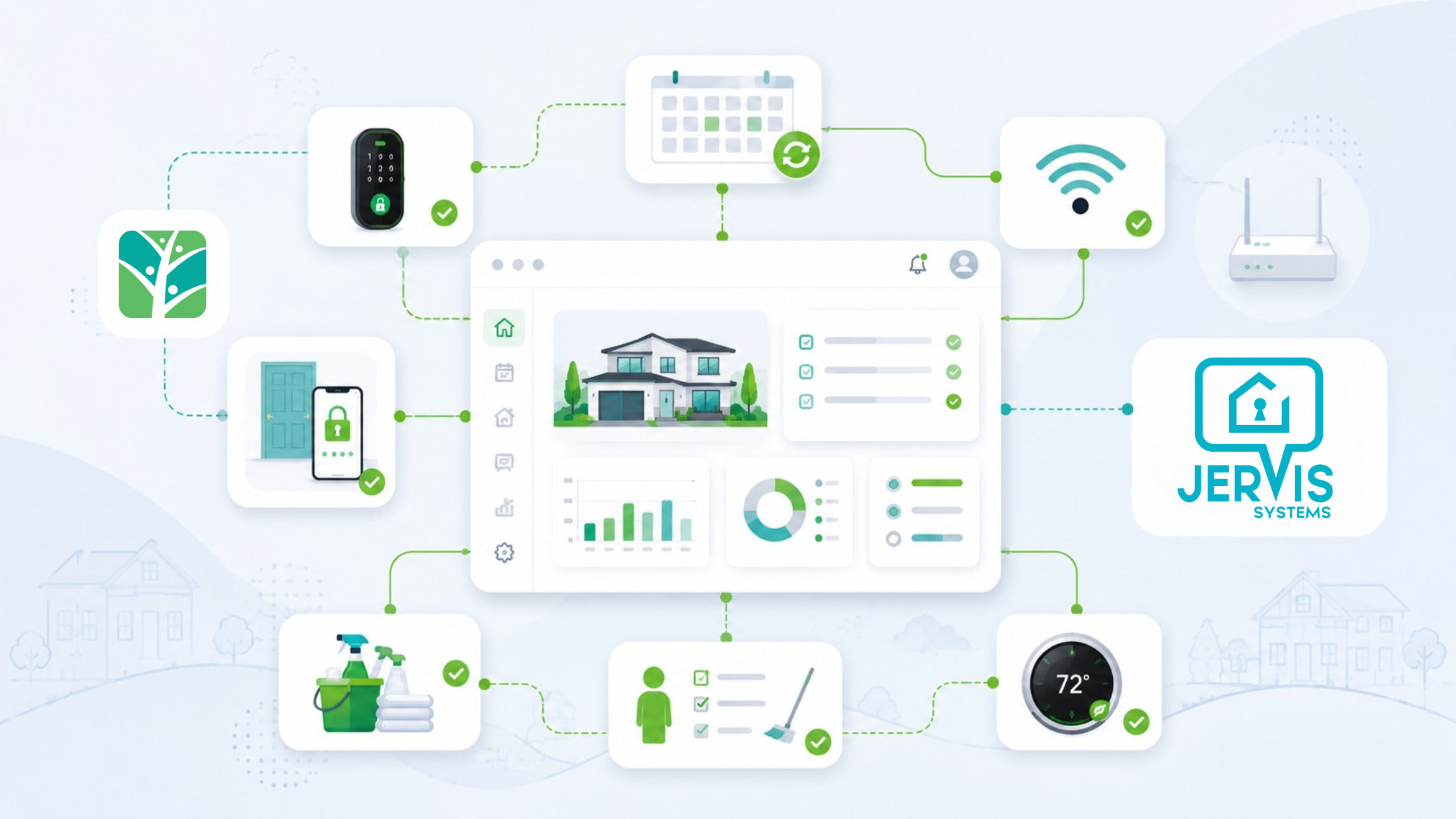
Jervis Systems property management automation and guest experience software helps property managers stop manually managing day-to-day operations, including guest access, Wi-Fi, and cleaning through scattered messages and shared codes. Instead of checking lock apps, texting cleaners, and resending Wi-Fi details for every stay, Jervis Systems connects these touchpoints into a cleaner operational workflow.
This becomes critical once a portfolio grows past a handful of rentals. The same manual process that feels manageable at five properties can create delays, security gaps, and guest frustration at 25, 50, or more.
Jervis Systems property management automation helps managers automate the physical side of the guest journey. It supports guest access, branded Wi-Fi, smart-device workflows, and cleaner access management so managers can reduce repetitive coordination before check-in, during the stay, and between turnovers.
This guide is especially useful for property managers managing multiple units who want to reduce manual check-in work, improve cleaner access control, and create a more professional guest Wi-Fi experience.
Why Automation Matters
Vacation rental work does not stop when the booking is confirmed. Every reservation creates a chain of tasks: send access details, prepare the property, help guests connect to Wi-Fi, coordinate cleaning, and confirm readiness for the next arrival.
When these steps are manual, managers spend too much time moving information between tools. Tokeet’s article on common property management problems explains how scattered communication, maintenance tracking, and guest needs can quickly create operational pressure for rental managers.
The key shift is simple: Jervis Systems is not just helping managers open doors. It is helping them control what happens around the stay.
This is where property management automation becomes useful: it turns repeated tasks into rules that can run around each stay.
Guest Access
The problem with manual codes
Guest access is one of the first places manual work causes friction. A guest may arrive late, miss an email, or message the manager because they cannot find the code.
Static codes also create security issues. If the same code is reused across multiple stays, it becomes harder to control who can enter the property and when.
In this part of the stay, property management automation reduces the need to create, send, and remove access codes manually.
How Jervis Systems helps
Jervis Systems can automate guest access through reservation-based PINs. A unique code can be tied to a stay, activated around check-in, and removed after checkout.
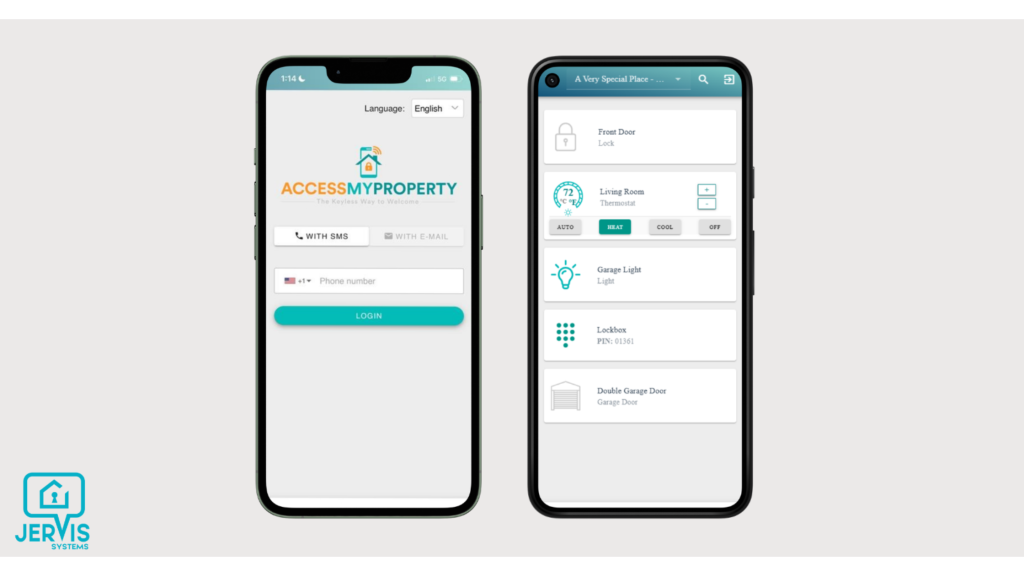
Jervis Systems supports guest access through a mobile view that can connect entry and supported property devices.
That creates a cleaner workflow:
- A reservation is confirmed.
- Guest access is created for the stay.
- The code works during the approved window.
- Access expires after checkout.
- Staff or cleaners can receive separate access when needed.
For example, instead of creating a lock code on Monday, sending it manually on Tuesday, and remembering to delete it after checkout, the access window can follow the reservation timing. That removes a small task from every booking, which becomes a major time saver across a larger portfolio.
For more context on why contactless arrival matters, Tokeet’s guide to AI and contactless check-in technology covers how digital entry tools can reduce guest friction.
Compare plans and specialized add-on features on the Jervis Systems pricing page.
Guest Wi-Fi
More than a password
Most hosts treat Wi-Fi as a basic utility. They send a password in the welcome message or leave it in the house manual.
That works, but it does not do much for the business. Jervis Systems lets property managers turn Wi-Fi into a branded guest touchpoint instead of a plain password handoff.
Branded Wi-Fi portals
With a branded portal, guests connect through a more professional login experience. This can reinforce the property manager’s brand and create a cleaner way to manage guest connectivity.
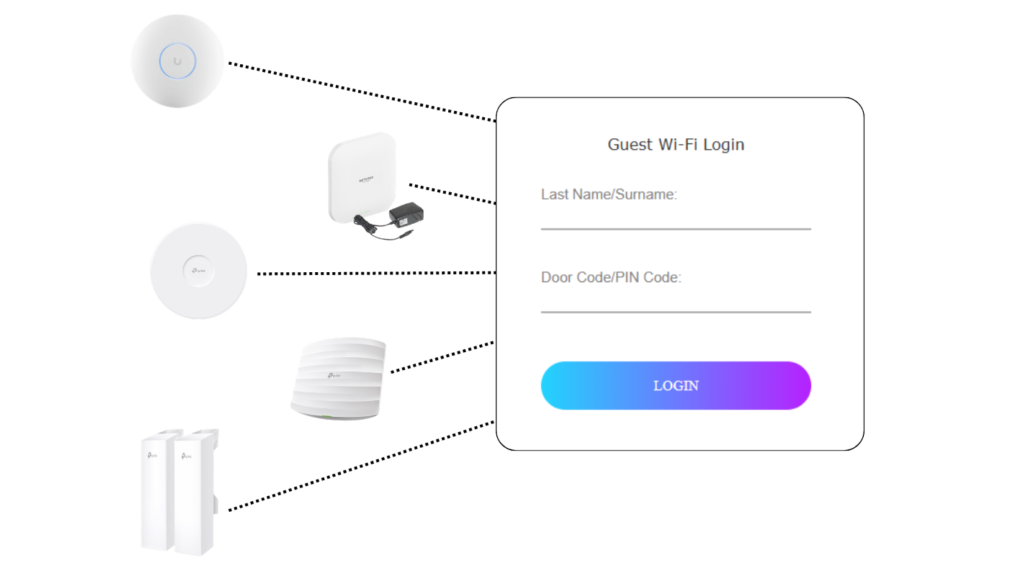
Jervis Systems supports guest access through a mobile view that can connect entry and supported property devices.
Commercial access point-based setup
Jervis Systems provides setup guidance for operators using commercial access point-based guest Wi-Fi. This is useful for managers who want a more structured Wi-Fi setup across multiple properties, that supports authenticating each guest individually in shared Wi-Fi scenarios as with hotels or resorts This also allows a property manager to use their existing Ubiquiti, TP-Link, and NETGEAR devices.
DNS-based setup
Some operators may not need a setup for managing individual rooms and a shared Wi-Fi network, and can use a guest Wi-Fi setup that only authenticates the first person in a reservation. . Jervis Systems also explains how to configure DNS-based guest Wi-Fi for properties using a different network path that makes the setup process easier and more flexible to use a range of devices by just changing DNS settings.
Wi-Fi can be part of the guest journey, not just a router password.
If guest information is collected, managers should make sure their privacy notice, consent language, and marketing follow-up process are clear.
Cleaning Management
Why group chats break down
Cleaning is one of the hardest workflows to scale because it depends on timing. One late checkout, missed message, or unclear instruction can affect the next guest.
Many managers still coordinate cleaners through text threads or group chats. That creates a messy process: one message for the schedule, another for the code, another for photos, and another to confirm the property is ready.
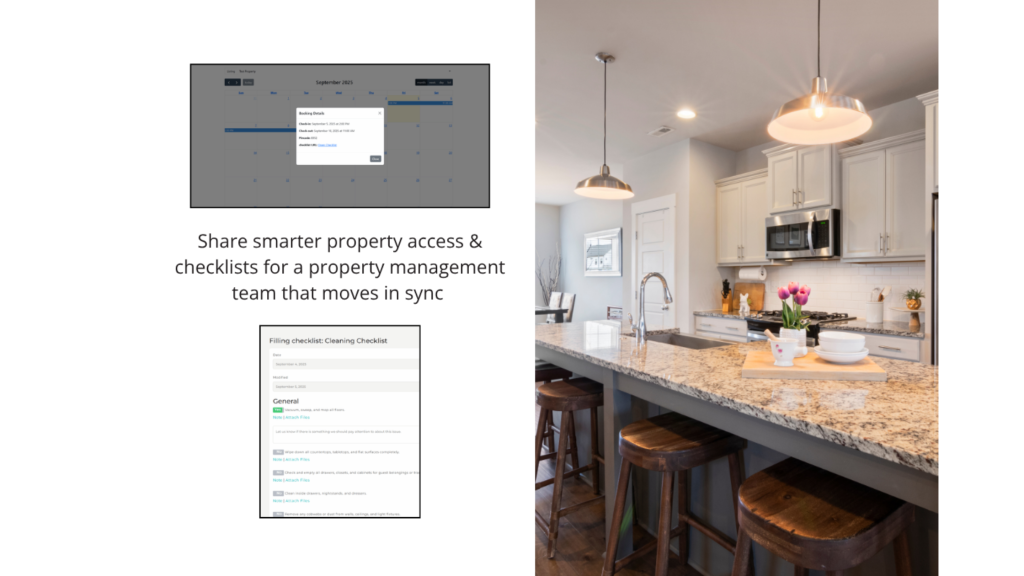
Jervis Systems helps property teams coordinate access and cleaning checklists from a more structured workflow.
How access supports turnover
Jervis Systems helps by improving the access side of cleaning management. Instead of giving cleaners the same guest code or a permanent shared code, managers can create cleaner access that fits the turnover window.
A cleaner workflow may look like this:
- Guest checks out.
- Cleaner receives access for the scheduled window.
- Cleaner completes the turnover.
- Manager confirms readiness.
- Next guest access becomes active at check-in.
This creates more control without forcing the manager to personally coordinate every entry. Tokeet’s guide on building an effective cleaning management operation is a helpful companion resource for standardizing checklists, responsibilities, and cleaning expectations.
How Tokeet Fits In
Jervis Systems is the focus of this workflow, but reservation data still matters.
Tokeet handles the booking side of the operation: reservations, calendars, and guest records. Jervis Systems handles the property side: access, Wi-Fi, smart devices, and cleaner entry.
When these systems work together, the booking can help trigger the physical steps needed for the stay. The guest journey becomes easier to manage because the reservation is not isolated from the property workflow.
Smart Devices
Beyond access
Jervis Systems is not only about locks. It can also support smart-device workflows depending on the devices and setup used by the property manager.
This can include locks, RFID door readers, thermostats, garage door openers, hot tub and pool heaters,and other supported devices. The value is reducing the number of separate apps and manual checks required to keep a property ready.
For teams also working inside the Tokeet ecosystem, AdvanceCM can support smart-device visibility within broader property management workflows.
See how AdvanceCM Smart Devices Integration connects supported devices with rental operations.
How to Start
The best way to start with Jervis Systems property management automation is to focus on one workflow first.
- Start with access. Standardize when guest codes activate and expire.
- Add cleaner access. Stop relying on shared codes for turnovers.
- Set up guest Wi-Fi. Use a branded portal where it fits the property.
- Connect smart devices. Add device workflows only where they reduce real manual work.
- Review exceptions. Track where guests, cleaners, or staff still need manual help.
Automation should not make the operation more complicated. It should remove repeated steps that managers already handle every week.
Final Takeaway
Jervis Systems property management automation is most useful when managers want to standardize the work that happens after a booking is confirmed. Guest access, Wi-Fi, cleaning access, and smart-device workflows all become easier to manage when they are tied to a repeatable process.
For growing property managers, the benefit is not just convenience. The end result is fewer routine interruptions, cleaner access control, and a guest journey that feels more professional from arrival to turnover.
FAQs
- What does Jervis Systems automate for vacation rentals?
Jervis Systems helps automate guest access, guest Wi-Fi, smart devices, and cleaner access workflows. Its main value is connecting physical property operations to the guest journey, and they can do this across property types, from vacation rentals to hotels and resorts - How does Jervis Systems help with guest access?
Jervis Systems can create reservation-based access so guest codes work during the correct stay window. This reduces manual code creation and helps prevent old codes from staying active. - Can Jervis Systems help with guest Wi-Fi?
Yes. Jervis Systems supports branded guest Wi-Fi workflows that can create a more professional login experience than a shared static password. - Does Jervis Systems replace a PMS like Tokeet?
No. Tokeet manages reservations, calendars, and guest records, while Jervis Systems manages property-level workflows like access, Wi-Fi, and devices. - What should managers automate first?
Guest access is usually the best first workflow because it is frequent, time-sensitive, and easy to standardize. After that, managers can add cleaner access, Wi-Fi, and supported smart-device workflows.

Welcome to Tokeet’s Podcast — your trusted source for insights, trends, and strategies shaping the vacation rental industry. Each episode features expert interviews, data-driven analysis, and practical tips to help property managers grow their businesses, improve guest experiences, and stay ahead in a rapidly evolving market. Whether you’re new to short-term rentals or managing a large portfolio, tune in to stay informed and inspired.
Some days just don’t work for a guest arrival, whether it’s a holiday, a maintenance window, or a turnover day your team can’t cover. This episode walks through check-in and check-out restrictions, the most requested feature in AdvanceCM, now live in the Rentals module. You’ll hear how to block arrivals or departures for a date range, such as December 24 to 26, and how to allow check-ins only on the weekdays you choose. We also cover channel-specific rules, like keeping Airbnb to Friday and Saturday arrivals while direct bookings stay open through Sunday. Finally, we explain what to check before switching rules on, from existing reservations to sync time and visibility on booking sites.
Key Takeaways:
✅ Block check-ins or check-outs for any date range
✅ Limit arrivals to the weekdays you choose
✅ Set different rules for each booking channel
✅ Existing reservations stay unchanged
✅ More restrictions mean fewer guests can book, so review rules each season
Related Links:
Company: https://www.tokeet.com/Blogs: https://www.tokeet.com/blog/Blog: Check-in and Check-out Restrictions: How to Set Them in AdvanceCM 👉 https://blog.tokeet.com/check-in-and-check-out-restrictions/
This is a public episode. If you would like to discuss this with other subscribers or get access to bonus episodes, visit podcast.tokeet.com


