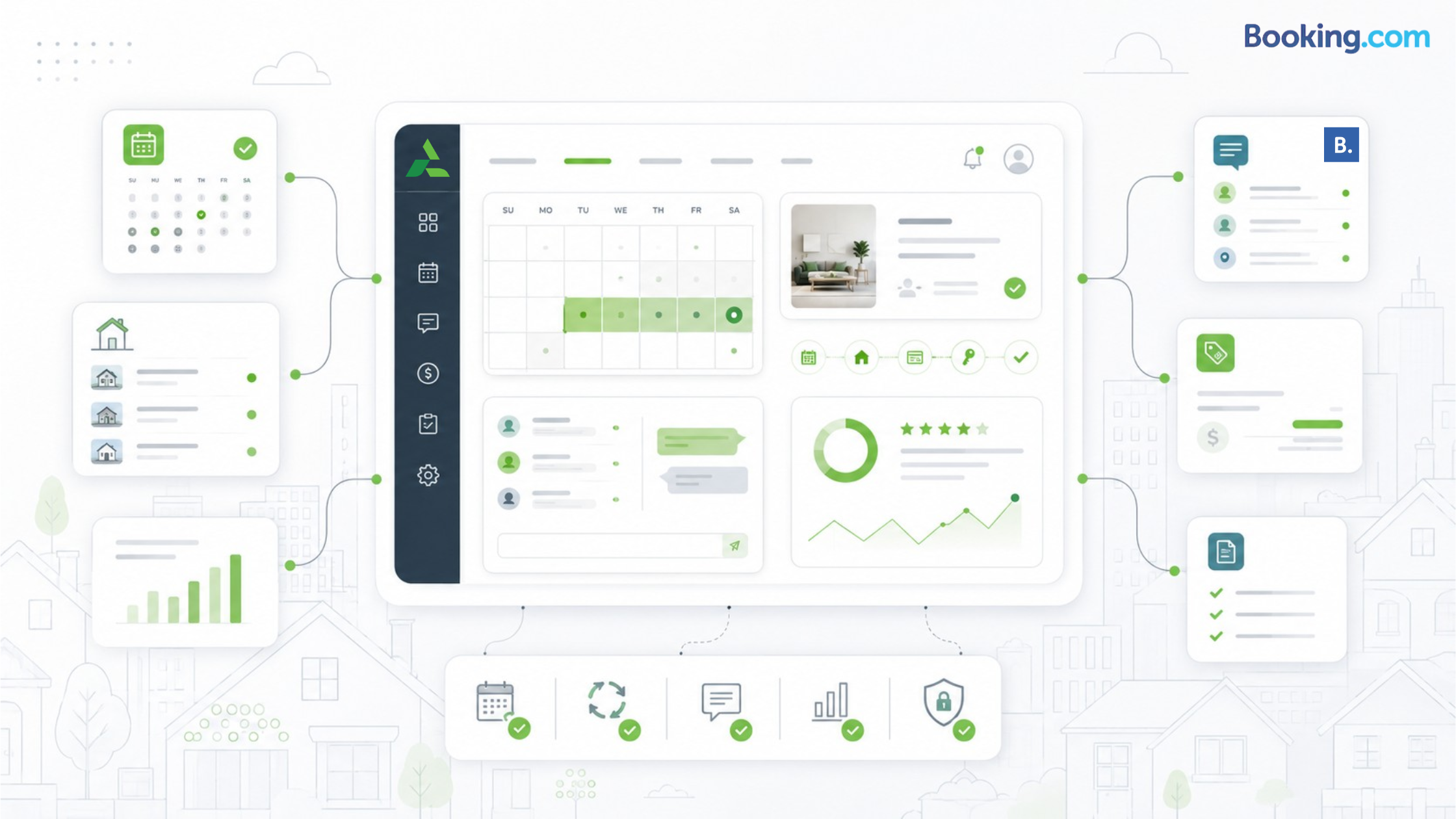
Booking.com property management gets risky when a listing starts receiving bookings before the calendar, pricing, and guest-message workflow are ready. A blocked Airbnb weekend can still appear open, a platform discount can undercut your rate, or a guest question can sit unanswered in a separate inbox.
The goal is not just to get listed on Booking.com. The goal is to manage Booking.com as part of a controlled distribution system so new demand does not create double bookings, pricing mistakes, or avoidable guest issues.
Booking.com property management means keeping your listing, calendar, rates, payments, guest messages, and verification tasks accurate after launch. The biggest mistakes are misclassifying the property, leaving unwanted dates open, letting rate rules conflict, missing family-friendly filters, and managing Booking.com separately from other booking channels.
Booking.com Property Management Quick Audit
Why Booking.com Management Breaks After Launch
Most operators focus on getting the listing live. That is only the first step.
Booking.com is a live distribution channel. Property type, photos, facilities, rate plans, availability, payment settings, and guest communication all affect how the listing performs after launch. Booking.com’s partner registration guidance says partners need to upload at least five high-resolution photos, with a minimum resolution of 1280 x 900 pixels, before moving forward with setup. Booking.com partner registration guidance
The mistake is assuming “open for bookings” means “ready to scale.” A live listing still needs recurring checks, especially if the same property is also listed on Airbnb, Vrbo, Expedia, or a direct booking site.
For a broader look at the tradeoff between reach and operational complexity, see Tokeet’s post on listing your vacation rental on multiple platforms.
Mistake 1: Choosing a Property Type Too Quickly
Property type is not a cosmetic setting. It shapes how guests understand the stay and how the property appears in filtered searches.
A private villa, apartment, hostel room, and alternative stay should not be treated as interchangeable. If the property is misclassified, the listing may attract poor-fit guests or miss travelers who are searching for the exact type of space you offer.
Before launch, ask: how will the guest actually stay here? Are they booking the whole home, a private apartment, a room, or a hotel-style accommodation? That answer should guide the category, room setup, occupancy details, and house rules.
Mistake 2: Treating Facilities Like Optional Details
Facilities are not just listing decorations. They are search filters.
For family travelers, the listing has to answer practical questions before the guest asks: Is there a crib? Is there parking? Can they cook? Is there laundry? Are there enough real beds for adults and children?
Booking.com has highlighted family bookers as an important vacation-rental segment, noting that they tend to book longer stays and are more likely to leave reviews than other traveler types. Booking.com family booker guidance
That matters because reviews help build trust. And trust is often what helps a traveler choose a vacation rental instead of a familiar hotel brand.
Mistake 3: Leaving Calendar Control to Manual Updates
Calendar errors are where Booking.com property management can become expensive.
A blocked owner stay, delayed cleaning window, maintenance repair, or Airbnb reservation can turn into a double booking if availability is not synced. The risk increases as soon as the same unit appears on multiple channels.
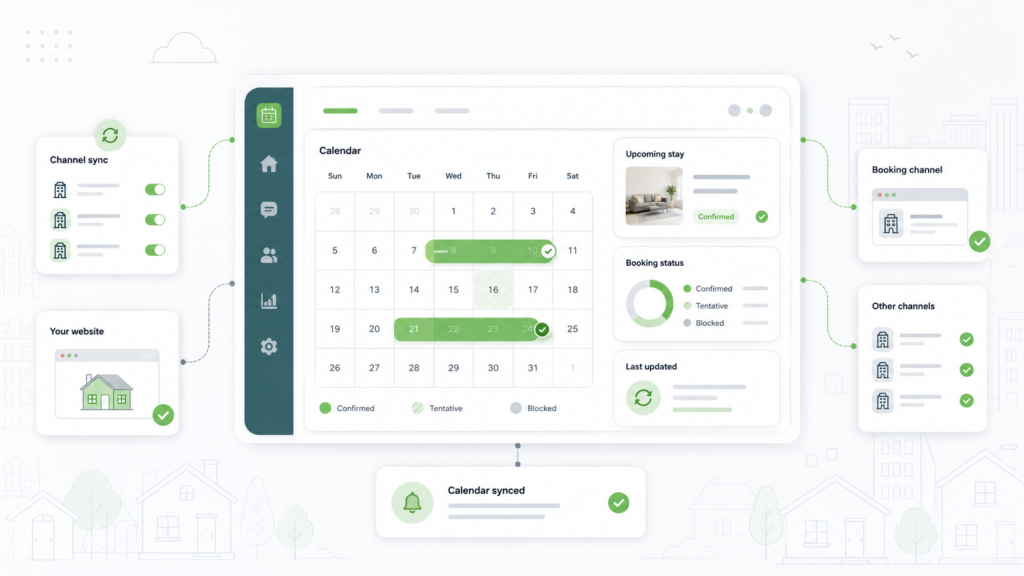
Centralized systems reduce this fragmentation. AdvanceCM is Tokeet’s latest channel manager, and it gives operators one place to review connected channels, availability changes, and reservation updates so Booking.com is not managed separately from Airbnb, Vrbo, or direct reservations.
If Booking.com is one of several channels, start with calendar control: sync Booking.com calendars with other channels.
Mistake 4: Letting Rate Plans Drift Away From Strategy
Booking.com pricing can become messy when base rates, flexible plans, non-refundable plans, weekly discounts, monthly discounts, and platform promotions are not reviewed together.
A fully flexible rate can work well for early planners who want cancellation options. A non-refundable rate can help capture value-focused guests. But both need guardrails, especially when you are also using dynamic pricing or changing rates across several platforms.
The key question is simple: which system owns the source rate?
If you cannot answer that, rate plans can start working against each other. Tokeet’s guide on Booking.com dynamic pricing and surprise discounts is a useful companion for reviewing pricing conflicts before they reach guests.
Before adding discounts or promotions, make sure your pricing workflow has one source of truth: adjust pricing with a revenue-management workflow.
Mistake 5: Managing Guest Messages in Separate Inboxes
A Booking.com guest asks about arrival time. An Airbnb guest asks where to park. A direct-booking guest needs a payment confirmation.
When those messages live in different dashboards, the team starts relying on memory. That is when check-in instructions get missed, cleaner updates do not reach the right person, and small guest questions become review problems.
A unified workflow does not need to make communication complicated. It needs to show the thread, booking source, status, and next action in one place.
Tokeet’s post on vacation rental mistakes that cost new hosts also points to guest communication as a common failure point.
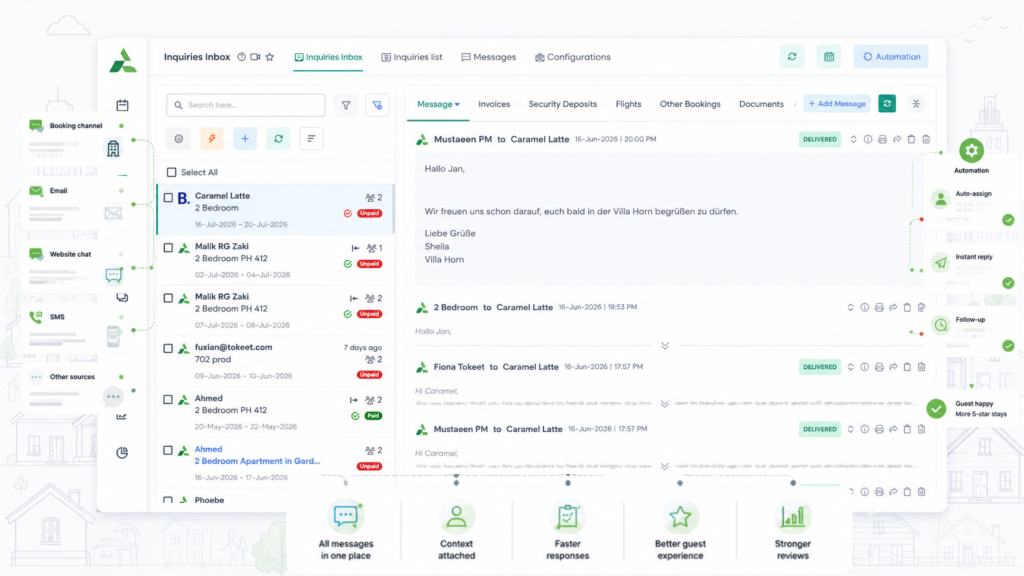
If your team checks multiple inboxes during turnover days, reduce the handoff risk: keep guest messages in one place.
A Step-by-Step Booking.com Property Management Workflow
Use this workflow before adding more units or increasing Booking.com availability.
- Confirm the property category. Match the setup to the real guest experience: entire home, apartment, room, hotel-style property, or alternative stay.
- Complete structured listing fields. Add facilities, room details, child settings, parking, WiFi, kitchen access, and house rules where Booking.com can use them as filters.
- Audit photos. Include exterior, interior, bedrooms, bathrooms, kitchen, views, amenities, and access points.
- Check your calendar window. Block owner stays, maintenance dates, staff gaps, and any dates that should not be sold.
- Connect your channel workflow. Use a channel manager or approved syncing method before scaling across Booking.com and other platforms.
- Review rate plans. Confirm flexible, non-refundable, weekly, monthly, and promotional rules so they do not undercut your pricing strategy.
- Set payment expectations. Know whether guests pay through Booking.com or directly, and make sure your team understands the payout and reconciliation workflow.
- Centralize guest communication. Route Booking.com messages into the same operational workflow as other guest channels.
- Verify the live listing. Preview the guest-facing page and search for the property the way a traveler would.
- Schedule recurring audits. Review availability, rates, message response gaps, photos, reviews, and family-friendly filters monthly.
Manual Booking.com Management vs. a Centralized Workflow
The goal is not to remove human judgment. The goal is to stop forcing humans to remember what the system should show them.
What to Fix First
Start with the mistakes that create the most operational damage.
- Calendar sync because double bookings create guest issues, refund risk, and staff disruption.
- Rate-plan conflicts because pricing mistakes can quietly reduce margin.
- Property classification because the wrong category can affect search fit and guest expectations.
- Guest message routing because missed replies often show up later as review problems.
- Family-ready listing fields because specific amenities help the property match higher-intent searches.
Once those five areas are stable, the rest of the listing becomes easier to improve.
Before scaling Booking.com across more listings, review the operational setup: see AdvanceCM and Booking.com best practices.
Where AdvanceCM Fits Without Turning the Post Into a Sales Page
AdvanceCM fits at the point where Booking.com becomes part of a larger operating system.
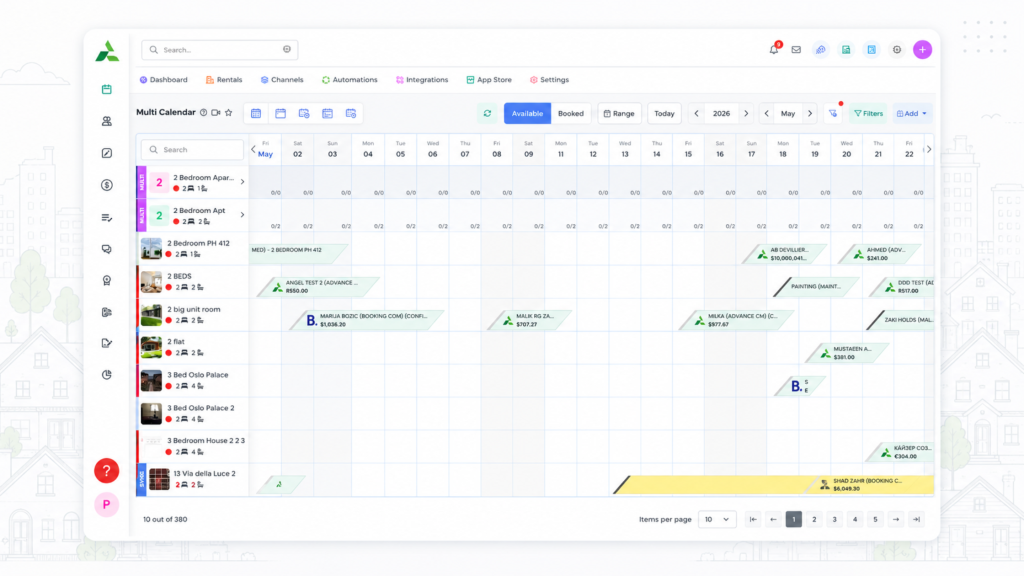
A single-property host may be able to log in to Booking.com manually every day. A manager with 10, 30, or 80 rentals usually cannot rely on manual checks without creating calendar, pricing, and message risks.
The workflow needs one place to see which channels are connected, which reservations changed, which guest thread needs action, and which dates should not be sold. That is the practical role of a channel manager: it turns more distribution into controlled distribution.
Conclusion
Booking.com property management is not about chasing every possible booking. It is about making sure the bookings you receive are accurate, profitable, and operationally safe.
The strongest workflow is simple: classify the property correctly, complete the filters guests use, protect the calendar, control rate plans, centralize messages, and review the live listing on a schedule. Once Booking.com becomes part of a connected system, more demand is easier to handle without turning daily operations into tab-switching.
Want to bring Booking.com into a more connected rental workflow? Explore AdvanceCM.
FAQs
- What is Booking.com property management?
Booking.com property management is the ongoing work of keeping listings, calendars, prices, policies, payments, and guest messages accurate on Booking.com. It starts at registration but continues through every rate change, booking, review, and operational handoff. - What is the biggest Booking.com mistake for vacation rentals?
The biggest mistake is treating Booking.com as a separate manual channel instead of part of a connected distribution workflow. That can lead to double bookings, pricing drift, unanswered guest messages, and weak visibility in filtered searches. - Do I need a channel manager for Booking.com?
You may not need one for a single property listed only on Booking.com. Once you list the same property across Booking.com, Airbnb, Vrbo, direct booking, or other channels, a channel manager helps reduce calendar and rate conflicts. - How can I improve Booking.com visibility?
Improve visibility by choosing the right property type, completing facility fields, adding strong photos, keeping availability accurate, and collecting better guest reviews. Family-friendly details such as cribs, kitchens, laundry, and room layouts can also help vacation rentals match more specific searches. - Can Booking.com help vacation rentals reach new guests?
Yes, Booking.com can expose vacation rentals to travelers who may start with hotel-style searches or broader trip planning. The upside is strongest when the listing is accurate, the calendar is controlled, and the guest experience is managed consistently.

Welcome to Tokeet’s Podcast — your trusted source for insights, trends, and strategies shaping the vacation rental industry. Each episode features expert interviews, data-driven analysis, and practical tips to help property managers grow their businesses, improve guest experiences, and stay ahead in a rapidly evolving market. Whether you’re new to short-term rentals or managing a large portfolio, tune in to stay informed and inspired.
David Emerson has run SurfBreak at Paunch, a four-property vacation rental business in Bocas del Toro, Panama, for 11 years.
In this episode, he walks through why he switched from Tokeet’s original app to AdvanceCM and what changed in his day-to-day booking management. We cover how AdvanceCM’s channel manager keeps every booking site in sync, so one reservation blocks the same dates everywhere else automatically.
David explains why live chat support has made the biggest difference for him, and how rate table updates became far simpler. He also shares his advice for other hosts weighing a channel manager, and his plan to grow from four properties to six over the next few years.
This is a real host’s account of what changed for his business, not a product pitch.
Key Takeaways:
✅ David switched from Tokeet’s original app to AdvanceCM for easier rate management across rooms and properties
✅ AdvanceCM’s channel manager syncs every booking site automatically, so one reservation blocks the same dates everywhere else
✅ Live chat support is the feature David says has made the biggest difference in his day-to-day
✅ His advice to other multi-property hosts: the time saved outweighs the cost of a channel manager
✅ David plans to grow SurfBreak at Paunch from four properties to six over the next few years
Related Links:
Company: https://www.tokeet.com/Blogs: https://www.tokeet.com/blog/Blog: Vacation Rental Channel Manager: How Surf Break at Paunch Runs Four Properties From One Screen 👉https://blog.tokeet.com/vacation-rental-channel-manager-case-study/
This is a public episode. If you would like to discuss this with other subscribers or get access to bonus episodes, visit podcast.tokeet.com