
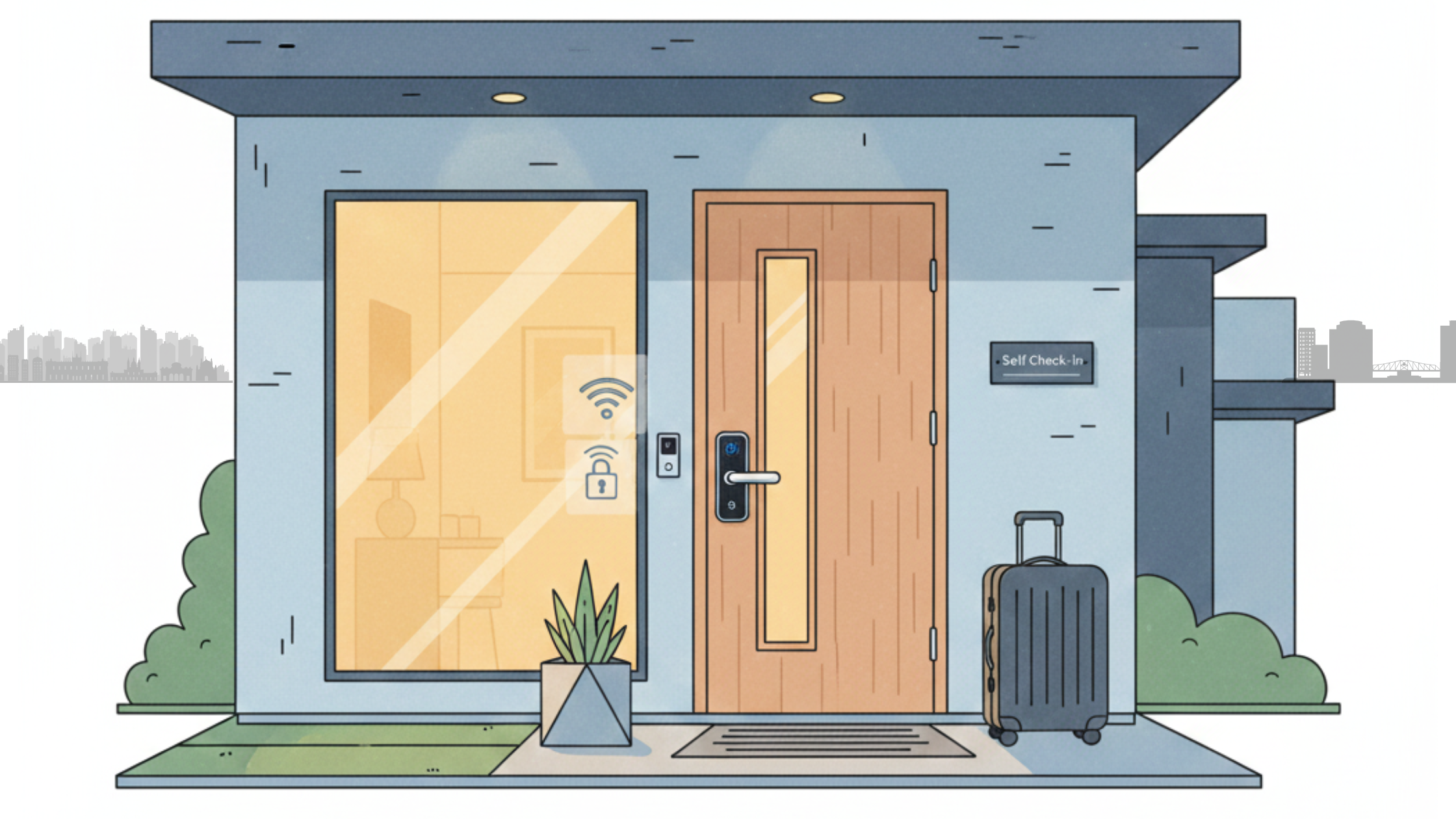
If you host guests today, you’ve probably noticed that self check in for vacation rentals has quietly become the default. Guests love skipping key handoffs after a long travel day, and hosts love not waiting around in driveways. At the same time, it’s normal to worry about tech breaking, guests getting confused, or losing that personal touch. The reality is that with a simple system, self-check-in becomes one of the easiest wins in your entire operation.
This guide breaks down self-check-in for vacation rentals into three parts and shows how a vacation rental smart lock fits into the bigger picture. You’ll see how experienced hosts set up their locks, write guest messages that actually get read, and handle the rare times something goes wrong. We’ll also look at how to tweak your system as you grow and learn from other hosts instead of reinventing the wheel. And if you’re juggling multiple listings, tools like AdvanceCM can help you keep all that guest communication under control as you scale.
Why Self Check In for Vacation Rentals Has Become the Norm
Hosts who’ve been using self-check-in for vacation rentals for years usually say the same thing: once you switch, you don’t want to go back. Guests can arrive late, delayed, or tired and still go straight inside without coordinating meetups. Many of those same hosts choose self-check-in when they travel because it feels less stressful and more modern. You’re simply matching what today’s guests already expect.
On the host side, this approach gives you your time back. You’re not racing across town for a 7 p.m. arrival that becomes 9:30 p.m. because of traffic. You handle fewer “We’re here; where do we go? ” calls and can manage arrivals through messaging instead. If you’re active on more than one platform, pulling all those conversations into something like AdvanceCM Unified Inbox makes it even easier to keep track of who is arriving when.
How It Feels to Guests
From the guest perspective, the ideal arrival is simple: park, punch in a code, exhale. Travel sites like Travel + Leisure consistently highlight smooth, flexible arrival as part of a great stay experience. When check-in is easy, guests start the trip in a good mood, and that carries into the rest of their review.
Choosing and Setting Up Your Vacation Rental Smart Lock
A vacation rental smart lock with a keypad is the hardware backbone of your system. It lets guests enter with a code while you control access from your phone or laptop. This is where self-check-in for vacation rentals stops being a theory and becomes real: no more lost keys, no more rekeying between guests. Brands like Schlage and Yale are popular because they’ve been tested by hosts for years and tend to be reliable.
When you install your vacation rental smart lock, think like a guest arriving at night with luggage in one hand and a phone in the other. Make sure the keypad is well lit, easy to see, and mounted at a comfortable height. Test every new code from the outside before each arrival. A quick annual battery change and occasional test press are usually all it takes to keep things running smoothly.
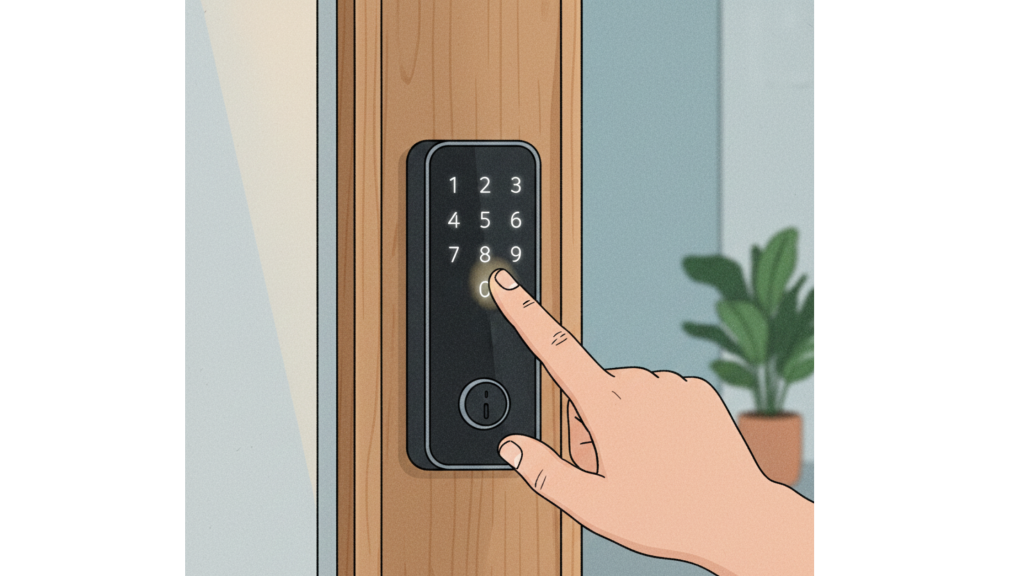
A simple keypad code on a vacation rental smart lock replaces in-person key handoffs.
Smart Code Strategy That Keeps You in Control
Use unique, time-limited codes per booking instead of one permanent code. Most vacation rental smart lock systems let you schedule codes to start at check-in and expire at check-out so you’re not chasing guests after they leave. For last-minute or extended stays, you can simply adjust the code window from your app instead of driving over with a spare key.
Guest Messaging That Makes Self Check In for Vacation Rentals Feel Easy
Even the best tech can’t fix confusing instructions. Your job is to write messages that a tired traveler can skim quickly and still find the property, the keypad, and the bedroom without stress. Short paragraphs, clear headings, and a couple of photos (or a 60-second video) do more than long blocks of text. Make it feel like you’re walking them from the street to the sofa.
Most hosts do well with three core messages that support self check in for vacation rentals: booking confirmation, pre-arrival, and day-of arrival. The confirmation sets expectations and mentions that you use a vacation rental smart lock. The pre-arrival message (3–7 days before) delivers the code, directions, parking info, and any “day one” rules. The day-of message is a short reminder so guests don’t have to scroll back through a long thread.
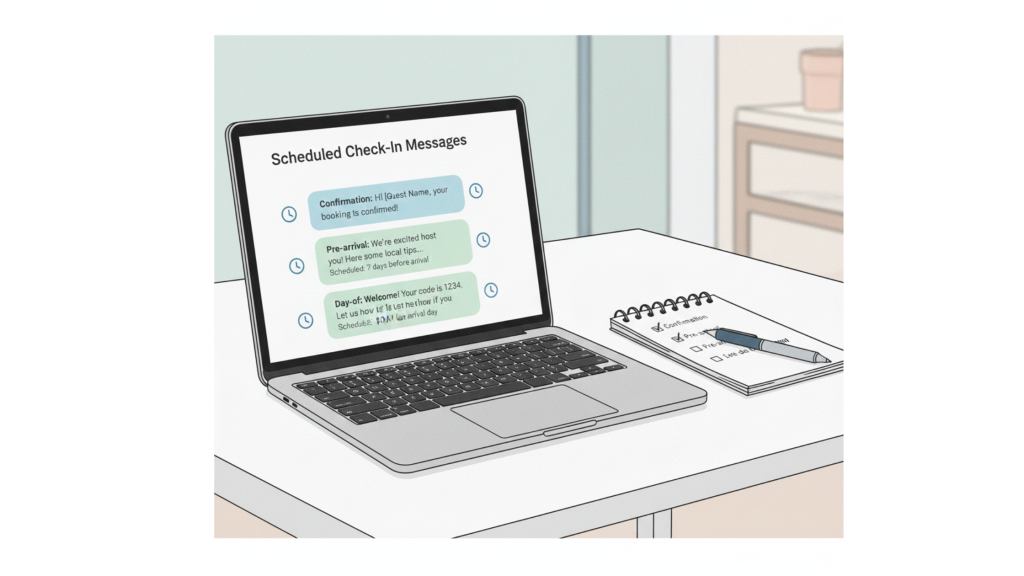
Clear, automated messages support self check in by giving guests everything they need before arrival.
Your Three Core Messages
Your confirmation message should briefly explain that you use self check in, share the standard arrival window, and promise full instructions closer to the stay. The pre-arrival and day-of messages should be easy to scan on a phone and include a clear subject line like “Tomorrow’s check-in details” so guests know exactly what to open.
Backup Plans When Self Check In for Vacation Rentals Goes Wrong
Tech fails sometimes, and you’ll eventually see user error too. That doesn’t mean self-check-in for vacation rentals is risky, it just means you need simple backup plans. Hardware problems include dead batteries or a keypad that stops responding. User issues are usually smaller: guests standing at the wrong door, entering the code too slowly, or not pressing the final button.
Your first safety net is a physical backup. Keep a key in a secure lockbox away from the main door and only share that location if the keypad truly fails. It also helps to have a local contact who can stop by in a pinch, whether that’s a co-host, a cleaner, or a handyman. Travel resources like Lonely Planet consistently recommend responsive, reachable hosts, and a simple backup plan is a big part of that.
Key Backups and Local Help
Write down your backup process in your internal notes so anyone on your team can help if there’s a problem. Make it clear who holds a physical key, who can approve sharing the lockbox location, and how quickly they’re expected to respond if a guest is stuck outside.
Scaling Your System and Learning From Other Hosts
Once you’ve nailed self-check-in for vacation rentals at one property, scaling to more is mostly about standardization. Pick one lock model, one basic set of instructions, and a simple message schedule, then tweak for each property’s quirks. The more you reuse, the easier it is to keep everything consistent and train cleaners or co-hosts.
As you add listings, track a few simple signals: how often guests mention easy check-in in reviews, how many arrival-time messages you handle, and how often cleaners report access issues. These patterns tell you where your system needs polish. When you’re ready to apply the same setup across multiple properties and channels, checking AdvanceCM Pricing helps you see which level of automation fits your operation.
💬Before you overhaul your setup, read what other hosts are saying in Reddit community.
Conclusion
A solid vacation rental smart lock, clear guest messages, and a simple backup plan are all you really need to make arrivals boring, in the best possible way. When self-check-in for vacation rentals runs smoothly, you get fewer late-night calls and more reviews that mention “easy check-in” without you doing any extra work. Start with one improvement this week: upgrade the lock, tighten your pre-arrival message, or add a proper backup key plan. Over time, those small changes add up to a calmer, more scalable hosting business.
FAQs
Q: Is self-check-in safe for my property and guests?
A: Yes, it can be safer than physical keys because access codes can be changed between stays. Combine it with good lighting, sturdy doors, and clear house rules to keep everyone comfortable.
Q: What if my guests aren’t good with technology?
A: Most guests can handle entering a short code, especially with simple instructions and photos. Focus on clear directions and keep steps to a minimum.
Q: How early should I send my check-in instructions?
Sending full instructions three to seven days before arrival works well for most stays. A short reminder on the day of arrival keeps the code and directions at the top of their inbox.
Q: Do I still need to greet guests in person sometimes?
A: You don’t have to, but you can if it fits your style or property. Many hosts let guests arrive on their own and then send a quick message later to check how everything feels.
Q: What’s the first step if I want to switch from keys to codes?
A: Choose a reliable vacation rental smart lock that fits your door and budget, then test it thoroughly as if you were a guest. Once you’re confident it works well, update your listing and messages to explain the new self-check-in process clearly.

Welcome to Tokeet’s Podcast — your trusted source for insights, trends, and strategies shaping the vacation rental industry. Each episode features expert interviews, data-driven analysis, and practical tips to help property managers grow their businesses, improve guest experiences, and stay ahead in a rapidly evolving market. Whether you’re new to short-term rentals or managing a large portfolio, tune in to stay informed and inspired.
Some days just don’t work for a guest arrival, whether it’s a holiday, a maintenance window, or a turnover day your team can’t cover. This episode walks through check-in and check-out restrictions, the most requested feature in AdvanceCM, now live in the Rentals module. You’ll hear how to block arrivals or departures for a date range, such as December 24 to 26, and how to allow check-ins only on the weekdays you choose. We also cover channel-specific rules, like keeping Airbnb to Friday and Saturday arrivals while direct bookings stay open through Sunday. Finally, we explain what to check before switching rules on, from existing reservations to sync time and visibility on booking sites.
Key Takeaways:
✅ Block check-ins or check-outs for any date range
✅ Limit arrivals to the weekdays you choose
✅ Set different rules for each booking channel
✅ Existing reservations stay unchanged
✅ More restrictions mean fewer guests can book, so review rules each season
Related Links:
Company: https://www.tokeet.com/Blogs: https://www.tokeet.com/blog/Blog: Check-in and Check-out Restrictions: How to Set Them in AdvanceCM 👉 https://blog.tokeet.com/check-in-and-check-out-restrictions/
This is a public episode. If you would like to discuss this with other subscribers or get access to bonus episodes, visit podcast.tokeet.com


