

Rental calendar problems have become one of the biggest frustrations for vacation rental hosts in 2025. What should be a simple task, managing availability and bookings, has turned into a daily headache for property managers dealing with clunky interfaces, disappearing features, and technical bugs that block legitimate bookings.
The calendar is the backbone of your vacation rental business. When it doesn’t work properly, everything suffers. You waste time fighting with complicated interfaces, lose revenue from booking errors, and risk disappointing guests when availability doesn’t sync correctly. Recent platform updates have made these issues worse, not better, leaving hosts scrambling for solutions.
This guide breaks down the most common rental calendar problems hosts face today, explains why calendar usability problems impact your bottom line, and shows you what reliable calendar management actually looks like.
The Reality of Calendar Usability Problems for Vacation Rental Hosts
Calendar usability problems have escalated from minor annoyances to serious operational challenges. Many hosts report that recent platform changes have made basic calendar tasks unnecessarily complicated. Previously, a single click now necessitates navigating through multiple screens, and features that hosts once relied on have vanished completely.
The impact extends beyond frustration. Time wasted on calendar management is time not spent improving guest experiences or growing your business. For hosts managing multiple properties, these inefficiencies multiply quickly.
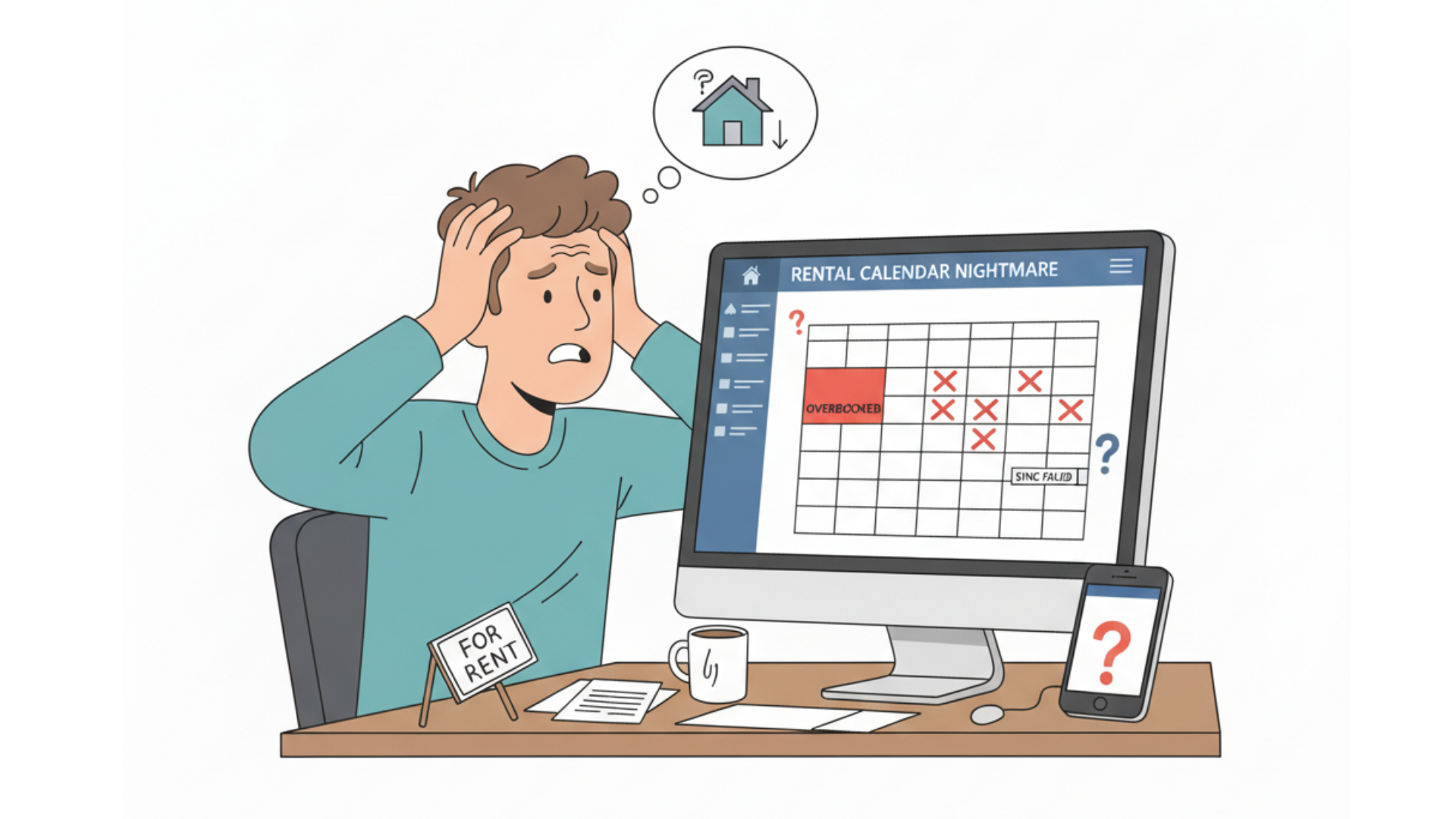
Messy Interfaces That Waste Your Time
Modern calendar interfaces have become cluttered and confusing. Hosts describe needing to hunt for basic functions that should be immediately accessible. Simple tasks like blocking dates or adjusting availability now require clicking through layers of menus.
The design problems aren’t just aesthetic. They slow down your workflow and increase the chance of errors. When you’re managing bookings across multiple properties, every extra click adds up to hours of wasted time each month.
Features That Disappear Without Warning
One of the most frustrating aspects of calendar usability problems is the removal of essential features without notice. Hosts build their workflows around specific calendar functions, only to find them relocated or eliminated entirely in the next update. The notes feature, critical for tracking personal stays, family bookings, and off-platform reservations, was removed from blocked date views on major platforms. This forced hosts to develop workarounds for something that previously worked perfectly. Many believe these changes are deliberate attempts to discourage off-platform bookings rather than genuine improvements to user experience.
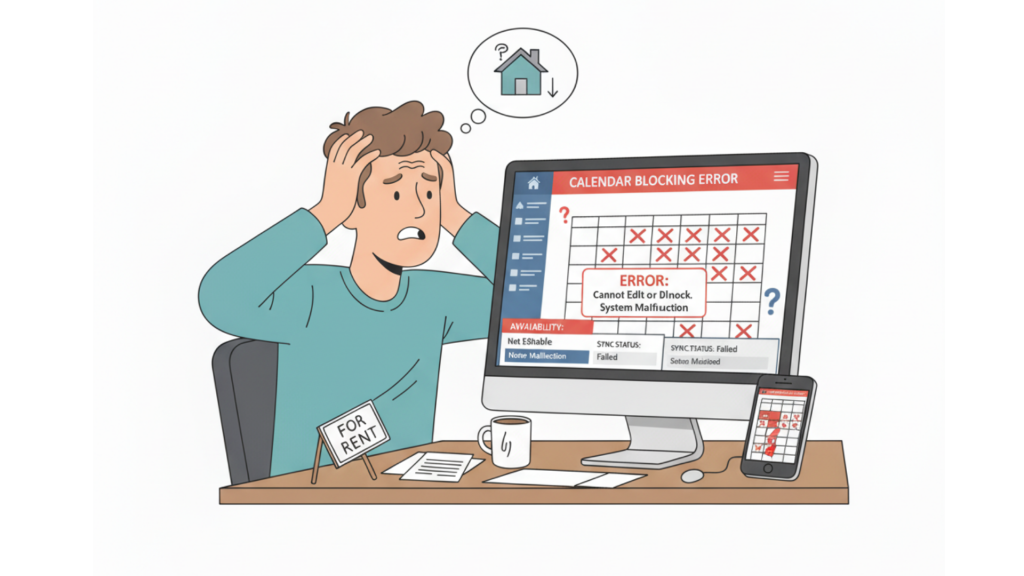
Technical Bugs That Block Your Bookings
Beyond usability issues, rental calendar problems include recurring technical bugs that directly impact your ability to accept bookings. These aren’t occasional glitches, they’re persistent errors that hosts report across multiple properties and accounts. The consequences range from lost revenue to complete inability to manage listings.
The Minimum Stay Error That Won’t Go Away
Hosts consistently report a bug where calendars incorrectly flag dates as unavailable due to a “30-day minimum stay” requirement, even when settings are configured correctly. This error persists despite hosts verifying their minimum stay settings multiple times.
The bug creates phantom unavailability that blocks legitimate bookings. Guests see dates as unavailable when they should be open, and hosts have no clear way to correct the problem. Some hosts report the error appearing and disappearing randomly, making it impossible to trust their calendar displays.
Date Blocking Failures That Cost You Money
The ability to block dates for maintenance, personal use, or off-platform bookings is fundamental to calendar management. But blocking features frequently malfunction, preventing hosts from controlling their own availability. One host reported being unable to block dates for their experience listing, receiving an error message stating “you can’t do it all day because it’s later than current time”, even when attempting to block future dates. The error was so persistent they had to delist the entire experience.
These failures create impossible situations. You need to block dates but can’t. Guests can book when they shouldn’t be able to. Your calendar shows availability that doesn’t exist. The AdvanceCM channel manager was built specifically to eliminate these synchronization issues across all your booking platforms.
The Missing Notes Feature Problem
The removal of calendar notes from blocked dates represents one of the most widely criticized changes in recent platform updates. This seemingly small feature removal has created significant workflow disruptions for hosts who relied on notes to track why specific dates were blocked.
Why Calendar Notes Matter for Your Business
Calendar notes served multiple essential functions that hosts struggle to replicate after their removal:
- Personal booking tracking: Recording when family or friends were staying
- Maintenance scheduling: Notes about repairs or deep cleaning
- Off-platform reservations: Tracking direct bookings made outside the platform
- Revenue optimization: Reminders about why certain dates commanded premium pricing
Without calendar notes, hosts must maintain separate systems to track this information. According to research from Phocuswright on vacation rental technology trends, fragmented workflows reduce operational efficiency by up to 35% for property managers.
The note feature removal appears deliberate. Many hosts believe platforms eliminated this functionality specifically to discourage off-platform bookings and force all transactions through their systems, regardless of the operational burden this places on hosts.
The Business Impact of Calendar Usability Problems
Calendar usability problems aren’t just annoying, they cost you real money. The time spent fighting with buggy interfaces, working around missing features, and fixing synchronization errors adds up quickly. For property managers with larger portfolios, these inefficiencies can consume hours every week.
Time Costs That Add Up Fast
Consider the time sink of calendar management issues. If calendar problems waste just 15 minutes per property per week, a host with 10 properties loses 2.5 hours weekly—over 130 hours annually. At a conservative value of $50 per hour of your time, that’s $6,500 in lost productivity. The Automata workflow automation platform helps property managers reclaim this time through intelligent calendar automation.
Revenue Leaks from Calendar Errors
Calendar bugs create multiple revenue problems:
- Missed bookings: Dates showing as unavailable when they’re actually open
- Double bookings: Synchronization failures creating conflicts
- Pricing errors: Rates not updating correctly across platforms
- Guest complaints: Confusion over availability leading to cancellations
Research from STR on vacation rental performance metrics shows that calendar management errors can reduce annual revenue by 8-12% through missed opportunities and booking conflicts. For a property generating $50,000 annually, that’s up to $6,000 in lost revenue.
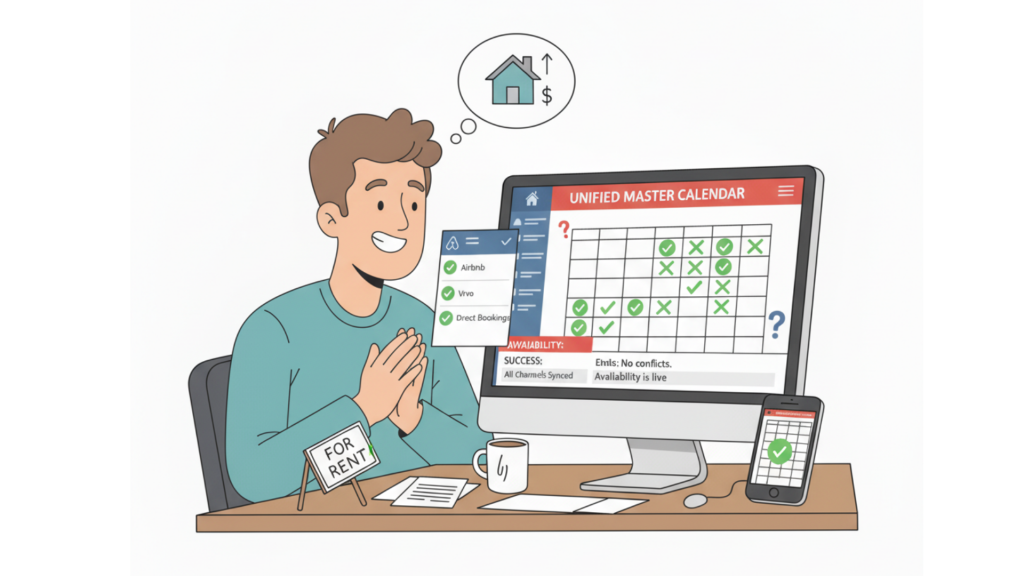
What Property Managers Really Need in Calendar Management
Effective calendar management requires specific features that prioritize reliability over constant changes. Hosts need tools that work consistently, sync accurately, and include the functionality essential for day-to-day operations.
Reliable Features That Don’t Disappear
The ideal calendar management system includes:
- Stable note-taking: Permanent ability to annotate blocked dates with reasons and details
- Reliable blocking: Date blocking that works every time without error messages
- Accurate synchronization: Real-time updates across all booking channels
- Intuitive interface: Clean design that makes common tasks easy to complete
These aren’t luxury features, they’re basic requirements for professional property management. AdvanceCM delivers these fundamentals with a unified calendar that manages unlimited properties without the bugs and feature removals plaguing major booking platforms.
Intuitive Design That Saves Time
User-friendly calendar management means accomplishing tasks with minimal clicks. You should be able to block dates, add notes, adjust pricing, and review bookings without navigating through complicated menu structures. The interface should present the information you need when you need it, not force you to hunt for basic functions. Well-designed calendar systems reduce the time spent on administrative tasks and increase the time available for revenue-generating activities. With transparent pricing starting at just a fraction of enterprise solutions, property managers can access professional-grade calendar management without breaking the budget.
💬 Dealing with rental calendar problems yourself? Join the conversation on Reddit and share what calendar issues frustrate you most!
Take Control of Your Calendar Management
Rental calendar problems don’t have to be part of your daily routine. The issues hosts face, buggy interfaces, disappearing features, technical errors, stem from platforms prioritizing their interests over yours. You deserve calendar management that works reliably, includes the features you need, and doesn’t change arbitrarily with each update.
Professional property management software gives you control over your calendar without the frustrations of platform-dependent tools. Stop wasting hours fighting with calendar bugs and start managing your properties efficiently.
FAQs
Q: What’s the most common technical bug hosts experience with rental calendars?
A: The “30-day minimum stay” error is widely reported, where calendars incorrectly show dates as unavailable even when minimum stay settings are configured correctly. This phantom unavailability blocks legitimate bookings.
Q: Why did major platforms remove the calendar notes feature?
A: While platforms haven’t officially explained the removal, many hosts believe it was deliberate to discourage off-platform bookings and force all transactions through the platform’s system, even though this disrupts standard property management workflows.
Q: How do calendar usability problems impact revenue?
A: Calendar issues reduce revenue through missed bookings (dates showing unavailable when open), double bookings from sync failures, pricing errors, and guest complaints. Industry research suggests these problems can reduce annual revenue by 8-12%.
Q: What calendar features are essential for managing multiple properties?
A: Critical features include reliable date blocking, note-taking for blocked dates, real-time synchronization across booking channels, intuitive interfaces for quick tasks, and stable functionality that doesn’t change with platform updates.
Q: Are there alternatives to platform-native calendar tools?
A: Yes. Professional property management systems offer dedicated calendar management with features specifically designed for vacation rentals. These platforms provide unified calendars that sync across all booking channels without the bugs and arbitrary changes of platform-native tools.

Welcome to Tokeet’s Podcast — your trusted source for insights, trends, and strategies shaping the vacation rental industry. Each episode features expert interviews, data-driven analysis, and practical tips to help property managers grow their businesses, improve guest experiences, and stay ahead in a rapidly evolving market. Whether you’re new to short-term rentals or managing a large portfolio, tune in to stay informed and inspired.
Some days just don’t work for a guest arrival, whether it’s a holiday, a maintenance window, or a turnover day your team can’t cover. This episode walks through check-in and check-out restrictions, the most requested feature in AdvanceCM, now live in the Rentals module. You’ll hear how to block arrivals or departures for a date range, such as December 24 to 26, and how to allow check-ins only on the weekdays you choose. We also cover channel-specific rules, like keeping Airbnb to Friday and Saturday arrivals while direct bookings stay open through Sunday. Finally, we explain what to check before switching rules on, from existing reservations to sync time and visibility on booking sites.
Key Takeaways:
✅ Block check-ins or check-outs for any date range
✅ Limit arrivals to the weekdays you choose
✅ Set different rules for each booking channel
✅ Existing reservations stay unchanged
✅ More restrictions mean fewer guests can book, so review rules each season
Related Links:
Company: https://www.tokeet.com/Blogs: https://www.tokeet.com/blog/Blog: Check-in and Check-out Restrictions: How to Set Them in AdvanceCM 👉 https://blog.tokeet.com/check-in-and-check-out-restrictions/
This is a public episode. If you would like to discuss this with other subscribers or get access to bonus episodes, visit podcast.tokeet.com


