

You receive a booking request for a six-night stay. No greeting, no questions, and zero communication from the potential guest. You message them twice about a critical property detail, like your missing kitchen, and hear nothing back. Do you accept blindly, decline and risk a penalty, or let it expire and hope for the best?
This scenario plays out thousands of times daily across vacation rental platforms. And hosts are getting wildly conflicting advice about what happens next.
What Actually Happens When a Booking Request Expires
An expired booking request occurs when the platform’s time limit runs out before either the host accepts or the guest responds. Most platforms give hosts 24 hours to respond. When that window closes without action, the request expires automatically.
Here’s the key difference: declining is an active choice you make through the platform interface. Expiring is a passive timeout where neither party takes action. Many hosts believe this distinction matters for their metrics, but platform policies remain frustratingly unclear.
The Approval Rate Controversy
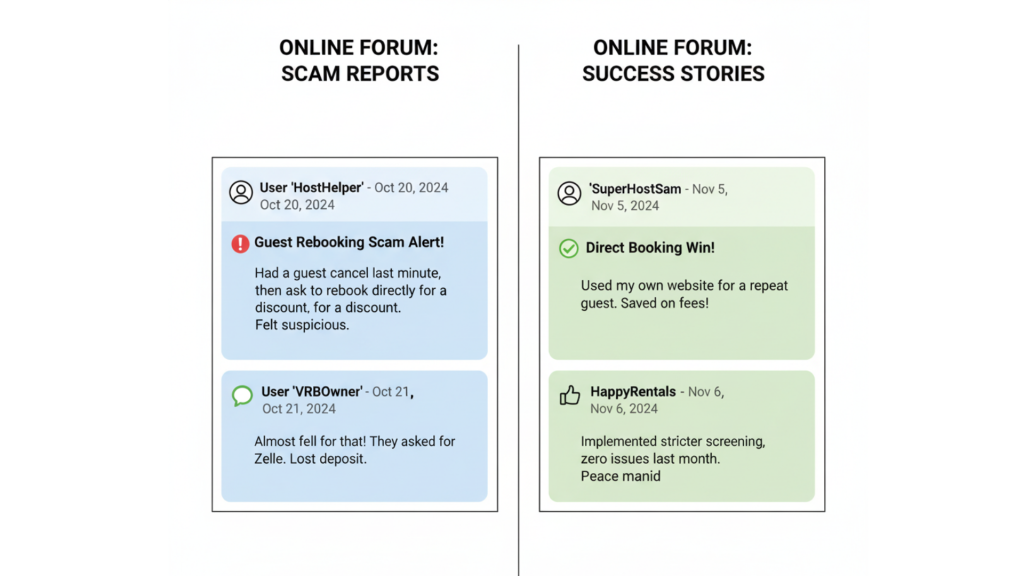
Visit any vacation rental host forum and you’ll find two completely opposite camps on expired booking requests. Some hosts swear expired requests are harmless, while others warn they’ve lost their accounts over this exact issue.
What Hosts Are Reporting
The vacation rental community is deeply divided on this issue. Experienced hosts on both sides offer completely different accounts based on their personal experiences. Here’s what they’re actually saying:
The “no penalty” perspective:
- “You’re good since you didn’t decline it”, treating expiration as neutral
- “Nothing happens”, claiming zero impact on metrics
- “Only penalized if you’re the one not responding”, distinguishing host silence from guest silence
The “severe penalty” warnings:
- “They hold not responding against you in terms of approval rate”, direct metric impact
- “Expired requests DO COUNT AGAINST YOU”, emphatic warnings
- “I was recently purged from the platform”, account removal attributed to expired requests
This contradiction forces hosts to make high-stakes decisions based on rumor instead of clear policy.
Understanding Your Host Metrics
Most vacation rental platforms track several performance indicators that determine your search ranking and visibility. These metrics are interconnected, and a drop in one often affects the others. Understanding what each metric measures helps you make informed decisions.
Here’s what platforms track:
- Approval rate: Percentage of booking requests you accept out of all requests received
- Response rate: How consistently you reply to messages within 24 hours
- Response time: Average speed of your replies
- Acceptance rate: Similar to approval rate but may include inquiry conversions
A high approval rate signals you’re an accessible host and directly affects your search ranking. But these metrics don’t account for guest quality, safety concerns, or unclear booking details.
Why Hosts Let Requests Expire
Hosts who let requests expire aren’t difficult. They’re making calculated risk management decisions based on hard-won experience. The strategy serves three purposes: screening out problematic guests, preventing negative reviews from misunderstandings, and establishing communication before committing.
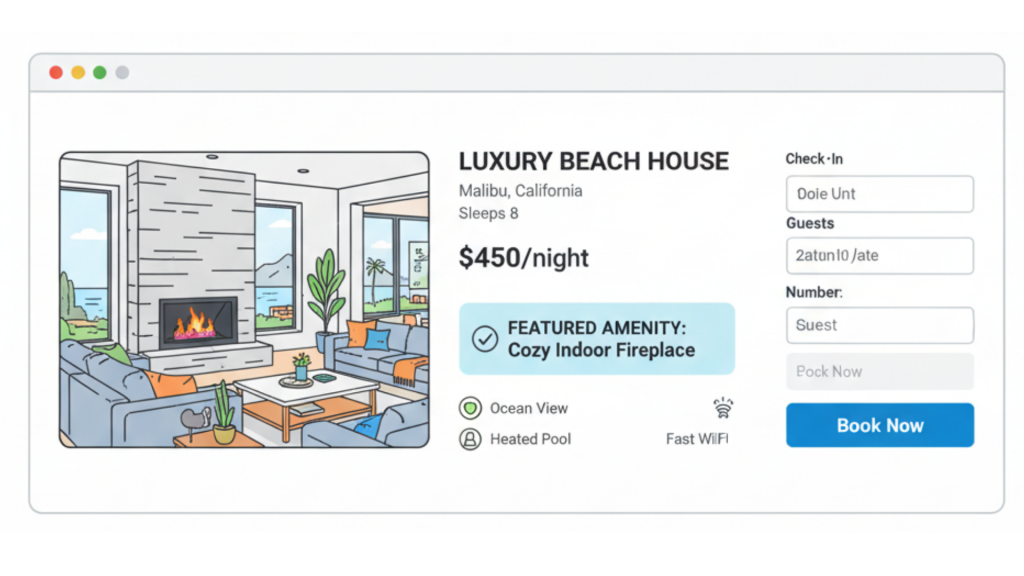
Consider a guest booking six nights without questions. Your property clearly states “no kitchen,” but experience teaches you guests don’t read carefully. You message twice asking for confirmation. Silence. Now you face a choice: accept and risk a scathing review when they arrive expecting a full kitchen, or let it expire and possibly hurt your metrics.
The 5% Problem Guest Factor
One host who requires guests to provide their name before approval reports that roughly 5% of potential guests disappear when asked. Their conclusion? “I figure I dodged a bullet if they won’t give me their name.”
That 5% reveals something important about booking request quality. Not every inquiry comes from a serious, prepared guest. The hosts who screen for responsiveness are filtering out potential problems, but they’re doing it manually, message by message. This approach doesn’t scale.
Better Alternatives to Manual Screening
The expired request dilemma exists because hosts are solving an automation problem with manual effort. You need to vet guests and confirm critical details without spending hours messaging or risking platform penalties. Modern property management systems solve this through automated pre-booking communication workflows.
AdvanceCM offers tools specifically designed to handle this workflow, maintaining your response rate while accomplishing your vetting goals.
How Automated Workflows Function
Automation transforms booking request processing from a manual task into a background operation. When set up correctly, your system handles guest vetting while you focus on other aspects of your business. The result is faster response times, better screening, and zero expired requests.
Here’s what happens with automation:
- Instant acknowledgment: An automated reply is sent within seconds, protecting your response rate.
- Detail confirmation: Message highlights commonly misunderstood features like missing kitchens or parking limitations
- Information collection: The system requests necessary details like full names and arrival times.
- Follow-up sequences: Automated reminders go out if guests don’t respond.
- Documentation trail: Every interaction is logged for platform compliance.
The Unified Inbox centralizes all guest communication, while Autopilot handles workflows automatically. Guests who are genuinely interested respond. Those who didn’t read the listing withdrew their request. You’ve screened effectively without manually typing messages.
Protecting Your Business
The best approach combines automation with smart policy decisions. Don’t rely on expired requests as your screening method—it’s too passive and carries unknown risks. Instead, respond quickly with automated messages that accomplish your vetting goals.
According to research from Transparent, property managers who implement automated guest communication see up to 35% fewer booking issues. The Vacation Rental Management Association reports that clear pre-booking communication prevents negative reviews.
Keep complete records showing you shared critical property details through the platform’s messaging system. When guests acknowledge important information like missing amenities, that confirmation becomes valuable documentation. For properties with commonly misunderstood features, consider using a direct booking website where you control the entire booking flow.
Check out pricing options that scale with your property count to find the right automation solution.
📢 Other hosts are discussing their booking request strategies, join the conversation on Reddit to share what’s worked for you.
Conclusion
The expired booking request controversy reveals a larger issue: hosts shouldn’t have to choose between protecting their business and maintaining platform metrics. With the right automation tools, you can screen guests effectively, prevent misunderstandings, and respond professionally, all without manual effort or metric anxiety.
Your approval rate matters, but so do guest quality and review protection. The solution isn’t gaming the system or accepting problematic bookings. It’s implementing workflows that accomplish both goals simultaneously.
FAQs
Q: Does letting a booking request expire hurt my approval rate?
A: Platform policies vary and aren’t always transparent. Most hosts report that expired requests either don’t affect approval rate or have minimal impact compared to actively declining. However, your response rate, how quickly you reply to messages, definitely matters. The safest approach is responding promptly to all requests.
Q: How can I screen guests without declining or letting requests expire?
A: Use automated inquiry responses that share critical property details and collect necessary information immediately. This approach maintains your response rate while effectively vetting guests. Guests who aren’t suitable will often withdraw their request themselves once they have complete information.
Q: What’s the difference between approval rate and response rate?
A: Approval rate measures the percentage of booking requests you accept versus decline. Response rate tracks how consistently and quickly you reply to messages within the platform’s timeframe (usually 24 hours). Both affect your search ranking, but response rate is typically weighted more heavily.
Q: Should I accept all booking requests to maintain my approval rate?
A: No. Accepting problematic bookings to preserve metrics can lead to negative reviews, property damage, or difficult guest situations—all of which hurt your business more than a lower approval rate. Focus on clear communication and legitimate reasons for declining when necessary.
Q: What are signs that a booking request might be problematic?
A: Red flags include zero communication or questions despite unusual property features, requests that don’t match your property’s stated capacity or purpose, guests who don’t respond to clarifying questions, and inquiries that seem to ignore clearly stated policies or limitations in your listing.

Welcome to Tokeet’s Podcast — your trusted source for insights, trends, and strategies shaping the vacation rental industry. Each episode features expert interviews, data-driven analysis, and practical tips to help property managers grow their businesses, improve guest experiences, and stay ahead in a rapidly evolving market. Whether you’re new to short-term rentals or managing a large portfolio, tune in to stay informed and inspired.
Some days just don’t work for a guest arrival, whether it’s a holiday, a maintenance window, or a turnover day your team can’t cover. This episode walks through check-in and check-out restrictions, the most requested feature in AdvanceCM, now live in the Rentals module. You’ll hear how to block arrivals or departures for a date range, such as December 24 to 26, and how to allow check-ins only on the weekdays you choose. We also cover channel-specific rules, like keeping Airbnb to Friday and Saturday arrivals while direct bookings stay open through Sunday. Finally, we explain what to check before switching rules on, from existing reservations to sync time and visibility on booking sites.
Key Takeaways:
✅ Block check-ins or check-outs for any date range
✅ Limit arrivals to the weekdays you choose
✅ Set different rules for each booking channel
✅ Existing reservations stay unchanged
✅ More restrictions mean fewer guests can book, so review rules each season
Related Links:
Company: https://www.tokeet.com/Blogs: https://www.tokeet.com/blog/Blog: Check-in and Check-out Restrictions: How to Set Them in AdvanceCM 👉 https://blog.tokeet.com/check-in-and-check-out-restrictions/
This is a public episode. If you would like to discuss this with other subscribers or get access to bonus episodes, visit podcast.tokeet.com


