
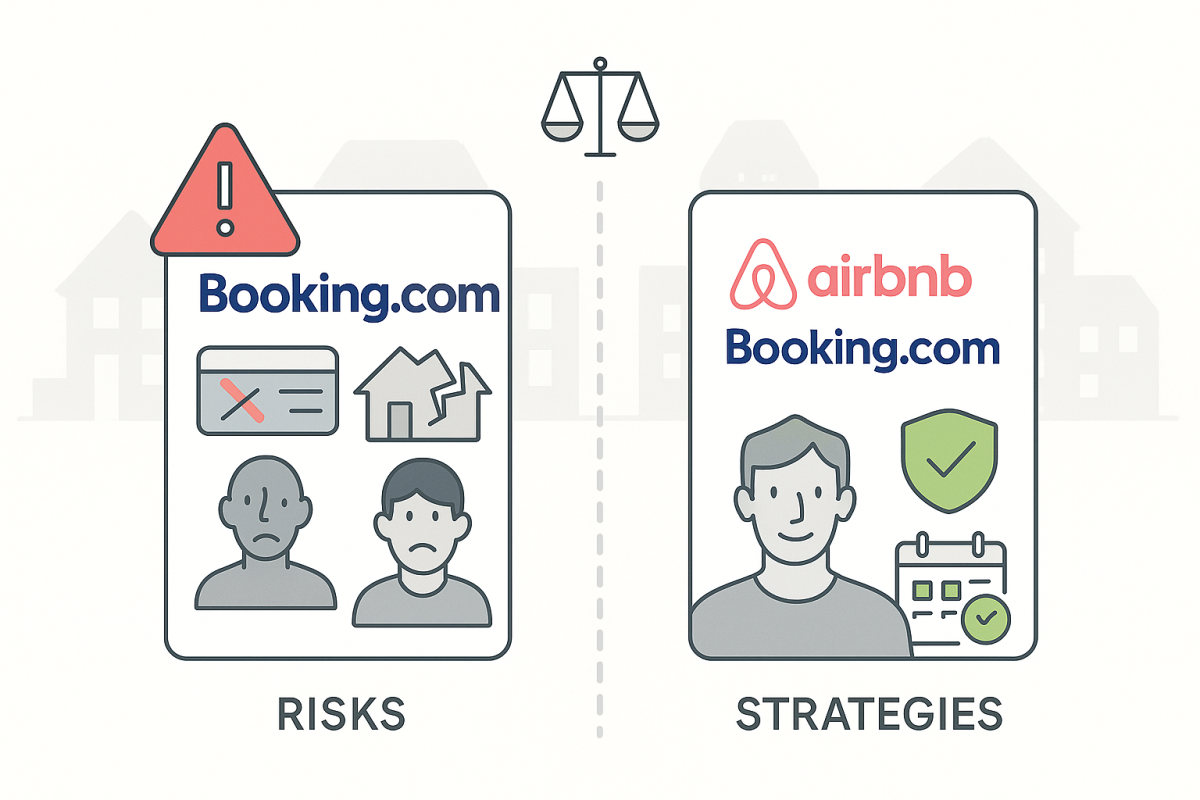
You’ve built a successful Airbnb operation. Your calendars are full, reviews are stellar, and you’re ready to expand. Booking.com seems like the obvious next step, it’s the world’s largest booking platform with millions of travelers.
But here’s what many hosts discover too late: Booking.com operates very differently from Airbnb. The guest screening is minimal, customer support can be frustrating, and one wrong move could cost you hundreds in penalties.
This guide breaks down the real challenges you’ll face and shares battle-tested strategies from hosts who’ve figured out how to make Booking.com work without losing money or sanity.
The Major Risks Every Host Should Know
Moving from Airbnb to Booking.com isn’t just adding another channel, it’s entering a completely different world of property management. The platform operates with different rules, different guest expectations, and different consequences for mistakes.
Payment Processing Headaches
Booking.com handles all guest payments directly. You won’t see credit card details, can’t process additional charges easily, and have no direct payment relationship with guests.
This creates several problems:
- Security deposits are nearly impossible, you can’t charge a guest’s card directly.
- Damage claims become complicated, there’s no simple way to collect for broken items.
- High cancellation rates, about 50% of “Payments by Booking.com” bookings get cancelled due to payment declines.
- Cash flow delays, you’re completely dependent on Booking.com’s payment schedule.
One experienced host shared, “I had a guest cause $800 in damage. On Airbnb, I’d file a claim and get paid. With Booking.com, I spent weeks in email chains and never saw a penny.”
Guest Verification Problems
Booking.com’s guest screening is minimal compared to what you’re used to on Airbnb. Fake phone numbers are common, ID verification is hit-or-miss, and there’s no equivalent to Airbnb’s “Aircover” protection system.
Here’s what hosts regularly encounter:
- Fake contact information, Phone numbers that don’t work or go to wrong people
- No ID verification requirement, Guests can book without uploading identification
- Minimal profile information, Often just a name and email address
- No review history, Many guests have zero reviews across any platform
This makes your standard pre-arrival screening much harder. You can’t easily verify who’s actually coming to your property or reach them if problems arise.
Customer Support Nightmare
Booking.com’s host support is consistently rated as poor by property managers. When issues arise, you’ll often find yourself stuck in email loops with representatives who can’t or won’t help resolve problems.
The biggest frustration? Relocation penalties. If you need to cancel a booking – even for unresponsive guests or those who won’t provide required information – Booking.com often charges you a “relocation fee” to move the guest to another property.
These penalties can range from $50 to several hundred dollars per booking. And appealing to them? Good luck. Most hosts describe the process as “talking to a brick wall.”
Why Hosts Still Choose Booking.com Despite the Risks
With all these challenges, why do successful property managers still use Booking.com? The answer is simple: volume and diversification.
Booking.com delivers more bookings than most other platforms except Airbnb. In many markets, it brings in more business than VRBO, Expedia, and other channels combined. For hosts looking to grow beyond Airbnb’s reach, that volume is hard to ignore.
Platform diversification also reduces risk. As one host put it, “I don’t want to be completely dependent on Airbnb. If my account gets suspended or their algorithm changes, I need other income streams.”
The revenue potential often justifies the operational headaches, if you know how to navigate them properly.
Battle-Tested Strategies from Experienced Hosts
Smart property managers have developed workarounds for most of Booking.com’s limitations. These aren’t official solutions, but they work.
The “Wild West” Cancellation Strategy
This counterintuitive approach helps you avoid relocation penalties when guests won’t cooperate.
When Booking.com calls about a problem booking, tell them you’re “happy to accept the relocation and penalty.” Here’s the key: guests usually decline relocation when they see the new property is farther away or more expensive.
Result? The booking gets cancelled without you paying a penalty.
Another variation: Simply don’t provide check-in details to unresponsive guests. When they can’t access the property, Booking.com automatically cancels the reservation without charging you.
One host with 100+ properties says, “I’ve never once been charged a relocation penalty using this approach. You just have to understand their system.”
Bulletproof Pre-Check-in Verification
Since Booking.com won’t screen guests for you, create your own verification process.
Set up automated workflows that require:
- Photo ID upload before receiving check-in instructions
- Signed rental agreement with your specific property rules
- Damage deposit collection through your own payment processor
- Phone number verification via text message confirmation
AdvanceCM’s autopilot feature can automate most of this process, sending verification requests immediately after booking and following up with non-responsive guests.
The key is making these requirements non-negotiable. As one host explained: “No ID, no keys. No exceptions. I’d rather have an empty property than deal with an unknown guest.”
Strategic Listing Optimization
Your Booking.com listing description should clearly state your requirements upfront.
Include language like:
- “Valid government-issued photo ID required for all guests”
- “The signed rental agreement must be completed before arrival.”
- “Property requires security deposit via separate payment”
- “Failure to complete pre-arrival requirements will result in booking cancellation.”
When your listing clearly states these requirements, Booking.com is less likely to penalize you for enforcing them. You’re not adding new rules, you’re enforcing what guests agreed to when they booked.
Implementation Roadmap for Success
Don’t try to master Booking.com with your entire portfolio at once. Start small and build your systems gradually.
Weeks 1-2: Test with 1-2 properties
- Set up basic listings with clear requirement language
- Create simple verification workflows
- Monitor guest response patterns
Weeks 3-4: Refine your processes
- Adjust messaging based on guest feedback
- Identify common problems and create solutions
- Document what works and what doesn’t.
Month 2: Scale gradually
- Add more properties using successful templates
- Build unified inbox workflows to manage increased communication
- Create standard operating procedures for your team
Month 3+: Optimize and automate
- Use data to improve guest screening
- Automate repetitive tasks
- Monitor financial performance vs other channels
Budget for a learning curve. Most hosts report it takes 60-90 days to get comfortable with Booking.com’s quirks and develop smooth operations.
💬 This conversation is blowing up among property managers – jump into the Reddit discussion to see all sides.
Conclusion
Booking.com presents real challenges for Airbnb hosts, but it’s manageable with the right approach. The key is understanding that you’ll need more hands-on guest management and stronger verification processes than you’re used to.
The hosts who succeed on Booking.com don’t fight the platform, they adapt their operations to work within its limitations. They create robust screening processes, use strategic listing language, and master the art of penalty-free cancellations.
Is it more work than Airbnb? Yes. But for many property managers, the additional bookings and revenue diversification make it worthwhile.
The choice isn’t really about whether Booking.com is “good” or “bad”, it’s about whether you’re prepared to invest the time to make it work for your business.
Ready to streamline your multi-platform hosting? AdvanceCM can help automate many of these verification workflows and manage communications across all your booking channels. Check out our pricing options to see which plan fits your property portfolio.
FAQs
Q: How long does it take to get comfortable managing Booking.com properties?
Most hosts need 60-90 days to develop smooth operations. The first month involves a lot of trial and error as you figure out guest communication patterns and refine your verification processes. By month three, most property managers have automated workflows that make Booking.com almost as easy to manage as Airbnb.
Q: Can I really avoid relocation penalties with these strategies?
Yes, but you need to be strategic about it. The key is understanding that Booking.com wants to avoid relocating guests just as much as you want to avoid penalties. When you tell them you’re “happy with relocation,” guests usually decline because alternative properties are farther away or more expensive. This results in cancellation without penalty. Just make sure your listing clearly states your requirements upfront.
Q: Is it worth adding Booking.com if I’m already successful on Airbnb?
It depends on your growth goals and risk tolerance. If you’re maxing out Airbnb’s potential in your market and want to diversify your booking sources, Booking.com can add significant revenue. However, it requires more active management and stronger guest screening processes. Start with one or two properties to test whether the additional bookings justify the extra work for your specific situation.

Welcome to Tokeet’s Podcast — your trusted source for insights, trends, and strategies shaping the vacation rental industry. Each episode features expert interviews, data-driven analysis, and practical tips to help property managers grow their businesses, improve guest experiences, and stay ahead in a rapidly evolving market. Whether you’re new to short-term rentals or managing a large portfolio, tune in to stay informed and inspired.
Some days just don’t work for a guest arrival, whether it’s a holiday, a maintenance window, or a turnover day your team can’t cover. This episode walks through check-in and check-out restrictions, the most requested feature in AdvanceCM, now live in the Rentals module. You’ll hear how to block arrivals or departures for a date range, such as December 24 to 26, and how to allow check-ins only on the weekdays you choose. We also cover channel-specific rules, like keeping Airbnb to Friday and Saturday arrivals while direct bookings stay open through Sunday. Finally, we explain what to check before switching rules on, from existing reservations to sync time and visibility on booking sites.
Key Takeaways:
✅ Block check-ins or check-outs for any date range
✅ Limit arrivals to the weekdays you choose
✅ Set different rules for each booking channel
✅ Existing reservations stay unchanged
✅ More restrictions mean fewer guests can book, so review rules each season
Related Links:
Company: https://www.tokeet.com/Blogs: https://www.tokeet.com/blog/Blog: Check-in and Check-out Restrictions: How to Set Them in AdvanceCM 👉 https://blog.tokeet.com/check-in-and-check-out-restrictions/
This is a public episode. If you would like to discuss this with other subscribers or get access to bonus episodes, visit podcast.tokeet.com


