
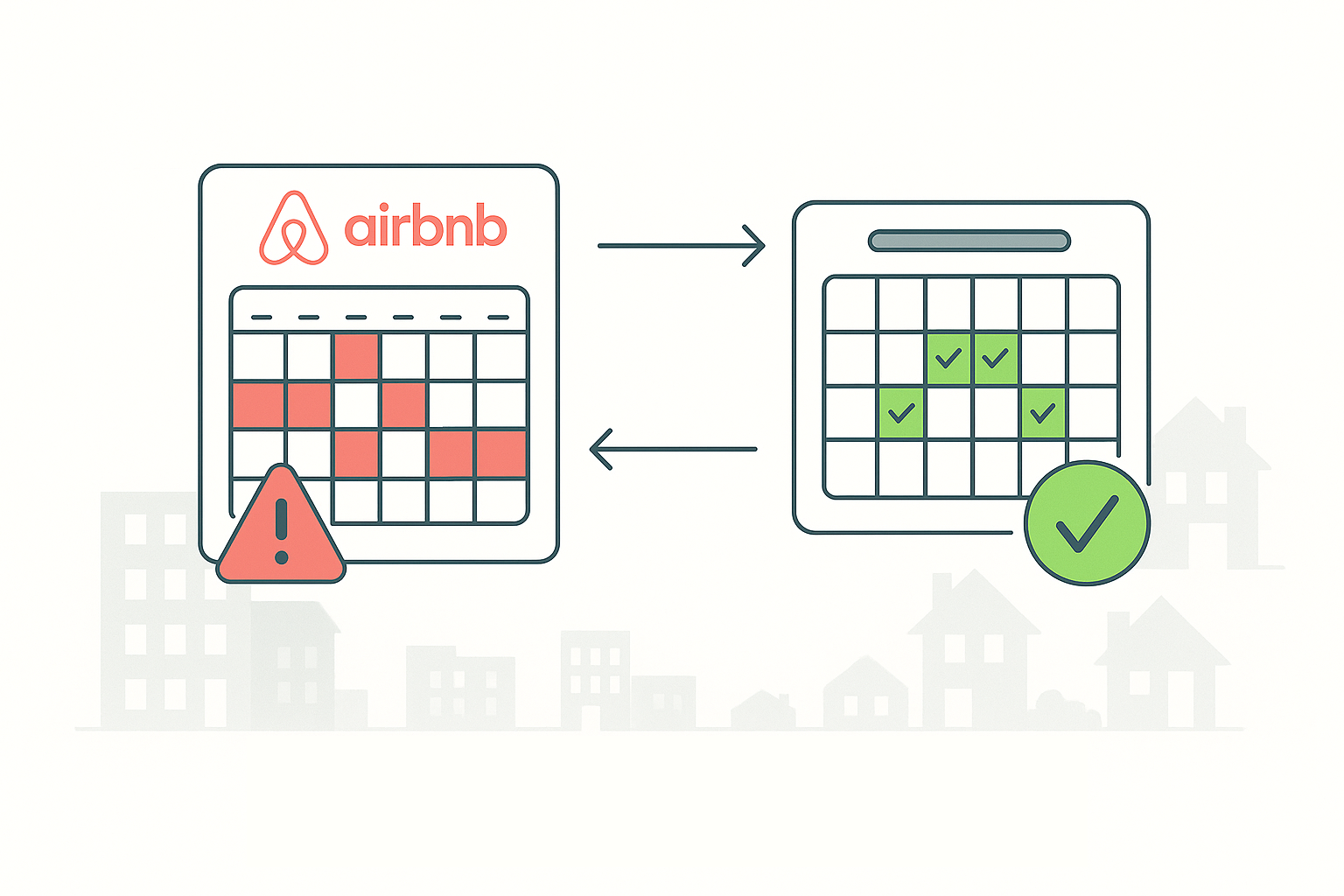
Have you ever had a date you swore was blocked on your calendar suddenly become available for a guest to book? You’re not alone. The challenges of managing a calendar across multiple platforms can lead to unexpected double bookings, unhappy guests, and a lot of extra work.
This guide will show you how to solve these problems for good.
Navigating Common Calendar Challenges
As a property owner, managing calendars is a key part of your business. But when you handle multiple listings, keeping everything perfectly in sync can get complicated.
A common challenge is intermittent synchronization. We’ve heard from hosts who see calendars “randomly just opened dates here and there that we had blocked off earlier.”
This can cause unexpected booking requests and force you into a stressful situation. It’s also a problem when your booking rules, like a minimum stay, get overlooked.
One host mentioned how “all orphan days opened,” forcing them to “manually block them when they occur.” This adds a lot of work to your daily routine.
The process of troubleshooting these issues can also be a pain point for hosts. Getting to the root of a calendar problem can feel confusing and can lead to a sense of uncertainty over your calendar’s accuracy.
Reclaim Your Calendar: How a Centralized Platform Solves the Problem
Thankfully, there’s a better way to manage your calendars. A centralized system gives you one place to manage all your bookings, no matter where they come from. It becomes your single source of truth, so you never have to wonder if your calendar is accurate.
Two-Way Synchronization
Unlike a basic iCal connection, which often only pulls information one way and isn’t real-time, a powerful channel manager uses a full API sync. This process makes sure that when a date is booked, it’s marked as unavailable everywhere else, eliminating the risk of double bookings.
The channel manager is designed to do exactly this, keeping all your data in sync effortlessly.
- A booking on Airbnb immediately updates your calendar in the centralized system.
- The system then pushes the change to every other platform, like VRBO or Booking.com.
- This happens in an instant, providing real-time accuracy.
Automate the Details, Maximize Your Revenue
Once you have a reliable calendar, you can start using other tools to make your business even more efficient. A good platform goes beyond basic sync and gives you advanced control over your booking rules.
Advanced Booking Rules
This means you can automatically enforce rules like a minimum night stay, so you don’t have to “manually block them” or deal with those unwanted “orphan days.”
- Set detailed booking rules across all your channels.
- Automatically enforce minimum stay requirements.
- Eliminate the need to manually block or manage gap nights.
This type of automation also extends to your rates. Advanced features can automatically adjust your pricing for last-minute bookings or apply a discount for a gap night, turning a potential loss into a new booking. The right platform, like AdvanceCM, can also use AI to help with tasks and guest messages, taking more of the manual work off your plate.
💬 Interested in more real experiences? Check out the Reddit discussion.
Conclusion:
Managing a short-term rental business can be a lot of work, but it doesn’t have to be confusing. By moving from a manual system to a centralized and automated one, you can solve the biggest pain points for property owners.
This change helps you prevent double bookings, enforce your rules, and save countless hours. You can finally get back to focusing on providing great service, knowing that your calendars are always accurate.
To learn more about how to get your calendars under control, try AdvanceCM today.
FAQs
Q: Is a channel manager a good idea if I only list on Airbnb? A: Yes. Even if you only use one platform, a channel manager helps you manage your bookings, guests, and finances in one place. It also makes it easier to expand to other platforms later.
Q: Is it complicated to connect my existing listings? A: Not at all. Most modern property management platforms have a simple setup process. They walk you through each step to connect your accounts and import your listings.
Q: What happens to my existing bookings? A: All of your existing bookings are automatically imported into the new system as soon as you connect your accounts. This ensures a smooth transition and that your calendar is accurate from day one.

Welcome to Tokeet’s Podcast — your trusted source for insights, trends, and strategies shaping the vacation rental industry. Each episode features expert interviews, data-driven analysis, and practical tips to help property managers grow their businesses, improve guest experiences, and stay ahead in a rapidly evolving market. Whether you’re new to short-term rentals or managing a large portfolio, tune in to stay informed and inspired.
Some days just don’t work for a guest arrival, whether it’s a holiday, a maintenance window, or a turnover day your team can’t cover. This episode walks through check-in and check-out restrictions, the most requested feature in AdvanceCM, now live in the Rentals module. You’ll hear how to block arrivals or departures for a date range, such as December 24 to 26, and how to allow check-ins only on the weekdays you choose. We also cover channel-specific rules, like keeping Airbnb to Friday and Saturday arrivals while direct bookings stay open through Sunday. Finally, we explain what to check before switching rules on, from existing reservations to sync time and visibility on booking sites.
Key Takeaways:
✅ Block check-ins or check-outs for any date range
✅ Limit arrivals to the weekdays you choose
✅ Set different rules for each booking channel
✅ Existing reservations stay unchanged
✅ More restrictions mean fewer guests can book, so review rules each season
Related Links:
Company: https://www.tokeet.com/Blogs: https://www.tokeet.com/blog/Blog: Check-in and Check-out Restrictions: How to Set Them in AdvanceCM 👉 https://blog.tokeet.com/check-in-and-check-out-restrictions/
This is a public episode. If you would like to discuss this with other subscribers or get access to bonus episodes, visit podcast.tokeet.com


