
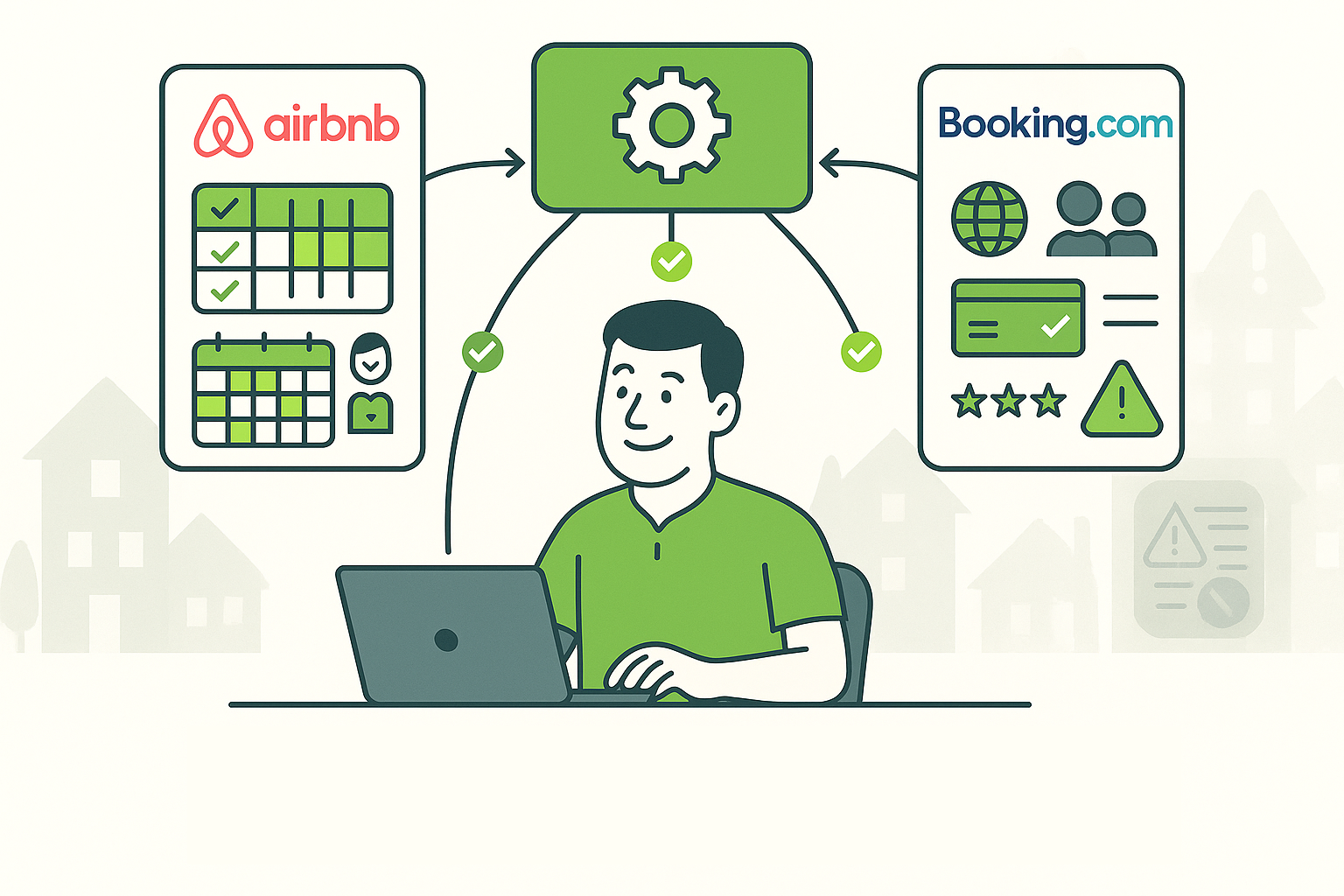
You’ve worked hard on your short-term rental. The idea of getting more bookings from a huge site like Booking.com is exciting. But if you’re a host who manages listings manually, you’ve probably heard the stories, or lived through them yourself. Problems like double bookings, endless app-switching, and stressful mistakes are very real. The good news? You don’t have to just hope for the best.
This article will break down these common headaches and show you how a smart property management system can give you the control you need.
Why Your Calendars Can’t Be Trusted
It should be simple: a booking on one site blocks your calendar on all the others. But many hosts find that this basic function is where things fall apart. Relying on manual updates or simple connections between sites can lead to frustrating double bookings that cost you money and cause a lot of stress.
- The Sync Lag Problem: A common problem happens when a guest books on one platform, but the calendar update to Booking.com is “severely delayed.” While you’re waiting, a new guest books your property for the exact same night. Now you’ve got two bookings for one place.
- The Internal Glitch: Sometimes, the problem is entirely with Booking.com’s own system. A host once reported that their availability settings would mysteriously reset overnight, causing them to get overbooked even without a third-party connection.
This unreliability is a major reason why hosts are switching to a better solution. A system with a powerful channel manager, like the one in AdvanceCM, can help. For many hosts, this feature is the most critical tool they can have, because it directly protects against the primary financial risk of double bookings. It replaces the old, unreliable connections with a new technology that syncs your calendars within seconds. This means when a guest books on any site, those dates are immediately blocked everywhere else, making double bookings a thing of the past. You can learn more about how a channel manager works on our product page.
Why You Need a Single Dashboard
When you’re managing listings on multiple sites, you’re constantly jumping between different apps and websites. This fragmented way of working makes it easy to miss important messages, forget about a key detail, or make a mistake that costs you.
- The Regulatory Trap: A host in Amsterdam found out the hard way that Booking.com’s system can let a guest book a stay that breaks local rules. The platform didn’t stop them, and suddenly the host was on the hook for a legal violation. Without a central dashboard, it’s difficult to keep track of these small but important details.
- Lost in the Inbox: When messages from Airbnb, Booking.com, and other sites are all in different places, it’s easy to miss something. This can lead to slow replies, missed guest requests, or even a bad review.
The solution to this chaos is a unified dashboard. A platform like AdvanceCM brings everything together into a single, simple interface. The Unified Inbox pulls all your guest messages into one place, so you never have to worry about missing a message again.
The Risks of Doing It All Yourself
Manual management might seem like a good way to save money on software, but it’s a high-stakes game. A single mistake can lead to major financial and emotional damage. Hosts have learned this the hard way, with simple sync errors escalating into disputes with debt collection agencies. An experienced property owner with over 2,200 reservations once said that these problems often start with a simple mistake during the initial setup.
That’s why many experts explicitly advise that property owners “should not touch” platforms like Booking.com unless they’re using a dedicated channel manager. Another feature that many hosts would argue is the most helpful is the Autopilot suite, which tackles the very real risk of human error. It’s designed to put your rental management on autopilot. It handles routine tasks like sending welcome messages, collecting payments, and scheduling cleaning crews. This not only saves you time but also removes the chance of human error, which is the root cause of many costly issues.
💬 Hosts are talking about this on Reddit — join the conversation here.
Conclusion
Booking.com offers access to a huge market of potential guests, but it also comes with unique challenges for individual property owners. By understanding these issues, from problematic calendar syncing and internal glitches to navigating local regulations, you can make informed decisions to protect your business.
A comprehensive solution isn’t just a temporary fix; it’s a foundation that gives you full control and the peace of mind to grow. It’s the difference between a risky manual setup and a scalable, reliable operation.
FAQs
Q: Is a channel manager only for large property management companies? A: Not at all! While large companies definitely benefit, even individual hosts with one or two properties find channel managers incredibly helpful. It’s about efficiency and peace of mind, no matter the size of your operation.
Q: Can’t I just manually update my calendars across different platforms? A: You can, but it’s risky. Manual updates are prone to human error and can’t keep up with real-time bookings, especially when you list on multiple platforms. A channel manager automates this for you, ensuring instant updates and preventing double bookings so you don’t have to worry.
Q: What if I only list on Booking.com? Do I still need a channel manager? A: Even if you only use Booking.com, a channel manager can still be a smart choice. As we’ve seen, the platform’s own system can have glitches that cause overbookings. A channel manager provides a layer of protection and gives you central control, making sure your availability is always accurate and giving you more control over your listings.

Welcome to Tokeet’s Podcast — your trusted source for insights, trends, and strategies shaping the vacation rental industry. Each episode features expert interviews, data-driven analysis, and practical tips to help property managers grow their businesses, improve guest experiences, and stay ahead in a rapidly evolving market. Whether you’re new to short-term rentals or managing a large portfolio, tune in to stay informed and inspired.
Some days just don’t work for a guest arrival, whether it’s a holiday, a maintenance window, or a turnover day your team can’t cover. This episode walks through check-in and check-out restrictions, the most requested feature in AdvanceCM, now live in the Rentals module. You’ll hear how to block arrivals or departures for a date range, such as December 24 to 26, and how to allow check-ins only on the weekdays you choose. We also cover channel-specific rules, like keeping Airbnb to Friday and Saturday arrivals while direct bookings stay open through Sunday. Finally, we explain what to check before switching rules on, from existing reservations to sync time and visibility on booking sites.
Key Takeaways:
✅ Block check-ins or check-outs for any date range
✅ Limit arrivals to the weekdays you choose
✅ Set different rules for each booking channel
✅ Existing reservations stay unchanged
✅ More restrictions mean fewer guests can book, so review rules each season
Related Links:
Company: https://www.tokeet.com/Blogs: https://www.tokeet.com/blog/Blog: Check-in and Check-out Restrictions: How to Set Them in AdvanceCM 👉 https://blog.tokeet.com/check-in-and-check-out-restrictions/
This is a public episode. If you would like to discuss this with other subscribers or get access to bonus episodes, visit podcast.tokeet.com


