
 Stay on Top of Your Guest Reviews with the “Reviews to Write” View
 Stay on Top of Your Guest Reviews with the “Reviews to Write” View
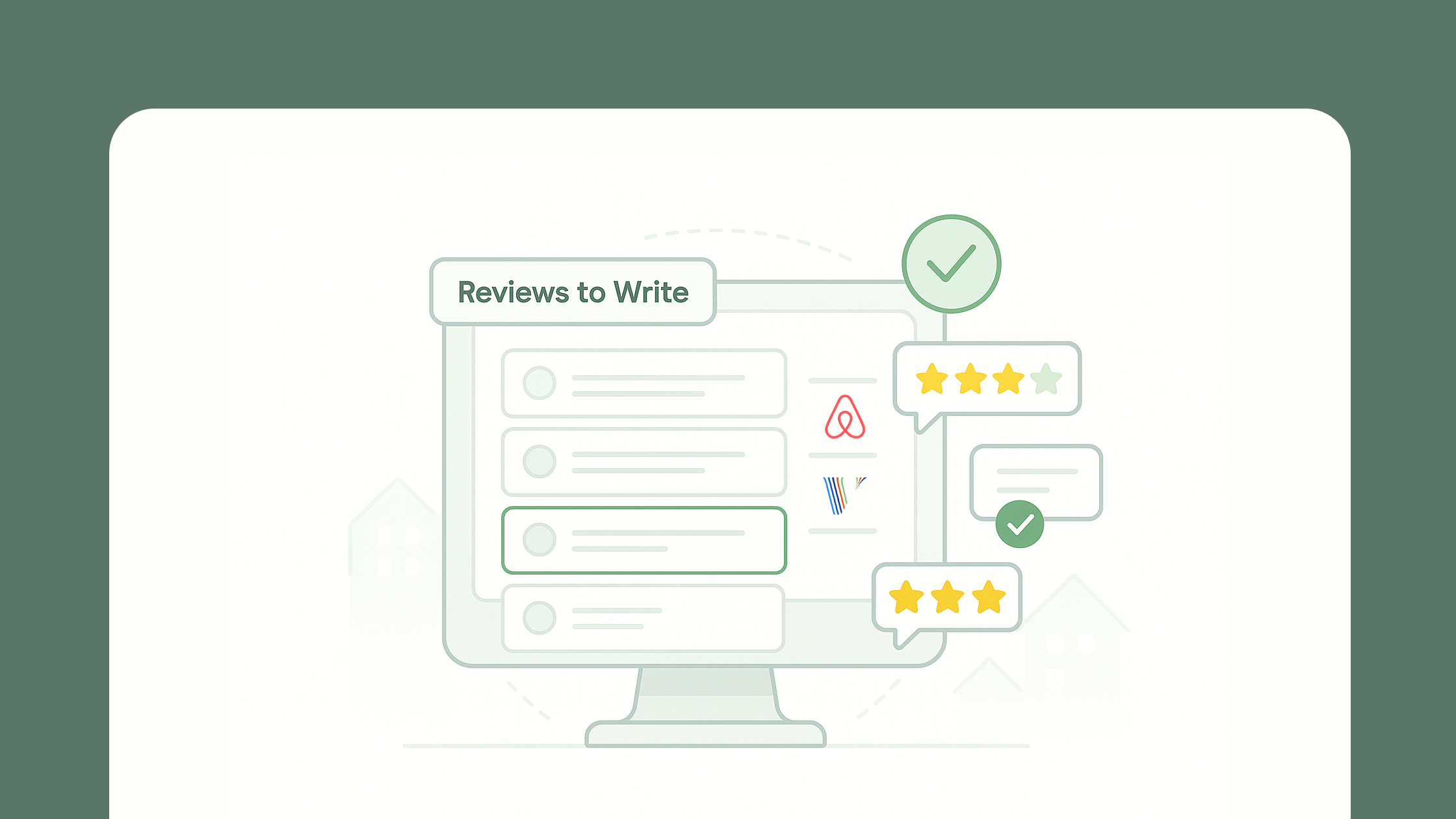
 Managing guest reviews just got a whole lot easier. With AdvanceCM’s new “Reviews to Write” view, property managers can quickly spot which bookings still need a host review — and take action before time runs out.
Whether you’re using Airbnb or VRBO, this view gives you a clear list of pending reviews along with helpful details like guest name, booking ID, and expiration date — so nothing slips through the cracks.
Using Advance Intelligence?
You can even generate warm, personalized guest reviews with AI in just a click.
This is a simple but powerful way to stay consistent, save time, and keep your reputation strong across platforms.
👉 For setup details and feature walkthrough, check out the full help article.
Want to Automate Guest Reviews?
If you’d rather not manage reviews manually, AdvanceCM also supports Reviews Automation for Airbnb bookings — helping you build a stronger online reputation with less effort.
You can set up automatic host-to-guest reviews directly from the Automations or Reviews modules in your dashboard. Choose when the review should be sent (e.g. 2 days after checkout), select a template, and you’re good to go.
Even better: if you’re using our AI tool, you can enable the “AI Generated Review” option to create thoughtful, human-sounding reviews with no typing needed.
👉 Learn how to set up automated Airbnb reviews in our Reviews Automation guide.
Please note: Reviews Automation is currently available for Airbnb bookings only. For more details, see our Reviews FAQ.

Welcome to Tokeet’s Podcast — your trusted source for insights, trends, and strategies shaping the vacation rental industry. Each episode features expert interviews, data-driven analysis, and practical tips to help property managers grow their businesses, improve guest experiences, and stay ahead in a rapidly evolving market. Whether you’re new to short-term rentals or managing a large portfolio, tune in to stay informed and inspired.
Some days just don’t work for a guest arrival, whether it’s a holiday, a maintenance window, or a turnover day your team can’t cover. This episode walks through check-in and check-out restrictions, the most requested feature in AdvanceCM, now live in the Rentals module. You’ll hear how to block arrivals or departures for a date range, such as December 24 to 26, and how to allow check-ins only on the weekdays you choose. We also cover channel-specific rules, like keeping Airbnb to Friday and Saturday arrivals while direct bookings stay open through Sunday. Finally, we explain what to check before switching rules on, from existing reservations to sync time and visibility on booking sites.
Key Takeaways:
✅ Block check-ins or check-outs for any date range
✅ Limit arrivals to the weekdays you choose
✅ Set different rules for each booking channel
✅ Existing reservations stay unchanged
✅ More restrictions mean fewer guests can book, so review rules each season
Related Links:
Company: https://www.tokeet.com/Blogs: https://www.tokeet.com/blog/Blog: Check-in and Check-out Restrictions: How to Set Them in AdvanceCM 👉 https://blog.tokeet.com/check-in-and-check-out-restrictions/
This is a public episode. If you would like to discuss this with other subscribers or get access to bonus episodes, visit podcast.tokeet.com


