
Tokeet Partners with Touch Stay to Enhance Guest Experiences
At Tokeet, we’re all about making life easier for vacation rental hosts. We are committed to empowering hosts with the tools they need to provide exceptional guest experiences. Today, we’re excited to announce a new partnership with Touch Stay!
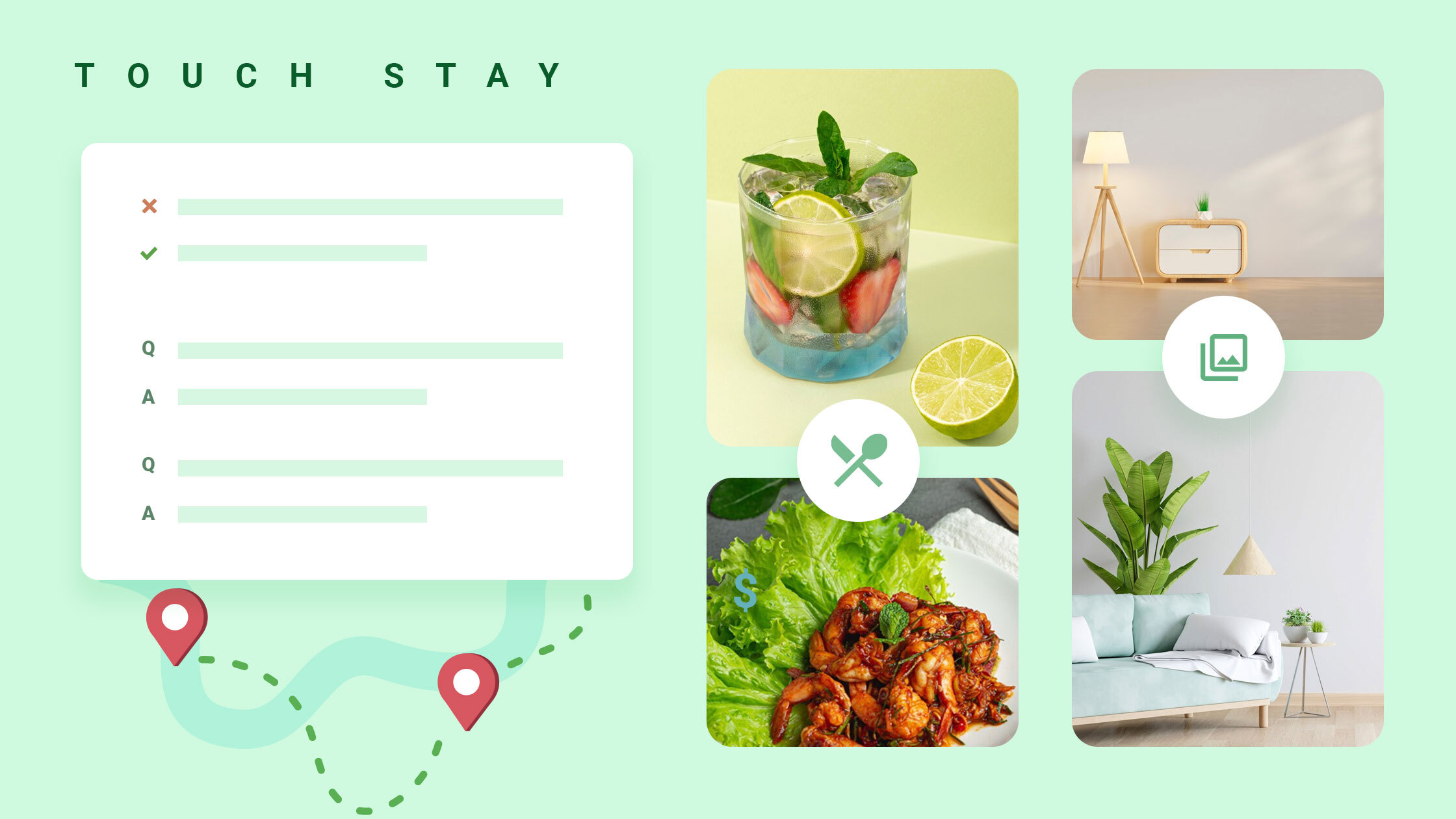
Touch Stay is a fantastic platform that helps you create beautiful digital guidebooks for your guests. These guidebooks make it easy to share important information like check-in instructions, house rules, and local tips. This not only improves the guest experience but also saves you time and effort.
By integrating with Touch Stay, Tokeet empowers you to streamline your workflow and provide even better service to your guests.
Why Partner with Touch Stay?
Managing guests can sometimes feel like a juggling act. You’re constantly answering questions, sharing information, and trying to keep everyone happy. That’s where Touch Stay can make a real difference.
- Simplify your communication: Create a beautiful digital guidebook for your property. Guests can easily find all the information they need, from check-in instructions to local tips, in one convenient place.
- Enjoy more free time: By providing guests with easy access to information, you’ll reduce the number of emails and phone calls you receive. This frees up valuable time for you to focus on other aspects of your business, such as marketing, property maintenance, or simply enjoying a well-deserved break.
- Experience a significant time-saving: 92% of Touch Stay users report halving the time they spend managing guests. That’s a powerful statistic that speaks volumes about the efficiency gains you can achieve.
Touch Stay is more than just a tool; it’s a valuable asset that can help you streamline your workflow and enhance the overall guest experience.
Key Features of Touch Stay
Touch Stay empowers you to enhance the guest experience with these key features:
- Create Your Guide: Build a fully customizable digital guidebook that reflects your unique property. Include high-quality photos, videos, and your own branding to create a welcoming and informative experience for your guests.
- Add Check-In Instructions: Provide clear and concise check-in instructions, including door codes, parking information, and any specific instructions for accessing the property. This ensures a smooth and stress-free arrival for your guests.
- Include House Rules: Clearly outline your house rules regarding pets, parties, noise levels, and other important considerations. This helps set expectations, minimizes potential issues, and ensures a positive experience for all.
- Provide Local Recommendations: Go beyond the basics and share your insider knowledge of the local area. Recommend your favorite restaurants, hidden gems, and must-see attractions to enhance your guests’ stay and encourage them to explore the local community.
- Add Wi-Fi Details: Provide guests with easy access to Wi-Fi by including login credentials, troubleshooting tips, and any relevant information about the Wi-Fi network.
- Reduce Guest Questions: Anticipate common guest questions and provide the answers directly in the guidebook. Include information on check-out procedures, parking options, local transportation, and other frequently asked questions. This minimizes guest inquiries and allows you to focus on other aspects of your business.
How to Connect Touch Stay to Tokeet/ AdvanceCM
Connecting Tokeet with Touch Stay is a simple process that allows you to seamlessly integrate your property details into stunning digital guidebooks. To learn how to set up the integration step-by-step, check out our detailed help article: How to Connect Touch Stay to Tokeet/ AdvanceCM.
Conclusion
Integrating Tokeet with Touch Stay makes your life easier. You’ll streamline your workflow, impress your guests with beautiful guidebooks, and finally get some of your time back. Ready to give it a try?

Welcome to Tokeet’s Podcast — your trusted source for insights, trends, and strategies shaping the vacation rental industry. Each episode features expert interviews, data-driven analysis, and practical tips to help property managers grow their businesses, improve guest experiences, and stay ahead in a rapidly evolving market. Whether you’re new to short-term rentals or managing a large portfolio, tune in to stay informed and inspired.
Some days just don’t work for a guest arrival, whether it’s a holiday, a maintenance window, or a turnover day your team can’t cover. This episode walks through check-in and check-out restrictions, the most requested feature in AdvanceCM, now live in the Rentals module. You’ll hear how to block arrivals or departures for a date range, such as December 24 to 26, and how to allow check-ins only on the weekdays you choose. We also cover channel-specific rules, like keeping Airbnb to Friday and Saturday arrivals while direct bookings stay open through Sunday. Finally, we explain what to check before switching rules on, from existing reservations to sync time and visibility on booking sites.
Key Takeaways:
✅ Block check-ins or check-outs for any date range
✅ Limit arrivals to the weekdays you choose
✅ Set different rules for each booking channel
✅ Existing reservations stay unchanged
✅ More restrictions mean fewer guests can book, so review rules each season
Related Links:
Company: https://www.tokeet.com/Blogs: https://www.tokeet.com/blog/Blog: Check-in and Check-out Restrictions: How to Set Them in AdvanceCM 👉 https://blog.tokeet.com/check-in-and-check-out-restrictions/
This is a public episode. If you would like to discuss this with other subscribers or get access to bonus episodes, visit podcast.tokeet.com


